
MSME Business Licensing Now Accessible from a Mobile Phone via OSS System
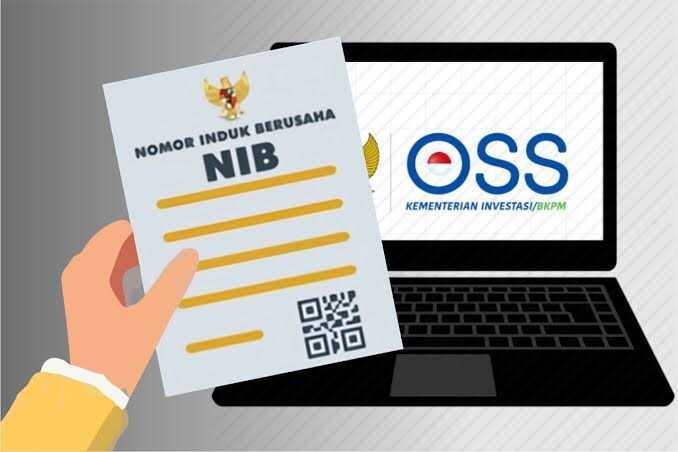
What was once a daunting barrier for micro, small and medium enterprise (MSME) operators — obtaining business legality — has now been transformed into a process that can be completed from a mobile phone screen. Business registration, obtaining a Business Identification Number (NIB), and securing business permits can all be done using just a smartphone, without queuing, hassle, or leaving home.
The government, through the Ministry of Investment/BKPM, has introduced a risk-based Online Single Submission (OSS) system that enables MSME operators to register and legalise their businesses online. Through this system, MSME operators can obtain their NIB, business permits, and even location and environmental permits where required, all in digital format. All documents can be downloaded as PDFs without the need for face-to-face interaction with officials.
The system is open to anyone running a micro or small business in Indonesia — whether newly established entrepreneurs or those who have long operated informally without official legal status.
Registration can be carried out at any time, without being bound by office hours — morning, afternoon, evening, or even on public holidays. The entire process is conducted online through the official OSS website at https://oss.go.id, eliminating the need to visit government offices.
Business legality serves as a gateway to accessing various government programmes, including:
• Capital assistance and MSME grants • People’s Business Credit (KUR) • Skills training and development • Business mentoring and incubation
Furthermore, legality builds trust among consumers and potential business partners, whilst opening up opportunities for expansion into broader markets.
The steps to register an MSME online via mobile phone are as follows:
- Open the OSS website at https://oss.go.id in a mobile browser.
- Create an OSS account if one does not yet exist, using a National Identity Number (NIK) matching the identity card.
- Log in using the registered email and password.
- Enter the OSS dashboard and select “Business Licensing” then “Individual”.
- Choose the appropriate category: Individual Micro NIB Registration (for micro enterprises) or Individual Small NIB Registration (for small enterprises).
- Complete the Profile Data form: business name, address, business sector, and other details.
- Proceed to the Business Data form, click “Add Business” and fill in the sector, location, number of employees, and other information.
- Additional businesses can be added if applicable.
- Complete the Business Premises Commitment form if required.
- Review all information on the Data Summary page.
- Tick the declaration confirming the accuracy of the data, then click “Process NIB”.
- The NIB, business permit, and other supporting documents will be available as downloadable and printable PDFs.
MSMEs are not merely small businesses — they are the heartbeat of the national economy. Business legality is no longer a burden but an opportunity. The government has provided the tools, technology has provided the convenience, and now it is the turn of business operators to take action.