
How to Update BPJS Kesehatan Data via WhatsApp: Here Are the Steps
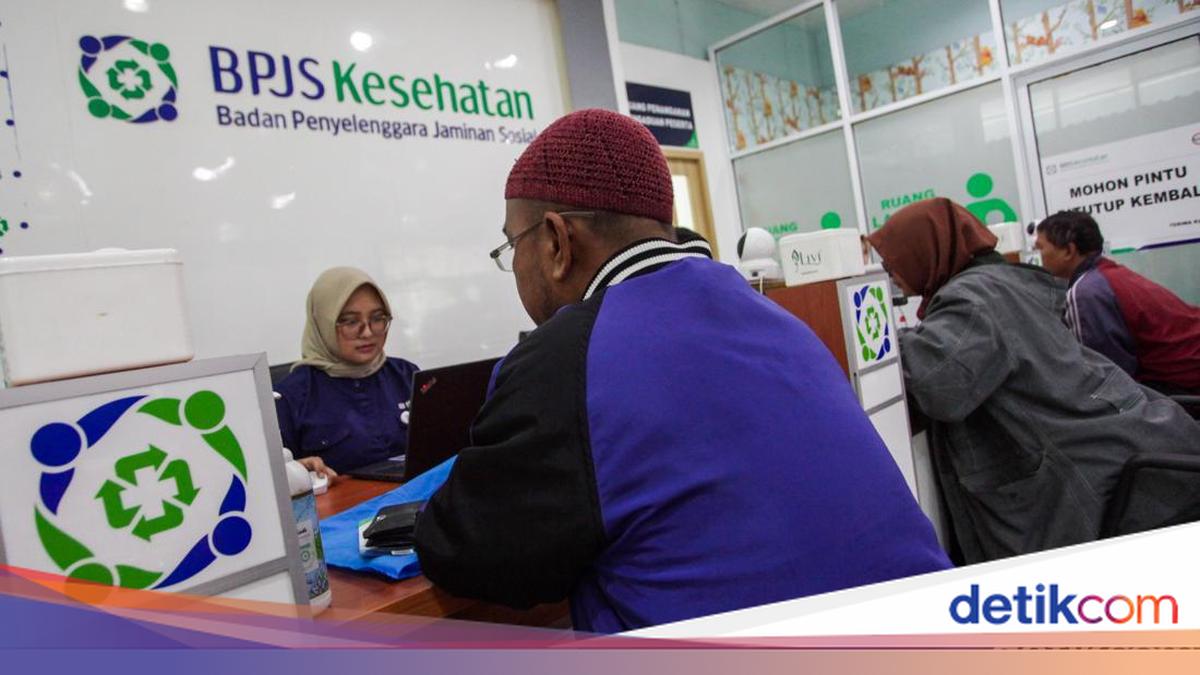
BPJS Kesehatan participants no longer need to go to the trouble of visiting a BPJS Kesehatan office to arrange changes to their data. Data changes can now be made online via the Pandawa WhatsApp service.
According to BPJS Kesehatan’s official Instagram account (@bpjskesehatan_ri), participants simply need to fill in a form, upload the required documents, and wait for a notification confirming that the data change has been processed. The full steps are as follows:
Chat with BPJS Kesehatan’s Pandawa WhatsApp service at 08118165165
Select the Administration menu and click the link sent to you
Then select the Data Change / Correction menu
Determine which data you wish to change, such as your ID card number (NIK), family card number, name, address, date of birth, mobile number, or even employment class and salary updates (for civil servants, military, and police)
Finally, fill in the form according to the instructions
Upload a photo of your ID card and family card
For employment class and salary updates specifically, you will need to attach your latest Appointment Decree (SK Pengangkatan) and latest pay slips
Then click Submit
Done!
Your request will be processed immediately by BPJS Kesehatan officers. Once completed, the applicant will receive a notification confirming that the data change has been successfully processed.
How to Complete a Health History Screening
A health history screening is important for detecting the risk of chronic diseases, which can strike at any time. The process takes only 5–10 minutes.
From 6 March 2026, JKN participants who have not completed a health history screening in 2026 will be asked to do so before accessing services at a primary healthcare facility (FKTP). Therefore, make sure you complete your health history screening from now on.
A health history screening can be completed through:
The Mobile JKN application
The Pandawa WhatsApp service at 08118165165
The BPJS Kesehatan Care Centre at 165
The website www.bpjs-kesehatan.go.id
Visiting your registered FKTP in person