
How to tell if someone is using your home Wi‑Fi without permission, and how to block them
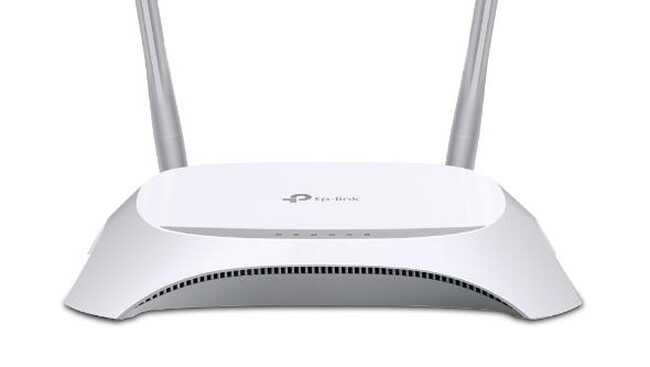
Jakarta, CNBC Indonesia - If you own a Wi‑Fi at home, you may have experienced your internet connection slowing down suddenly. This could be because a large number of devices are connected to the Wi‑Fi. The users are not only people in the house, but unfamiliar devices that are not recognised. There actually is a way to address this issue. You can view the list of who is using the Wi‑Fi and block unfamiliar devices connected. To do this, you need to know several pieces of information: the router’s IP address, the username, and the password. For the IP address you can find it at the back of the device or in the manual. Meanwhile, the username and password vary by device; you can ask the service provider directly. After collecting all the information, here is how to check if others are using the network on an Android phone: 1. Open the phone’s web browser. 2. Enter the router’s IP address. 3. When the page loads, enter the username and password in the login fields. 4. Open the device list or a similar menu. 5. You will see the full list of devices connected to the Wi‑Fi. Each device will show information such as IP address and MAC address. 6. If you find unauthorised access, you can change the Wi‑Fi password. This will prevent the unfamiliar device from accessing the internet because they will not know the new password.