
How to Report Misdirected Social Assistance via the Cek Bansos App
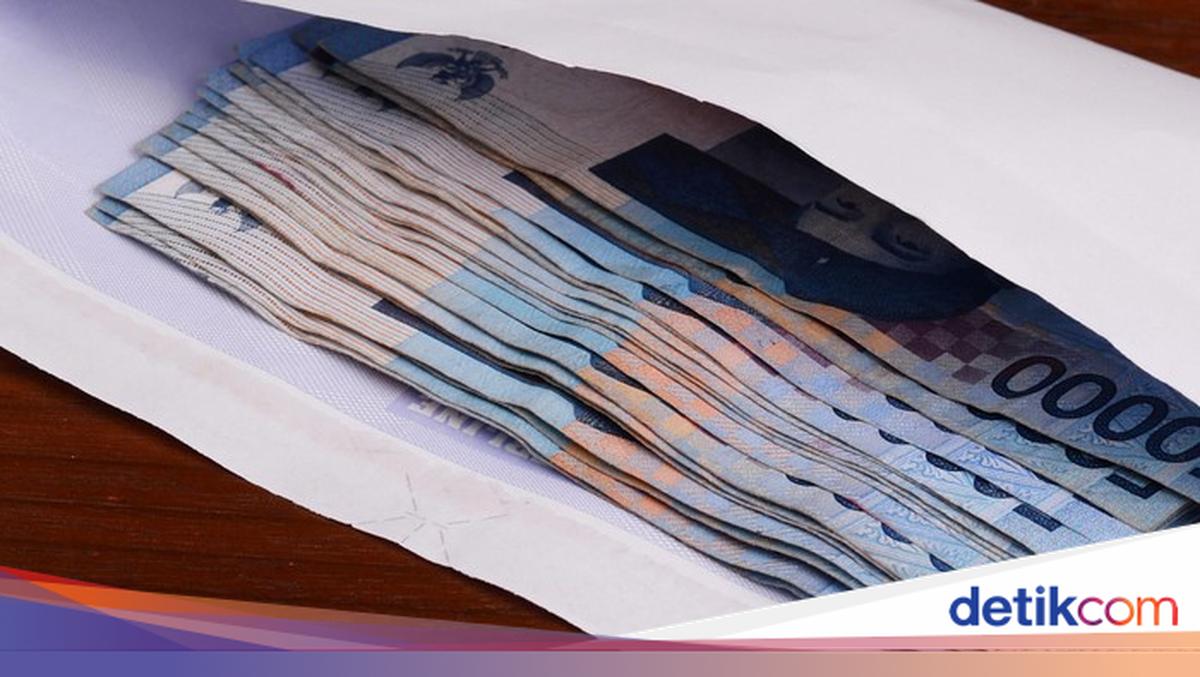
Have you ever seen a neighbour or someone around you who appears affluent yet receives social assistance? You can report misdirected social assistance through the Cek Bansos app.
Through the objection feature in the Cek Bansos app, the public can submit reports if there are recipients who are not eligible to receive social assistance, accompanied by clear reasons and supporting evidence. Based on official information from Pusdatin Kesos, here is how to report misdirected social assistance in the Cek Bansos app.
Download the Cek Bansos Kemensos app from the Play Store or App Store
Then, open the app
Log in if you already have an account
If you do not have an account, select the “Create Account” menu for new users
Follow the procedure until the account creation is successful
After the account is verified, log in with the registered account
On the Homepage, click the Objection menu
Click Add Objection
Enter the search data for the list of beneficiaries (PM)
Click Search Data
Then, search for the name of the social assistance recipient to be reported
Select Click to Object
Provide the objection to the social assistance. State the reasons why the recipient in question is not eligible to receive social assistance
Photograph the house or other evidence to support the report
Click the statement column that the objection is submitted honestly and truthfully
After that, click Send Objection
In addition to through the Cek Bansos Kemensos app, objections to social assistance can also be submitted via:
Command Center: 021-171
WhatsApp Lapor Bansos: 0887-7171-171
How to Check Desil for Social Assistance in the App
Desil is a group of family welfare measured based on socioeconomic variables, including individual details (occupation, education), housing details (house condition, electricity capacity), and asset ownership. There are 10 desils, each containing 10% of families in Indonesia, where desil 1 represents families with the lowest 10% welfare level, while desil 10 represents families with the highest 10% welfare level.
Desil is dynamic. If it is inaccurate, it can be updated through the village/sub-district and social services or through the Cek Bansos app by submitting data according to the actual conditions. Subsequently, the desil will be recalculated by BPS periodically.
Desil is used to determine the targets for social assistance. Desils 1-4 (the lowest 40%) are the priority recipients for social assistance under PKH and Sembako. Desil 5 can still participate in PBI-JK.
Here is how to check the desil for social assistance in the Cek Bansos app.
Download the Cek Bansos Kemensos app from the Play Store or App Store
Then, open the app
Log in if you already have an account
If you do not have an account, select the “Create Account” menu for new users
Follow the procedure until the account creation is successful
After the account is verified, log in with the registered account
In the main menu, select “Profile”
Then, information on Family Welfare Ranking appears. The number attached indicates your DTSEN desil status
In addition, you can also check the Family Profile which includes data of the family registered in DTSEN