
How to Report Annual Tax Returns for Taxpayers with Internet Connection Issues Using Coretax Form
Individual and corporate taxpayers must submit their annual tax returns (SPT Tahunan) to the Directorate General of Taxes (DJP). Individual taxpayers have until 31 March 2026 to file, whilst corporate entities have until 30 April 2026.
However, not all regions in Indonesia have access to stable internet connectivity, making it difficult for taxpayers to submit their annual tax returns.
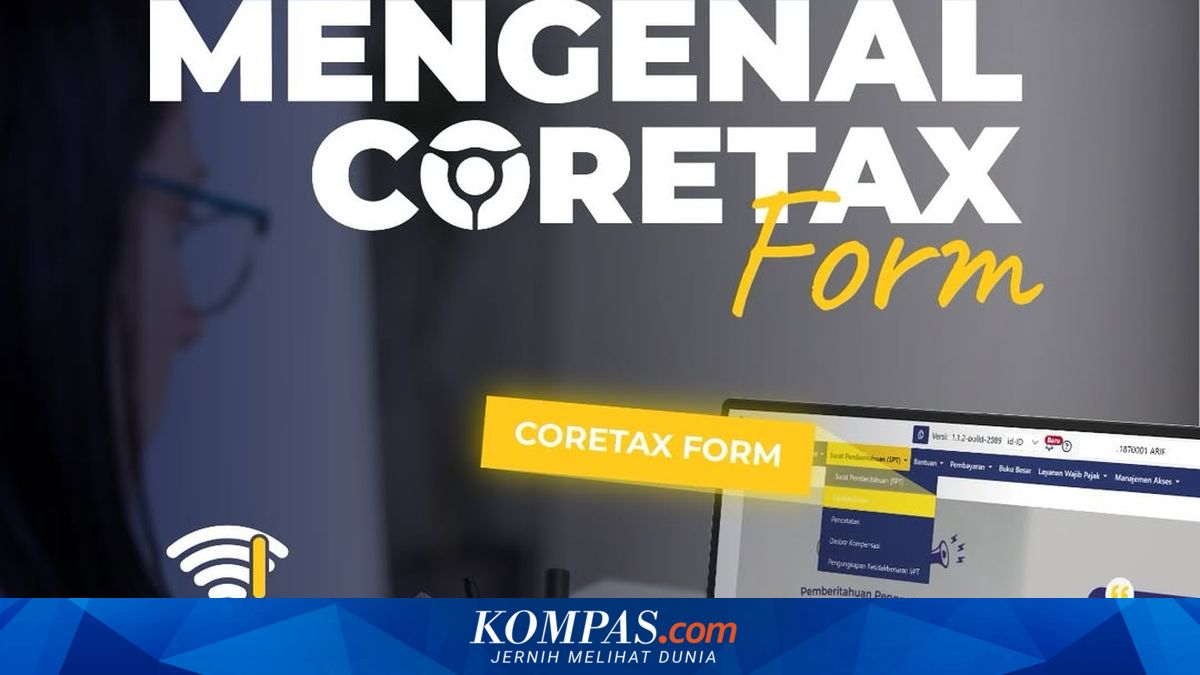
The Coretax Form feature operates by allowing users to download electronic forms from the system, complete them offline, and then upload them back online. Coretax Form has been available since 25 February 2026 and can now be used by individual taxpayers meeting specific criteria, such as those with income from secondary business activities alongside their primary employment with nil-status tax returns.
Additionally, Coretax Form does not include the Net Income Calculation standard (Norma Penghitungan Penghasilan Neto). Taxpayers requiring this column must file online.
“Coretax Form is an alternative submission channel for annual tax returns for individual taxpayers with non-complex tax situations and facing internet connectivity constraints. With Coretax Form, you can download the tax return form, then fill it in and complete it offline before submitting the tax return (submission requires internet connection),” explained pajak.go.id.
If taxpayers meet all three criteria, they can proceed with downloading the Coretax Form.
Stage 1: Creating a tax return draft (requires internet connection)
Stage 3: Submitting the tax return (requires internet connection)
This is how to use Coretax Form to file your annual tax return, hopefully helpful.