
How to Download and Upload Tax Withholding Certificates in Coretax 2026
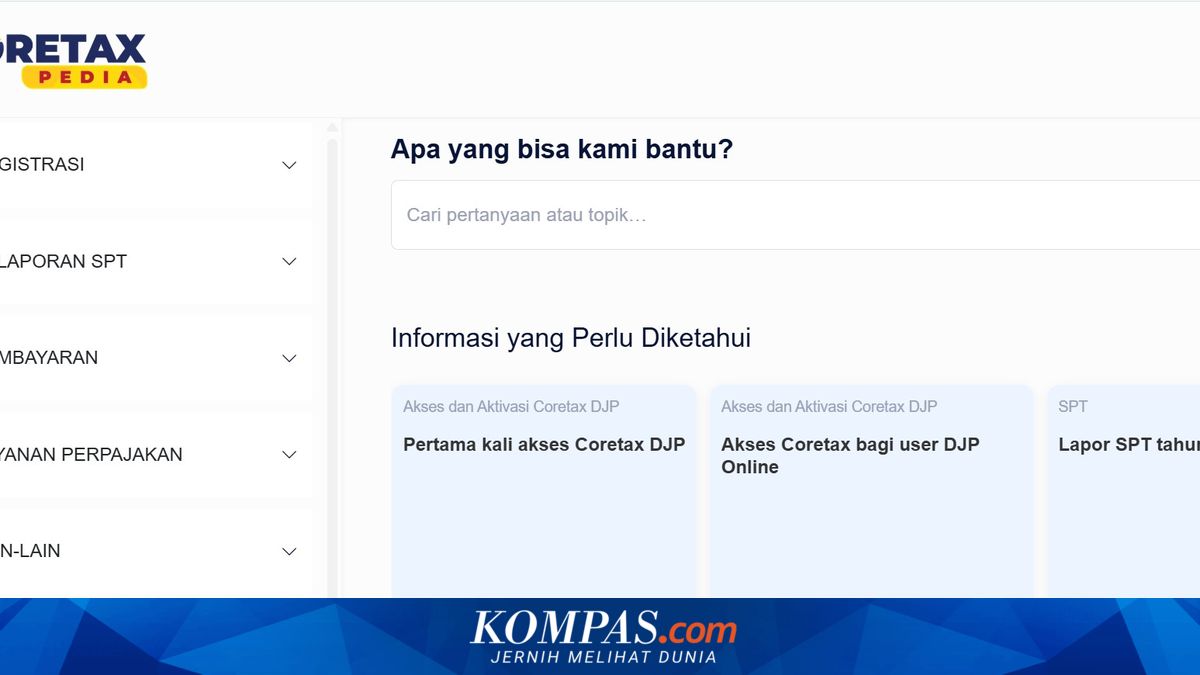
In 2026, the Directorate General of Taxation (DJP) has established that the Annual Tax Return (Surat Pemberitahuan or SPT) can be filed online through Coretax. Taxpayers who prefer not to file online may visit their nearest Local Tax Service Office (Kantor Pelayanan Pajak or KPP).
The online SPT filing system has been designed to streamline and accelerate the reporting process, enabling the tax collection target to be reached promptly. The Coretax system facilitates this by allowing operators to monitor in real-time the number of taxpayers who have filed their Annual SPT.
“So that the Lebaran holiday can truly be a time of spiritual renewal, do file your tax return promptly. Rather than having a less wholehearted celebration later, it is better to complete your obligation now,” said Bimo, as reported by Kompas.com on Thursday, 5 March 2026.
Before filing an SPT Annual return through Coretax, taxpayers must first verify their Article 21 income tax withholding certificate (BPA1) after account activation. The following steps are provided from pajak.go.id:
To download the withholding certificate:
Log in to coretaxdjp.pajak.go.id
After logging in, select the “My Portal” module and click the “My Documents” menu
Search for the document titled “Article 21 Income Tax Withholding Certificate A1 (BPA1)”
Scroll the table to the right section and click the Download button to download the withholding certificate
If the document has not appeared, click the refresh button
After downloading, taxpayers can complete and upload the BPA1 withholding certificate by following these steps:
Open the “Tax Return (SPT)” menu and click on “Annual SPT Draft”
Enter the “SPT Attachments” section and select “Income Tax Withholding or Collection Certificate List”
In this section, taxpayers can add data by selecting the “Add Data” or “Upload Document” option, then fill in the information according to the withholding certificate in their possession
After data has been entered and documents have been uploaded, users can save the data before proceeding with the SPT filing process
However, if the withholding certificate has already been reported by the employer and recorded in the DJP system, the data usually appears automatically when filling out the SPT
In this case, taxpayers do not need to upload the document again
To file the SPT through Coretax:
Visit the website https://coretaxdjp.pajak.go.id/
In Coretax DJP, access the “Tax Return (SPT)” menu > “Tax Return (SPT)” > “Create SPT Draft”
Select “Individual Income Tax” and then click the “Continue” button
Select “Annual SPT” and enter the period and tax year (for example, January to December 2025). Click the “Continue” button
Select the SPT model: “Normal” for first-time filing, and “Amendment” for correcting and resubmitting an SPT that has previously been submitted
Click the “Create SPT Draft” button
Click the pencil icon to begin filling in the SPT form
Click the “Posting” button and the system will automatically fill in various data in the main form and SPT attachments
Review the data that has been filled in by the system. Make corrections if necessary
Complete all sections of the SPT. You can follow the instructions in related articles or video tutorials
To file the SPT, click the “Pay and File” button
Select the digital signature provider and then enter the digital signature consisting of ID and password for final validation of SPT creation
Click the “Save” button and then “Confirm Signature”
SPT with underpayment status will move from the SPT draft section to the pending payment section
SPT that has been successfully filed will move to the “Filed SPT” section
Filed SPT can be downloaded as proof document for taxpayers