
How to Claim JHT BPJS Ketenagakerjaan Balance at 10, 30, and 100 Percent
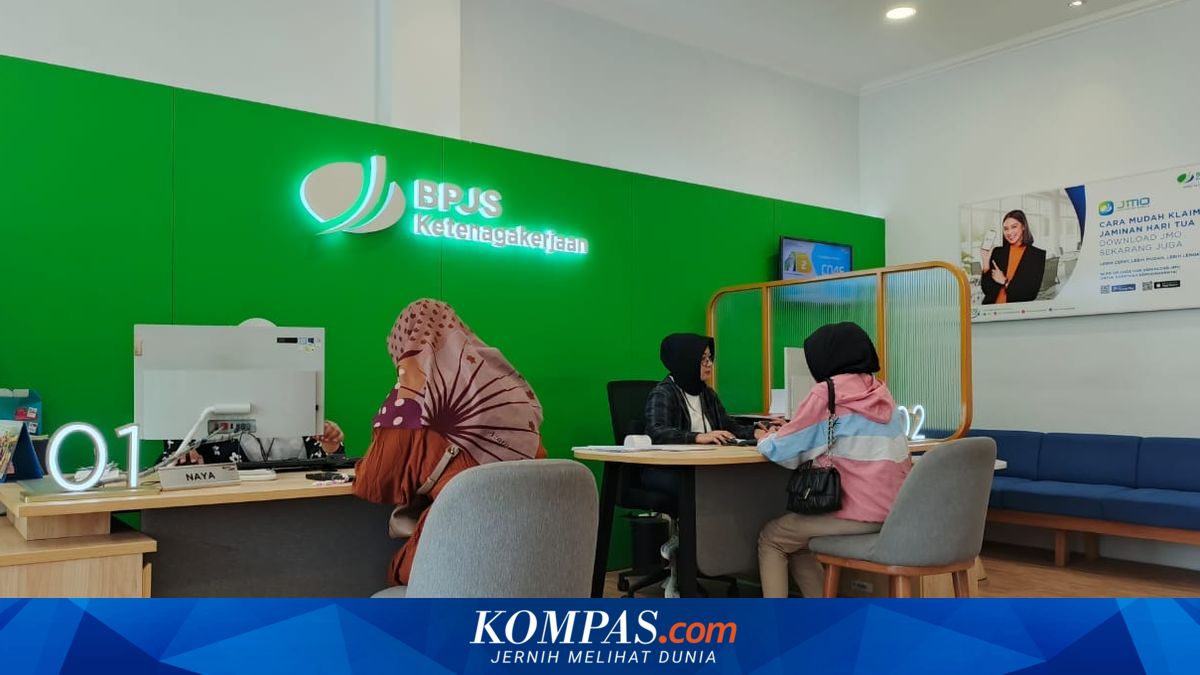
BPJS Ketenagakerjaan has a programme called Jaminan Hari Tua (JHT), which is receivable by wage-receiving participants (PU) and non-wage-receiving participants (BPU). Participants can claim their JHT balance in three portions: 10%, 30%, and 100%. Claims can be made online or by visiting the nearest BPJS Ketenagakerjaan office. First, understand the requirements for claiming the JHT balance as quoted from BPJS Ketenagakerjaan.
10% Withdrawal
Has been a participant for at least 10 years
Can only apply for the claim once
May be subject to progressive tax for subsequent claims if the application interval is more than two years
Withdrawn for other purposes
30% Withdrawal
Has been a participant for at least 10 years
Can only apply for the claim once
May be subject to progressive tax for subsequent claims if the application interval is more than two years
Withdrawn for home ownership
Participant is at least 56 years old
Participant resigns from the company and does not return to work
Participant experiences Termination of Employment (PHK) and has not found new employment
Participant leaves Indonesia permanently (citizenship becomes foreign national)
Participant suffers total permanent disability, proven by a doctor’s certificate
Participant passes away, then the JHT balance is handed over to heirs
Afterwards, applicants must attach several documents to speed up the claim process. Here are the required documents.
For 10% Withdrawal
BPJS Ketenagakerjaan Card
Electronic ID (KTP Elektronik)
Family Card
Bank book
Certificate of employment or cessation of work
NPWP (if any)
For 30% Withdrawal
BPJS Ketenagakerjaan Card
Electronic ID (KTP Elektronik)
Family Card
Bank book
Certificate of employment or cessation of work
Banking documents and documents related to home credit
NPWP (if any)
Retirement Age
BPJS Ketenagakerjaan Card
Electronic ID (KTP Elektronik)
Family Card
Bank book
Retirement Certificate
NPWP (if any)
Resignation or PHK
BPJS Ketenagakerjaan Card
Electronic ID (KTP Elektronik)
Family Card
Bank book
Certificate of Cessation of Work, Work Experience Letter, Employment Agreement, or Industrial Relations Court (PHI) Determination Letter
NPWP (if any)
For Permanent Departure from Indonesia
BPJS Ketenagakerjaan Card
Electronic ID (KTP Elektronik)
Temporary Stay Permit Card (KITAS)
Bank book
Stamped Statement Letter stating no intention to return to Indonesia and change of citizenship
Letter of Citizenship Change Processing or Proof of Citizenship Change
Total Permanent Disability
BPJS Ketenagakerjaan Card
Electronic ID (KTP Elektronik)
Family Card
Bank book
Certificate of Total Permanent Disability from the treating doctor or advisory doctor
Certificate of Cessation of Work
If the applicant knows which category they fall into, they can follow the steps below to claim the JHT balance online.
Open the JMO app
Select the “Jaminan Hari Tua” menu
Then, click the “Claim JHT Benefits” menu
If the participant meets the requirements, three green ticks will appear on the claim application requirements
Then, click “Next” and select one reason for claiming the JHT balance
Check participation data. If the data is correct, click “Already”
Take a selfie for biometric verification by clicking “Take Photo”
Perform face verification by facing the camera and following the instructions
Then, complete NPWP and active account data, then click “Next”
The JHT balance details will be displayed, then select “Next”
Double-check the data. If correct, click “Confirm”
Process successful, the JHT claim application will be processed. To check the claim process, open the “Claim Tracking” menu
If not inclined to withdraw the balance online, visit the nearest BPJS Ketenagakerjaan office and follow the instructions from the staff there.