
Here's how first-time users log in to Coretax DJP
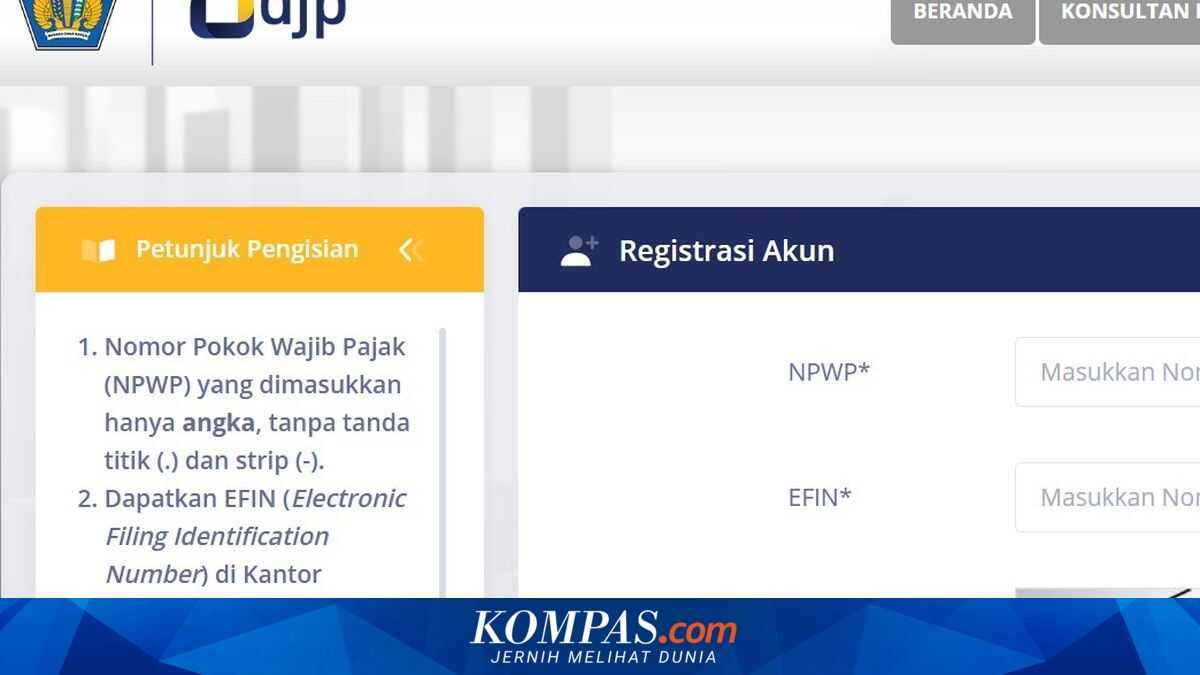
JAKARTA, KOMPAS.com - For those accessing the Department of Taxation’s digital tax reporting system (DJP) for the first time, the Coretax DJP interface can be confusing. From logging in, to filling in your profile, to selecting the SPT type, many taxpayers are unsure where to begin. In fact, understanding the initial workflow of Coretax DJP is a crucial step to ensure that the Annual Tax Return (SPT Tahunan) is submitted smoothly and free from technical errors.
Coretax is the administration system of the Department of Taxation that provides ease of use for users.
The Director General of Taxes, Bimo Wijayanto, said that Coretax has become the only system for tax administration services, from reporting the Tax Return (SPT) to managing withholding receipts. “All tax services must be conducted via Coretax. To obtain the benefits of tax services, such as SPT reporting, account activation, withholding receipts, and so on, all via Coretax,” Bimo said at a KiTa APBN press conference in Jakarta on Thursday (8 January 2026). To access Coretax DJP, taxpayers can visit coretaxdjp.pajak.go.id.
Before that, make sure you are a DJP Online user who has completed the NIK mapping to NPWP.
According to the DJP site, here are the basic guidelines taxpayers should understand before starting to fill in and submit tax returns through this new system:
For taxpayers who have a DJP Online account:
Now you can access Coretax DJP.
For taxpayers who have never used/do not have a DJP Online account:
If you forget, cannot access, or are no longer using the phone number and email address registered previously with DJP, you can still proceed with the digital access request by changing the detailed contact information on DJP Coretax.
You can enter the new email address and phone number.
The system will require verification of the contact details via an OTP that will be sent to the phone number and email address you enter.