
From the Operating System to the Intelligence System
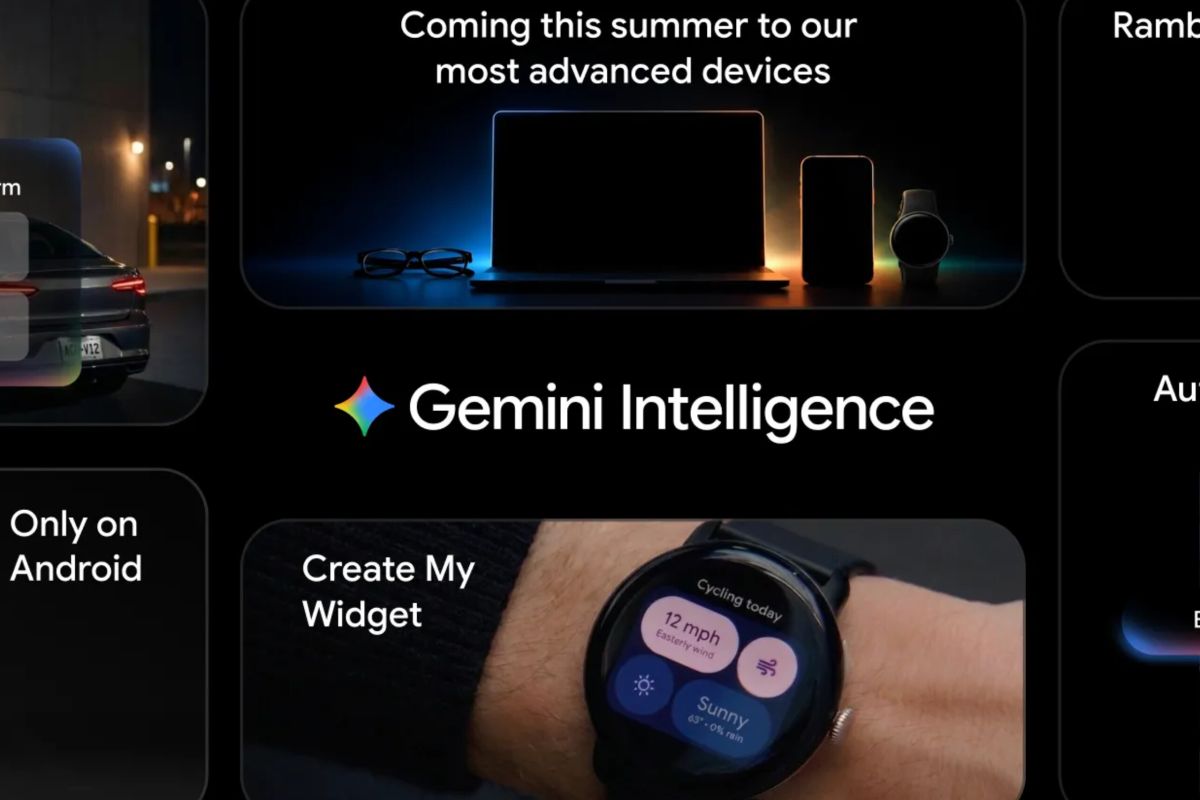
Jakarta — At the Android Show: I/O Edition, held in mid-May on a Tuesday, Google unveiled Gemini Intelligence, an artificial intelligence (AI) ecosystem featuring a suite of increasingly intelligent and integrated capabilities. The ecosystem will be deployed directly on Google Pixel 10 smartphones and the Samsung Galaxy S26 series.
The introduction of Gemini Intelligence into the Android ecosystem marks a new evolution in how users interact with their smart devices. Among the technology’s most significant breakthroughs is its ability to automate multi-step, repetitive tasks, enabling users to focus more on essential activities.
Task optimization can be performed across apps as automation occurs, so that most routine tasks can be completed more efficiently.
This app automation becomes far more reliable thanks to its ability to integrate with screen context and imagery. As a substitute for the manual process of moving data (copy-paste) between apps, Gemini, Google’s AI application, can now translate visual context into an instant action.
For example, if a user has a long monthly shopping list in the Keep app, they simply press and hold the power button and instruct Gemini to process the list into a digital shopping cart ready to be sent by a single marketplace app.
As this capability expands, users can photograph a travel brochure found in a hotel or station lobby and issue specific commands, such as, “Find a tour like this on Agoda for a group of six”.
Gemini can also perform cross-app navigation for day-to-day operational tasks. The technology can search for a course syllabus document in Gmail and automatically add the required books to the shopping cart, and facilitate reservations for sports classes. Google has also stated that it has optimised these multi-step automation capabilities on devices such as Galaxy S26 and Pixel 10 to ensure seamless transitions, particularly in messaging, food-ordering and ridesharing apps.
In terms of time efficiency, the feature is designed to operate in the background, where Gemini processes searches based on instructions, and users do not need to stay open within an app. They can monitor progress directly via device notifications.
This AI innovation continues to guarantee that full control remains in the hands of the user. Gemini is programmed to operate only on commands given and will pause briefly after the task is completed, and to ensure transaction or action security, the final execution will always require final confirmation from the user.
Chrome, Google’s flagship browser, also features. From the end of June 2026, Chrome users on Android devices will experience a significant improvement in their internet browsing experience with the introduction of a more intelligent search assistant, i.e., Gemini integrated inside Chrome. This integration is not merely to make Chrome a mere search tool but introduces features as a proactive virtual assistant ready to accompany users online.
Gemini’s principal function in Chrome is designed to more efficiently support users’ research needs. The intelligent assistant is equipped with advanced analytical capabilities that allow users to summarise long web articles and compare information from different sources across the internet in an instant. This obviously helps users digest complex and dense information without wasting time reading multiple pages manually.
Furthermore, the update introduces a functional breakthrough with the Chrome Auto Browse feature, whereby Chrome can take over and complete routine administrative tasks on behalf of the user, from scheduling meetings to reserving parking spaces (not widely known in Indonesia yet), all of which can be handled by AI, so by delegating daily digital operations to Gemini enables Chrome on Android users to focus on more essential things.
Next, filling complex digital forms on smartphone screens—often a hurdle for users—is addressed by Google by integrating Gemini’s Personal Intelligence into Autofill. Through this update, Android devices now have intuitive capabilities to extract relevant information from interconnected apps, with the aim of automatically filling in complex text fields, including when the user is navigating the Chrome browser.
The feature emphasises privacy and security. Google states that the feature is fully opt-in, where users have full authority to decide when the Gemini integration is used, and can enable or disable it via the device settings menu.
Next is a new name, Rambler, a feature that had actually been introduced previously but its capabilities have been enhanced, where this feature can transform spoken dictation into professional text. In everyday spoken communication, people often speak spontaneously with repetitions, diction corrections, and filler words (such as “umm” or “eh”). In response to this reality, Gemini introduces Rambler, where this feature can go beyond the ability to convert speech to text.