
Divorced Couple with Combined Tax ID Numbers: Here's the Solution!
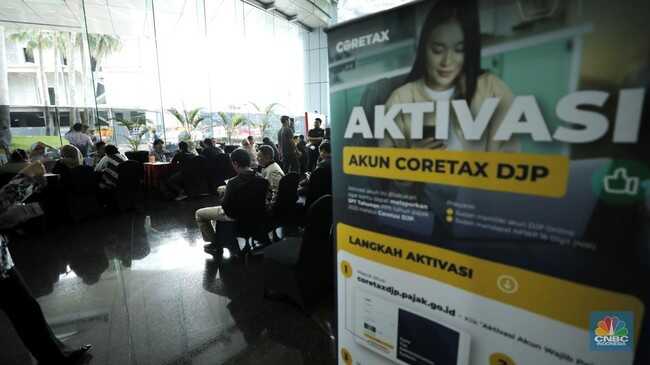
Jakarta – The Directorate General of Taxes (DJP) of the Ministry of Finance continues to encourage married couples to combine their tax identification numbers (NPWP), as this can affect the non-taxable income threshold (PTKP).
The combination of NPWP for spouses can be processed through the latest tax administration system, Coretax DJP. However, if the couple subsequently divorces, the status and process for separating both NPWPs requires specific steps.
According to guidance provided by the DJP’s official call centre on social media platform X (@kring_pajak) in response to enquiries, the separation of NPWPs can be initiated by first referencing the status on the Family Card (Kartu Keluarga).
“If the Family Card shows a different status (divorced), then the taxpayer can register the NPWP in the Individual Person category,” the DJP stated on X on Thursday, 26 February 2026.
This requirement mandates that both parties file separate annual tax returns (SPT Tahunan). For assets received by the wife, those reported in the annual tax return shall be assets owned or controlled at the end of the fiscal year.
“Provided they meet both subjective and objective requirements, they must register to obtain an NPWP. Subjective requirements follow Article 2A paragraph 1 of the Income Tax Law, and objective requirements include having received income,” the DJP clarified.
Once each party has their individual NPWP restored, both must also update their data in their respective Coretax DJP accounts, particularly regarding their marital status as determined by court decision (HB), asset separation (PH), or chosen separation status (MT).
The following administrative adjustment steps apply in each Coretax DJP account:
For the husband’s account:
Open the data update form through My Portal > My Profile > General Information > Edit.
In the family tax unit section, locate the wife’s name and click the Edit button.
Change the tax unit status from “Dependent” to “Head of Another Family Unit” according to the actual circumstances.
Click the Save button.
Read and tick the statement section.
Click the Submit button.
For the wife’s account:
Open the data update form through My Portal > My Profile > General Information > Edit.
In the general information section, change the taxpayer category to PH/MT.
Click the Validate latest data to Dukcapil button.
Read and tick the statement section.
Click the Submit button.
Change your NPWP status through My Portal > Status Change > Reactivation of Inactive Taxpayers.