
Complete Guide to Coretax DJP: How to Create an Account, Password, and Passphrase
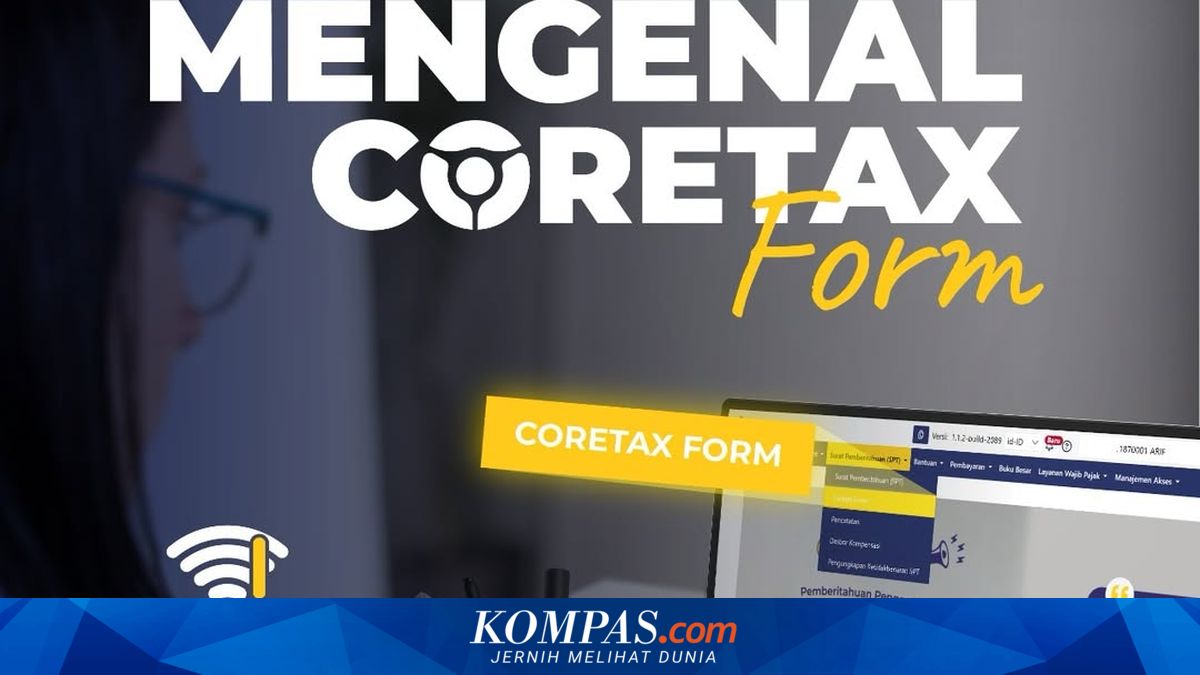
Jakarta – The Directorate General of Taxes (DJP) has introduced the latest tax administration system called the Core Tax Administration System, or Coretax, as part of the modernisation of tax services in Indonesia.
Through this system, various tax services that were previously scattered across multiple applications are now integrated into a single digital platform. The aim is to make it easier for taxpayers to fulfil their tax obligations online, from registration to tax reporting.
According to the DJP website, Coretax allows taxpayers to access various services including registration for a taxpayer identification number (NPWP) or national identity number (NIK), data updates, filing of annual tax returns (SPT), and generation of billing codes. Additionally, taxpayers can submit various tax requests such as refunds or account transfers online through the system.
Passwords are used to log in to a Coretax account. This password is personal and serves as the first layer of security for accessing the system. A passphrase, meanwhile, functions as a digital signature to authorise electronic documents within the Coretax system. Passphrases are typically used when taxpayers undertake important activities such as filing SPT, submitting tax requests, or using electronic certificates. Thus, passwords are used for account access, whilst passphrases are used to authorise or digitally sign documents.
For taxpayers who already have a DJP Online account, activation can be completed by entering their NIK or NPWP along with the password previously used for DJP Online. If a password is forgotten, taxpayers can select the “Forgot Password” menu and follow the recovery process via email or telephone number registered in the system. However, if recovery data is inactive or incorrect, taxpayers are advised to update their information by visiting the nearest tax service office.
For taxpayers who have not yet registered, activation can be completed by selecting the “Taxpayer Account Activation” menu, then entering their NIK along with email address and telephone number registered in the tax system. The system will then send a temporary password via email to be used during the first login.
After successfully logging in with the temporary password, taxpayers will be asked to create a new password. The password should ideally have a strong security level, for example a minimum of eight characters, consisting of upper and lower case letters, numbers, and symbols. This combination is intended to enhance account security.
After creating a password, taxpayers also need to create a passphrase as part of account security activation. The first step is to log into the “My Portal” menu on the Coretax account. Then select the “Request Authorisation Code/Digital Certificate” menu. Next, select the digital certificate type “DJP Authorisation Code”, then enter the passphrase according to the required criteria. After reading the taxpayer declaration, check the agreement box and click the “Save” button to complete the process.
After completing all steps, the Coretax account will be active and can be used for various tax services, including filing annual SPT and generating billing codes.
Taxpayers are advised to create a Coretax account and passphrase early, rather than waiting until closer to the annual SPT filing deadline. This step is important to avoid various obstacles such as forgotten passwords, difficulty accessing recovery email, or technical issues caused by high user traffic as the filing deadline approaches.