
A Range of Leading AI Features on the Samsung Galaxy S26
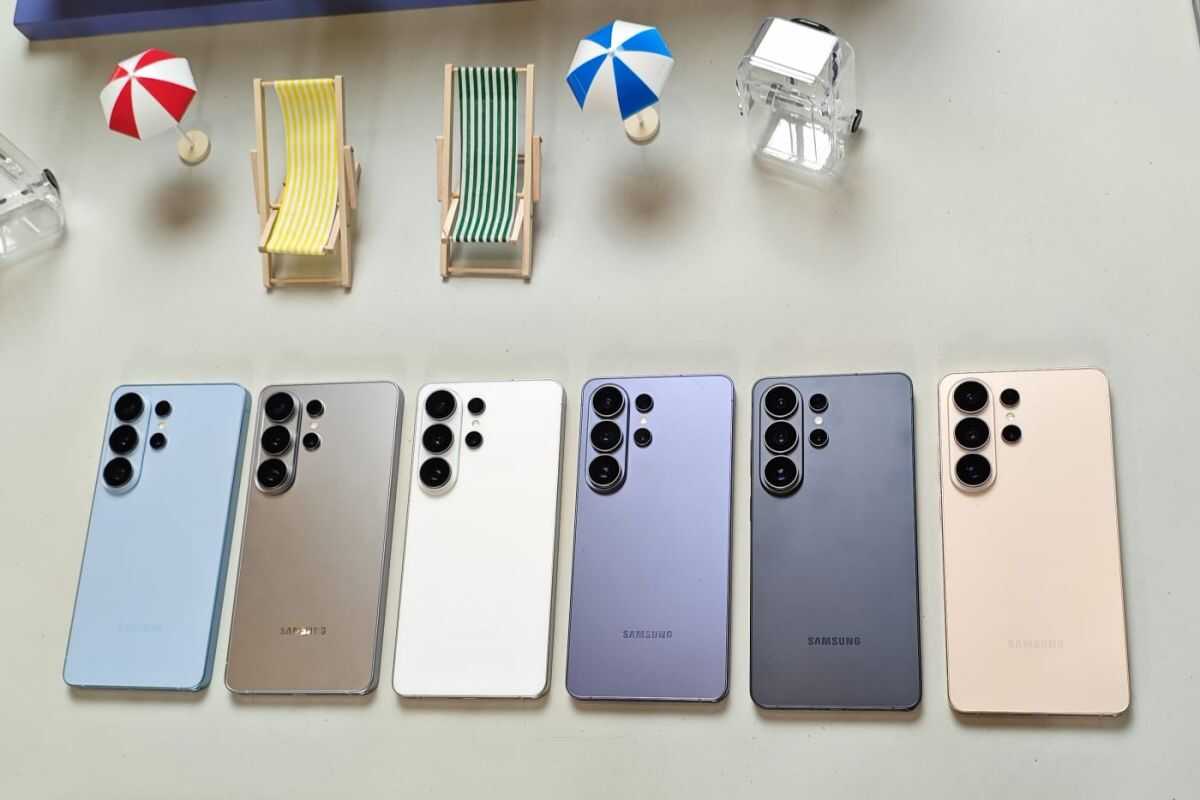
Jakarta (ANTARA) - Samsung has just launched its latest flagship phone, the Galaxy S26, featuring enhanced AI capabilities to simplify tasks from photo editing to protecting users from suspicious calls.
“The Samsung Galaxy S26, we call it ‘the next AI phone’, because it understands us, so we don’t need to do anything, it can find information or it can also simulate something,” said MX Product Marketing Senior Manager of Samsung Electronics Indonesia, Ilham Indrawan, during a product presentation in South Jakarta, Thursday.
The Samsung Galaxy S26 comes with several leading AI features. First, there is Call Screening, which is useful for protecting users from spam calls and identifying important calls from unknown numbers. If the user activates this feature, Galaxy AI will first answer calls from unknown numbers.
The AI will ask the caller for their identity and the purpose of contacting the phone owner. A transcript of the conversation between the AI and the caller will be displayed on the screen so that the user can find out who and what the caller’s purpose is.
Then there is Now Nudge, which is able to read the context of use, then display relevant recommendations at the right time without the user having to search for them manually.
For example, when a friend asks for a photo of a pet cat via WhatsApp, the AI will immediately help by displaying the “Share photos” option. When this option is selected, the user will be directed to a gallery that already displays a collection of pet cat photos. The photos are automatically selected based on location tags and objects in the image.
In another situation, if the user receives an invitation to play padel on Saturday, Now Nudge can recognize the related schedule in the calendar and check for potential schedule conflicts. The keyboard will then display the “View Calendar” option so that the user can immediately confirm their availability.
In addition, the AI agent Bixby has undergone an update on the Samsung Galaxy S26 which will focus on phone performance. Users can adjust device performance simply by using ordinary conversational language without having to explain technical terms.
For example, when the phone feels hot, the user can instruct the AI by saying, “My phone suddenly feels hot, can you fix the problem?” Then the phone will automatically trace the cause and resolve the problem.
Then there is the Creative Studio feature which allows users to process photos or text prompts to produce visuals such as stickers, greeting cards, or invitations. In this feature, users can also write personal and detailed descriptions for more specific results.
The Photo Assist feature is now available with significant improvements through natural language editing support. With the addition of text prompts, users can edit photos simply by using commands in everyday language, including Indonesian.
The user only needs to describe the desired changes in a simple way. For example, when taking a picture of a cake that has been eaten, the user only needs to type a command such as, “make this cake whole again,” then the photo will automatically display the cake in a whole condition as before it was eaten.