
7 essential steps after buying the Google Fitbit Air
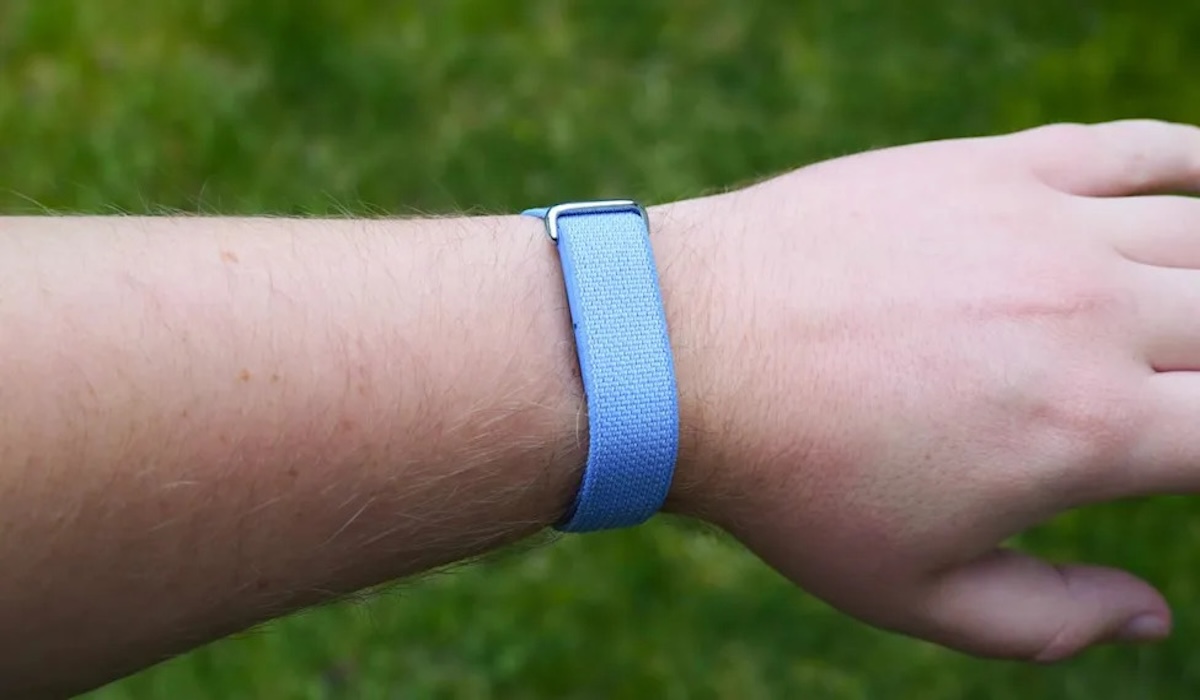
Google has just introduced a new breakthrough in the wearable world with the Fitbit Air. As a minimalist, screen-free fitness tracker, the device is designed to passively record health data without constant visual notification interruptions.
Priced competitively at around US$99 (approximately £80 or Rp1.7 million), the Fitbit Air poses a serious challenge to competitors like Whoop, particularly as it does not require a monthly subscription fee.
With no screen or physical buttons, all controls are via the Google Health app (formerly known as Fitbit). If you’ve just acquired this device, here are seven strategic steps to optimise your Fitbit Air usage.
Despite its minimalist design, the Fitbit Air features a robust vibration motor. You can set up to eight alarms through the Google Health app.
Its standout feature is Smart Wake, which monitors your sleep cycle and wakes you up up to 30 minutes before your main alarm time when you’re in a light sleep phase.
To silence the alarm, simply double-tap the device on your wrist.
Data accuracy is crucial. You must inform the app whether the Fitbit Air is worn on your dominant or non-dominant hand. This is important because the dominant hand tends to move more, and without calibration, step counting could be inaccurate.
Each user has different sensitivity to haptic feedback. In the Device Preferences menu, you can choose between ‘High’ or ‘Low’ vibration intensity.
When selecting, the device will simulate the vibration so you can immediately feel which setting is most comfortable for alarms or health reminders.
Fitbit Air can function as an external heart rate monitor for third-party apps and popular sports equipment like Peloton, Strava, and Zwift. By enabling the Share Heart Rate via Bluetooth feature, you no longer need an additional chest strap during gym sessions.
Battery-saving tip: Activating the ‘Always Visible’ feature for heart rate sharing drains power faster. Use only during intense workout sessions.
Define your health focus. Are you tracking daily steps, distance, calories burned, or Active Zone Minutes? Setting a primary goal will determine the type of achievement notifications sent to your phone by the Google Health app.
The Fitbit Air passively monitors your resting heart rate. If your heart rate is detected above or below normal thresholds while inactive for at least 10 minutes, your phone will alert you. You can use age-based default thresholds or set them manually.
One of the most critical health features is atrial fibrillation (AFib) detection. Google’s algorithm has been clinically validated to detect irregular heart rhythms.
This feature is available for users aged 22 and above who have not previously been diagnosed with AFib.
By following these seven steps, your Fitbit Air becomes more than just a wrist accessory—it’s a discreet, intelligent health assistant monitoring your fitness 24/7.