
5 Easy Ways to Open Websites Blocked in Google Chrome on Your Mobile
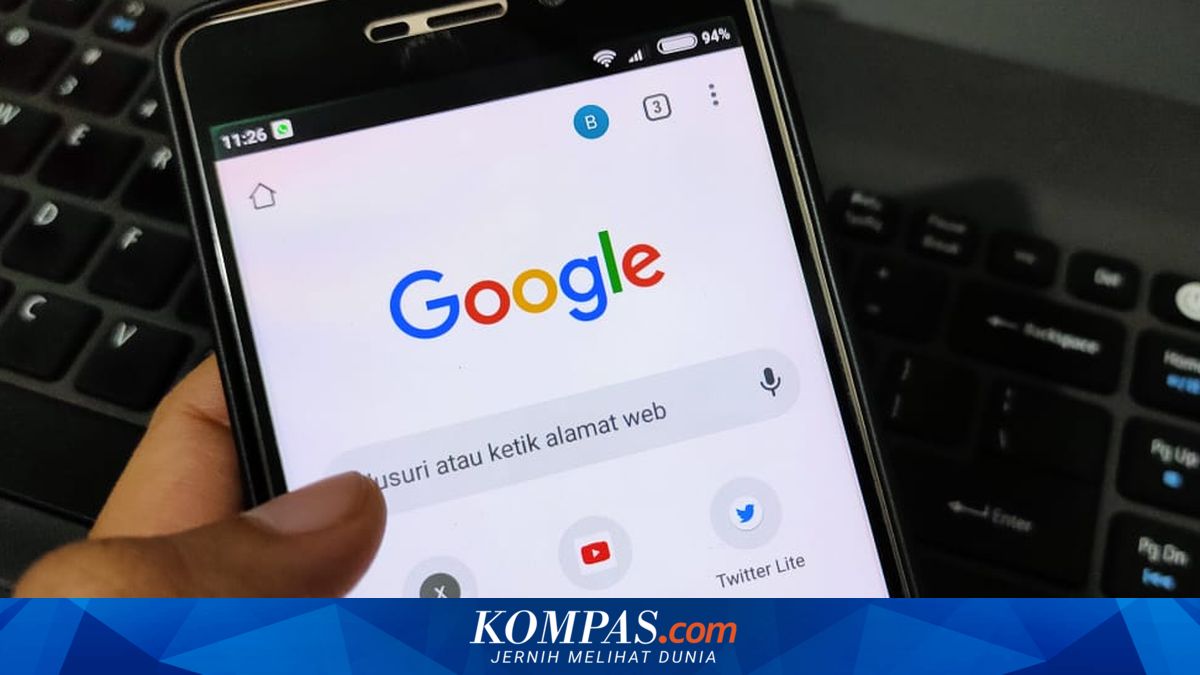
There are many websites that are blocked, preventing users from opening them directly in Google Chrome on mobile devices. Blocking typically occurs because the site is deemed to contain dangerous activities. However, many blocked sites actually contain informative content. When blocked, such sites can be difficult to access in Google Chrome on mobile. Yet there are ways to open blocked sites in Google Chrome on mobile.
Opening blocked websites in Google Chrome on mobile is fairly straightforward. There are several methods users can employ, such as using an additional VPN app, using proxy sites, and using URL shortening services.
The explanations for each method to open blocked sites in Google Chrome on mobile are as follows.
The easiest method is to use a VPN (Virtual Private Network). A VPN is a service that can connect users to the internet with privacy.
With a VPN, a user’s identity when accessing the internet, such as their IP address and location, is concealed. When the VPN is activated, users can access sites anonymously with an IP address and location that are not their actual ones.
The VPN’s ability to create private connections enables users to open blocked or restricted sites. There are many VPN apps that can be downloaded from official app stores.
Secondly, the way to open blocked websites on Google Chrome on mobile is by using proxy sites. There are many proxy sites available. For example, these proxy sites: https://www.proxysite.com or https://www.croxyproxy.com.
Users can utilise these proxy sites as intermediaries to open blocked sites. On a proxy site, users can choose the server used to access a site, thereby concealing their actual location.
After choosing a proxy server, users can enter the site they wish to visit and browse.
URL shortening services, such as TinyURL or Bitly, can help users open blocked sites in a straightforward manner. The explanation of how to use Short URLs to open blocked sites is as follows:
Fourth, to open a blocked website in Google Chrome on mobile, you can use Google Translate.
This method may not render the pages of the blocked site’s perfectly, but it is sufficient if you simply want to view the content at a glance. The explanation of how to open blocked sites using Google Translate is as follows: