
Why USB Cable Prices Vary Widely: The Technical Reasons Behind It
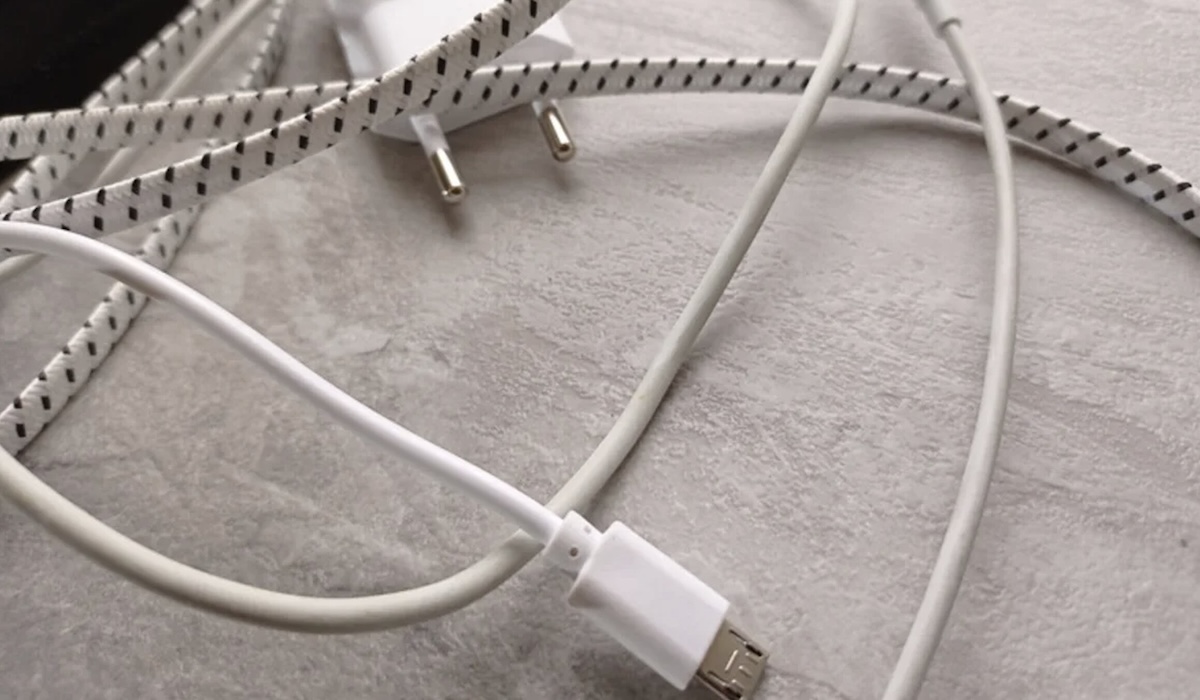
Have you ever wondered why USB cables that look identical can have such wide price differences? In the market, cables can be found priced from a few thousand rupiah to hundreds of thousands. This difference is not merely a branding issue, but involves internal technology, material quality, and crucial safety standards for your devices. This article will thoroughly examine the technical factors that determine the value of a USB cable, so you do not misjudge when buying accessories for your cherished devices.
The most visible factor is the material they are made from. Cheap cables generally use an outer layer of rigid PVC plastic which can crack or yellow over time. In contrast, premium cables use high-quality braided nylon or silicone that is more flexible and resistant to thousands of bends. Inside, more expensive cables use thicker copper conductors (lower gauge) to minimise electrical resistance, directly affecting charging speed and data transfer stability. Expensive USB cables are usually subjected to rigorous testing to obtain official certification. This is not just a label, but a guarantee of safety for your devices. This is the ‘smart’ component that users often do not realise. For USB-C cables that support power delivery above 60W, an E-marker chip is mandatory. This chip functions as a communication controller between the power adaptor and the device (such as a laptop) to ensure the current transmitted is correct and safe. Cheap cables without this chip risk damaging the battery or internal components when used for high-power charging. The price differences are also determined by the number of pins inside the connector. Cheap USB 2.0 cables have fewer pins and can only transfer data up to 480 Mbps. Meanwhile, USB 3.0 and above (such as USB4) have more complex pin arrangements to support speeds up to 40 Gbps or even 80 Gbps in the latest standards. Quick tip: On USB-A connectors, you can see the colour of the plastic inside. Blue, yellow, or orange typically indicate USB 3.0 or higher. However, for USB-C, you must read the technical specifications on the packaging as colour is no longer a standard indicator. Buying a more expensive USB cable is often an investment for the long term. In addition to higher data transfer speeds and faster charging, you also protect your devices from damage due to unstable electrical current. Always ensure you check the certification label on the packaging before paying at your preferred retailer.