
Why Does Your Phone Battery Drain Quickly Even When It Is Rarely Used?
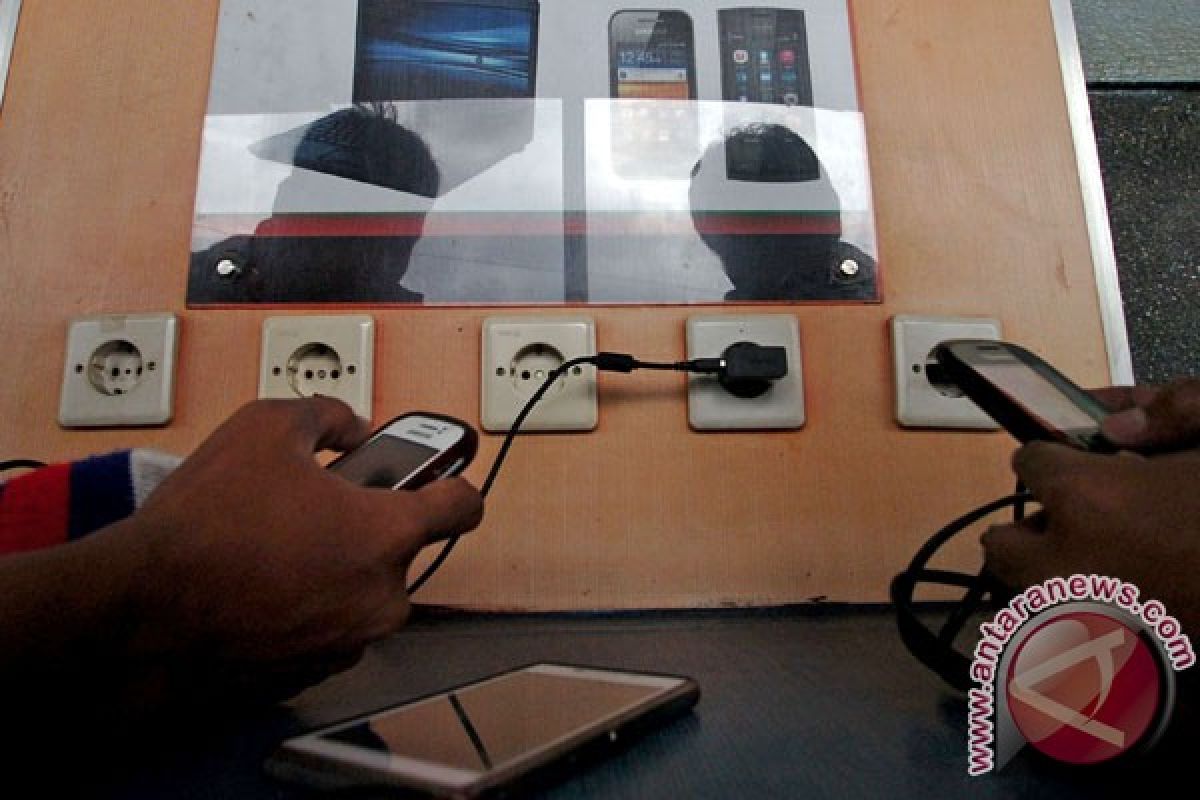
Jakarta (ANTARA) – A phone battery that drains quickly despite infrequent use is a fairly common problem. It can be confusing, particularly when the phone is simply left switched on without being used to play games, watch videos or access social media.
Ideally, a lightly used phone should retain its charge for longer. In reality, however, the battery percentage can still fall even when the screen is off.
This is quite normal, as phones continue to run a number of processes in the background. These include receiving notifications, updating apps, synchronising data and maintaining network connections.
However, if the battery drains drastically in a short time, this could indicate a problem with the device.
1. Apps continue running in the background
One of the most common causes is apps remaining active even when they are not open.
Some apps, including social media, instant messaging, email and cloud storage services, may continue synchronising data and checking for updates.
These activities use battery power even when the user is not interacting with the phone.
2. Weak network signal
Network conditions also affect battery consumption. In areas where the mobile signal is weak or unstable, the phone has to work harder to find and maintain a connection.
This process can drain the battery even when the device is left on standby.
The problem is usually more noticeable indoors or in areas far from mobile phone masts.
3. The battery is ageing
The lithium-ion batteries used in most phones have a limited lifespan. Their storage capacity declines over time and with repeated charging cycles.
As a result, a battery that once lasted all day may begin to lose charge more quickly, even when the phone is rarely used.
If a device is several years old and its charge consistently drops, the battery’s health should be checked.
4. Connectivity features are switched on
Some connectivity features can consume power when left on. GPS, for example, allows certain apps to check the device’s location periodically.
Bluetooth and Wi-Fi may also continue scanning or maintaining connections with other devices.
Although their individual power consumption is not always high, using several features at once can speed up battery drain.
5. The phone is overheating
A phone in a hot environment may also use up its battery more quickly.
Excessive heat can increase chemical activity inside the battery and accelerate capacity loss. This can happen when a phone is left in a car, exposed to direct sunlight or placed somewhere with poor ventilation.
6. System and app updates
After an operating system update, a phone may need time to optimise apps and adjust various settings.
During this process, activities run in the background and battery consumption may temporarily increase.
This usually returns to normal once optimisation is complete.
To reduce power consumption, users can check the battery usage menu in their phone’s settings. This feature helps identify which apps or system activities are using the most energy.
Users can also limit unnecessary background activity, turn off GPS and Bluetooth when they are not needed, and enable power-saving mode when necessary.
They are also advised to update apps and the operating system regularly, and to avoid exposing the phone to excessive heat.
If the battery continues to drain quickly after the settings have been checked, users should have the phone inspected at an authorised service centre. This is especially important if the phone becomes unusually hot, loses power suddenly or shows signs of a swollen battery.
Recognising the possible causes can help users determine whether the problem stems from app activity, network conditions, device settings or a battery that needs replacing.
Source: jawawa.id (https://jawawa.id/newsitem/why-does-your-phone-battery-drain-quickly-even-when-it-is-rarely-used-1794192664)
Originally published by Antara (Indonesian) (https://www.antaranews.com/berita/5840543/baterai-hp-cepat-habis-padahal-jarang-dipakai-apa-penyebabnya), translated from Indonesian