
Want to Get a 30 Percent Toll Discount During the Return Flow? There Are Conditions!
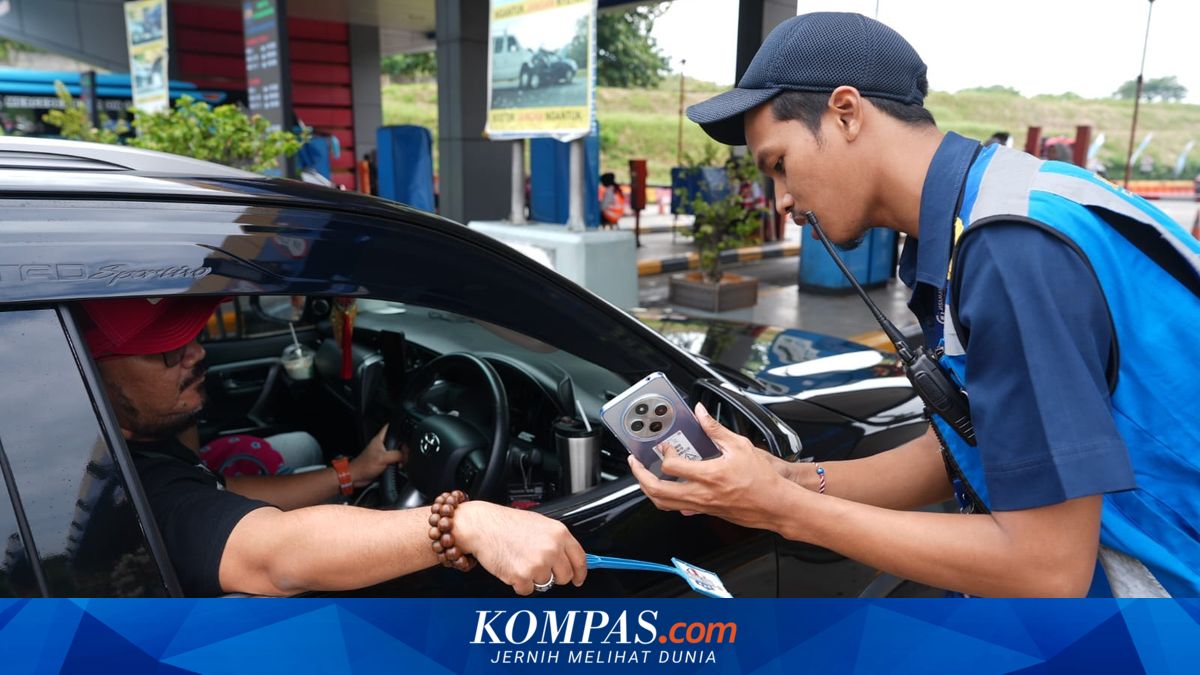
JAKARTA, KOMPAS.com – Holidaymakers returning to Jakarta after the 2026 Eid al-Fitr break can still take advantage of a 30 percent toll fee discount during the return flow period. This programme is part of efforts to maintain smooth traffic while providing relief on travel costs amid high vehicle volumes. However, the toll discount does not apply to all transactions. Jasa Marga President Director Rivan A Purwantono explained that the fare reduction is only given to road users making continuous journeys. To obtain the 30 percent toll discount, road users must use the same electronic money card for entry (tap in) and exit (tap out) transactions, and ensure the balance is sufficient. Therefore, road users are urged to ensure their electronic card or e-toll balance is adequate before setting off to prevent disruptions during transactions at toll gates. Currently, e-toll top-ups can be done independently via NFC-enabled mobile phones. This technology allows the phone to read the electronic card and update the balance after the top-up process. Drivers can top up through digital wallet apps or marketplaces with the following steps: 1. Open the ‘Settings’ menu on the phone, search for the keyword ‘NFC’ in the search menu, and activate it. 2. Next, go to the digital wallet or marketplace app. 3. Select the ‘Top Up Bill’ menu on the main screen. This menu is the same across all digital wallets or marketplaces. 4. Enter the serial number printed on the back of the electronic card, then select the top-up amount and pay. 5. After payment, tap the card on the phone’s NFC area (usually below the rear camera or front camera) to update the balance. 6. The balance is now loaded, and the toll card can be used. Besides through marketplaces or digital wallets, top-ups can also be done via mobile banking apps from the respective issuing banks, such as BCA for Flazz cards, BRI for BRIZZI, BNI for TapCash, or Mandiri for e-money cards. The process is similar, involving activating the NFC feature, tapping the card on the phone until it is read in the app, then selecting the top-up amount and confirming the transaction with a PIN or password. How to top up Flazz (BCA) balance: 1. Open the BCA mobile app. 2. Select m-BCA and enter the Access Code. 3. Select the Flazz menu. 4. Tap the Flazz card on the phone’s NFC area. 5. Select Top Up Flazz. 6. Choose the desired top-up amount, or enter a custom amount in the Other Amount menu. 7. Enter the m-BCA PIN. 8. Tap the BCA e-toll or Flazz card again on the phone’s NFC area until the top-up process is complete. 9. If the transaction is successful, the Flazz card balance will increase, and a “top up successful” message will appear. How to top up BRIZZI (BRI) balance: