
Top 7 free PDF-to-Word converters for 2026: accurate and no subscription needed
Millions of Muslims from around the world move towards a single location simultaneously.
Millions of Muslims from around the world move towards a single location simultaneously.
Converting PDF documents to Microsoft Word format is often challenging, especially when preserving the original layout without scrambled characters. In 2026, demand for fast and efficient productivity tools continues to rise with increasing digital work mobility.
This article reviews the top free PDF-to-Word conversion services that remain reliable in 2026, focusing on tools offering high accuracy, data security, and ease of use without expensive subscription fees.
While many free services exist online, not all can handle complex elements such as tables, high-resolution images, or custom fonts. Choosing the wrong tool often leads to wasted time correcting messy documents.
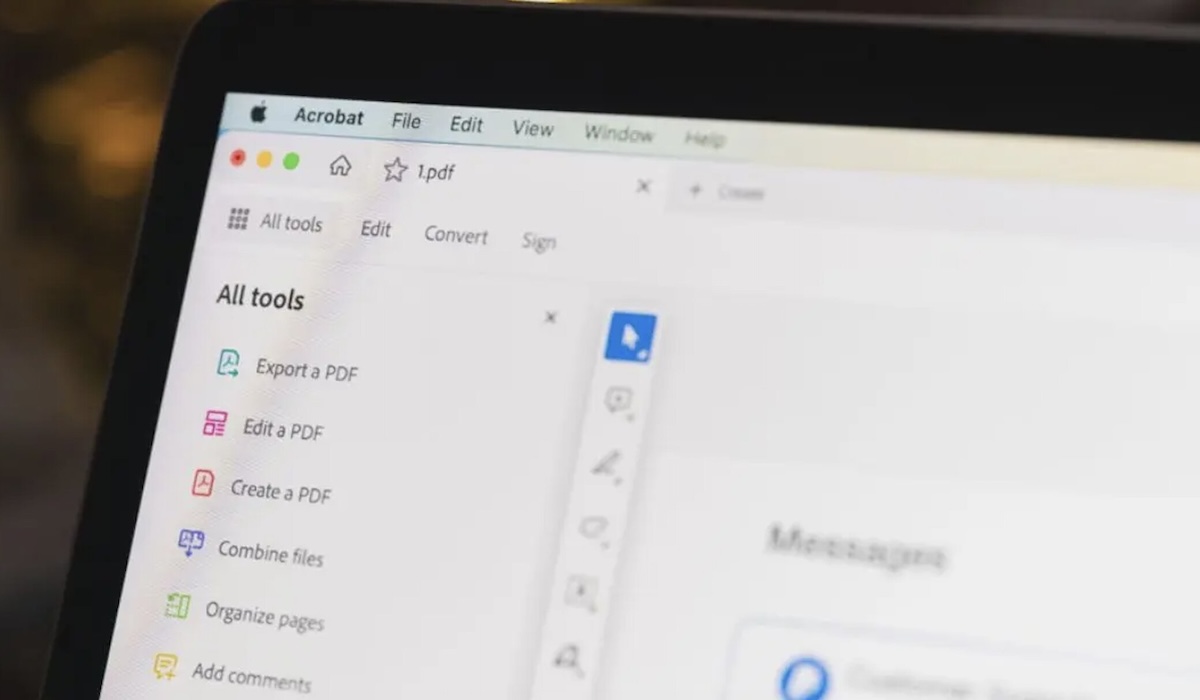
As the creator of the PDF format, Adobe maintains control over the most accurate conversions. Their web version allows free file conversion with highly precise results, particularly for documents with numerous tables and graphics.
IlovePDF remains a favourite in 2026 due to its simplicity. No account registration is required for basic conversions, and its server speed processes large files in seconds.
If you frequently use Google Drive or Dropbox, Smallpdf is the best choice. Although the free version has daily file limits, its compression and conversion quality remains stable for professional needs.
Many forget that Google Docs can open PDF files and save them as .docx. This is the safest option for sensitive documents as data remains within your Google account ecosystem.
Professional Tip: For the best results with scanned documents, choose a converter that supports OCR (Optical Character Recognition) to enable full text editing.
For quick and accurate conversions in 2026, Adobe Acrobat Online and IlovePDF remain top choices. However, if data security is your priority, using Google Docs or official desktop applications is the wiser move. Always double-check converted files, especially footers, headers, and page numbering.
Note: Specific features and free tier limitations may change depending on service provider policies. Data is regularly validated to ensure relevance for 2026.