
Three Ways to Check Your BPJS Kesehatan Status Online, Here are the Steps
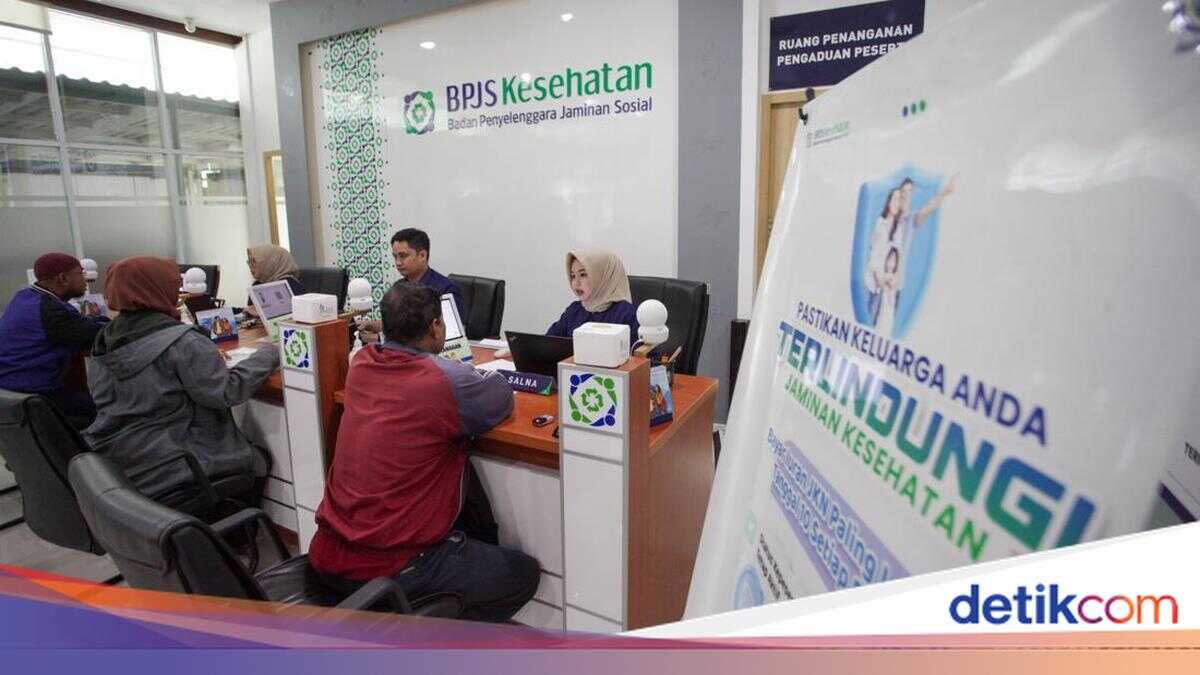
To be able to use it for treatment, your BPJS Kesehatan status must be active. The BPJS Kesehatan membership status can be checked online via the JKN application, WhatsApp Pandawa, and the care centre.
Quoting from the official BPJS Kesehatan Instagram account (@bpjskesehatan_ri), here are three ways to check your BPJS Kesehatan status online.
- Via the Mobile JKN Application
Download the Mobile JKN application
Open the application
Log in with your NIK (National Identity Number) or BPJS Kesehatan number and password
Enter the captcha in the column provided
Click “Login”
On the main menu, select “Participant Information”
The page will display the participant’s identity and information on the status of BPJS Kesehatan membership.
- Via WhatsApp Pandawa
Open the WhatsApp application on your mobile phone
Add the number 08118165165 as the Pandawa BPJS Kesehatan contact
Send a message to that number
Select the “Information” menu
Select “Check Membership Status”
Enter your ID card number (NIK) or BPJS Kesehatan number
Then, enter your date of birth in the format Year-Month-Day or YYYY-MM-DD
You will then receive a notification of your BPJS Kesehatan status
- Via the BPJS Kesehatan Care Centre
Contact the BPJS Kesehatan Care Centre at 165
Verify your data, such as full name, date of birth, and NIK
The care centre officer will then inform you of your membership status, type of membership, and inpatient class rights
How to do a BPJS Health Screening
Health screening is important to know our body condition. Health checks can be done easily through the BPJS Kesehatan application.
Based on information in the BPJS Kesehatan Instagram account (@bpjskesehatan_ri), here are the steps to do a BPJS health screening.
Open the Mobile JKN application (make sure it’s the latest version)
Log in to your account
Search for and click on the “Health History Screening” menu
Answer the questions according to your condition, then save
Don’t worry, your data is kept confidential and is only used to help health services.
Also see the video: Minister of Health: BPJS Kesehatan Fee Increase Only for the Middle Class and Above