
Six Galaxy AI Features in the Samsung Galaxy S26 Series Most Useful for Daily Activities
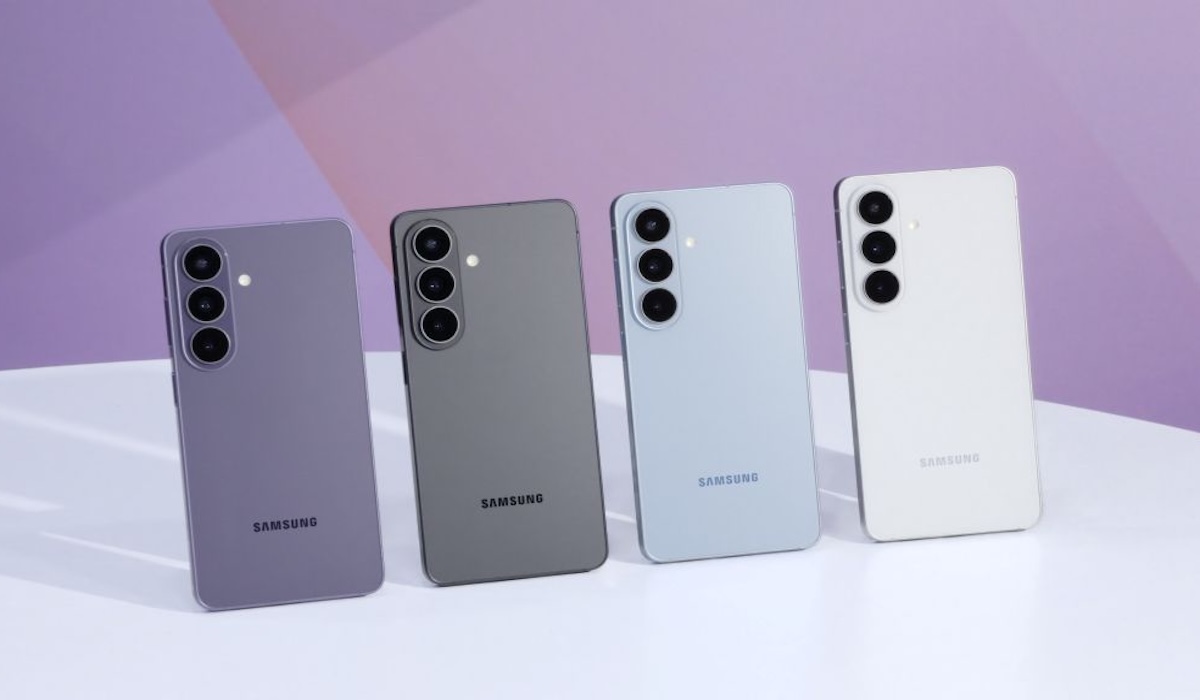
The Samsung Galaxy S26 Series comes with the latest generation of Galaxy AI, designed not just as an add-on, but as a part of daily experience that truly delivers benefits. From managing schedules, translating languages, to editing photos: everything can be done faster and easier directly from one device.
Galaxy AI is an artificial intelligence ecosystem embedded directly in the Galaxy S26 Series. Unlike ordinary chatbots or voice assistants, Galaxy AI in the S26 Series works contextually: understanding the user’s situation and responding proactively without needing many instructions.
This latest generation introduces Agentic AI capabilities through Bixby, where the device can perform multiple tasks simultaneously from a single command: starting from setting departure reminders to adjusting time zones, all in one instruction.
Now Nudge is an exclusive Galaxy AI feature in the Galaxy S26 Series that is not available in the S25 Series or S24 Series. Its function is to display relevant suggestions and reminders contextually: appearing at the right time, without the user having to ask.
With Automated App Action, users can delegate repetitive tasks to Galaxy AI. This feature allows the device to perform a series of actions in applications automatically based on the instructions given: saving time for more important things.
Photo Assist allows users to edit photos simply by typing instructions in everyday language, directly from the gallery without additional applications. Want to remove strangers in the background? Or change the atmosphere of the sky? Just write the command, and Galaxy AI will do it in seconds.
The latest version of Circle to Search now comes with the Scroll and Translate feature which translates text continuously as the user scrolls the screen. When traveling abroad, users can use Circle to Search 3.0 to translate restaurant menus in real-time without having to copy-paste to other applications.
Semantic Search allows users to search for content within the device using everyday language descriptions, not file names. Just type the description, and the device will find it immediately.
Privacy Display makes the screen only clearly visible from the direct viewing angle of the owner. This feature can be activated selectively per application, so that sensitive information remains protected wherever the user is.
With the new capabilities of Bixby, users no longer need to memorize feature names or navigate complex menu structures to make device settings.
Discover 7 Galaxy AI features in the Samsung Galaxy S26 Series that are most useful for daily activities, from Live Translate to the latest Note Assist.
Samsung officially released One UI 8.5 starting May 6. Check the list of Galaxy S, Z, and Tab devices that are getting the latest Galaxy AI feature update here.
The Samsung Galaxy S26 Series introduces proactive AI-based features that can anticipate user needs before being asked. Read the review.
Check out the flagship features of the Samsung Galaxy S26 Ultra 2026: 60W Fast Charging, stable 37°C gaming temperature, to more secure Galaxy AI privacy. Read more!
Samsung One UI 8.5 presents a feature to customize unlock animation. See how to set it up and the list of new One UI 8.5 features here.
Source: jawawa.id (https://jawawa.id/newsitem/six-galaxy-ai-features-in-the-samsung-galaxy-s26-series-most-useful-for-daily-activities-1780581551)
Originally published by Media Indonesia (https://mediaindonesia.com/teknologi/890653/6-fitur-galaxy-ai-di-samsung-galaxy-s26-series-yang-paling-berguna-untuk-aktivitas-harian), translated from Indonesian