
Practical Way to Create Digital KTP Using Mobile Phone, No Physical Card Needed
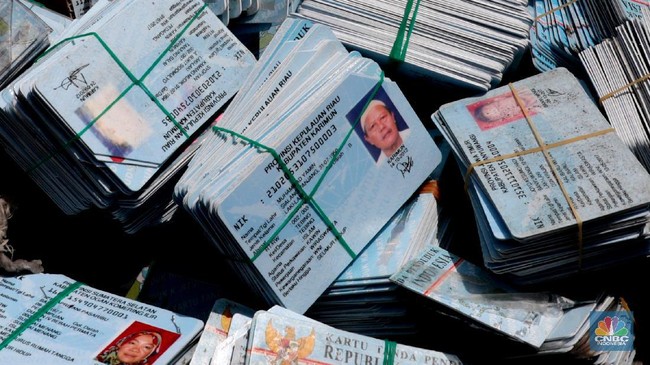
The Identity Card (KTP) is a vital identity document that stores sensitive personal data. In the current era of modernised public services, the public not only holds a physical electronic KTP (e-KTP), but can also activate its digital version directly from a mobile phone.
The government facilitates the creation of a digital KTP through the Identitas Kependudukan Digital (IKD) application. Currently, the IKD application can be downloaded by users of Android-based smartphones, while iOS users still need to wait for its gradual availability.
The IKD innovation is designed to cut bureaucracy and ease access to various public services without the need to carry a physical card. Nevertheless, possession of a physical KTP remains mandatory to anticipate limited internet networks in several regions.
Here is a step-by-step guide to creating a digital KTP through the IKD application:
Download & Open the Application: Open the IKD application that has been downloaded on the phone.
Fill in Personal Data: Enter population data accurately, including the Population Identification Number (NIK), an active e-mail address, and a mobile phone number.
Verify Data & Face: Click the ‘Verify Data’ button, then perform a face scan (face recognition) according to the system instructions.
Scan QR Code: Visit the operator officer at the local Population and Civil Registration Service (Dukcapil) to scan the registration QR code.
Activate Account: Check the registered e-mail inbox to receive a 6-digit activation PIN code. Click the ‘Activate’ link, then enter the PIN code and captcha in the provided fields.
Done: Reopen the IKD application and log in using the activated PIN. The digital KTP is ready to use.