
Parents Queue at Civil Registration Office to Obtain Digital ID for School Enrollment
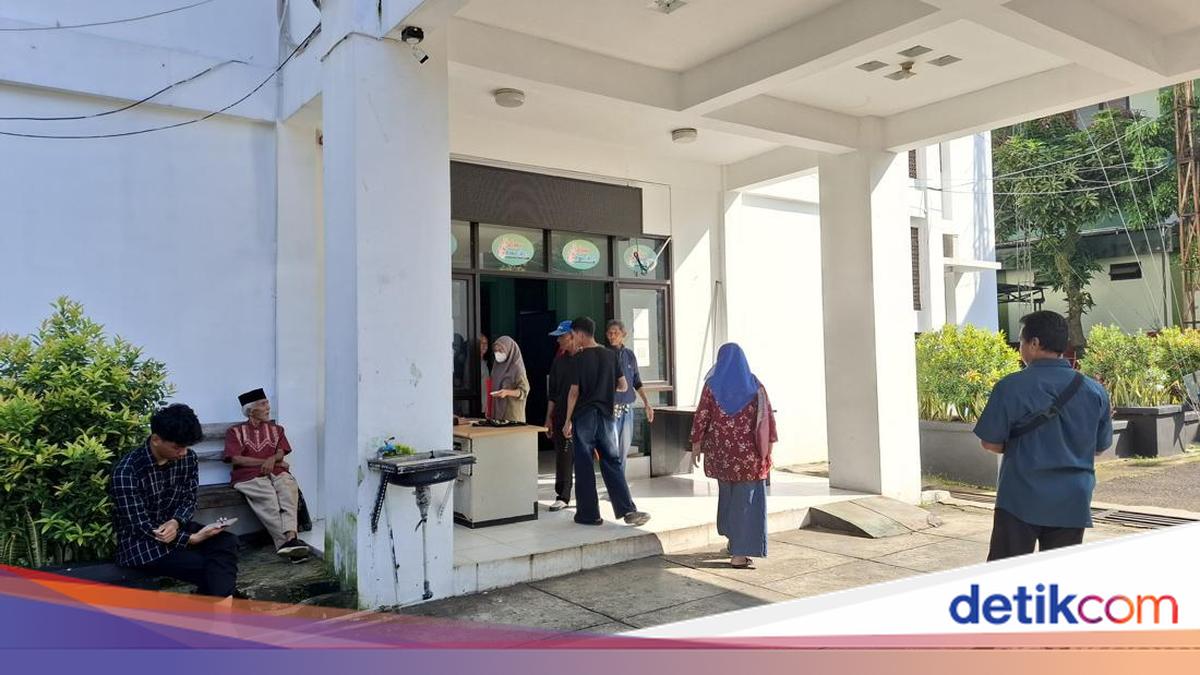
The 2026/2027 New Student Selection (SPMB) for senior high schools (SMA) and vocational schools (SMK) in West Java (Jabar) has opened, with registration starting on 25 May 2026. One requirement for applicants is possessing a Family Card (KK) Barcode, which can be scanned via the Digital Identity (IKD) application. On Tuesday (26 May) at 9:08 AM WIB at Cibinong Subdistrict Office in Bogor Regency, parents were queuing to process the IKD for SPMB purposes. One parent, Siti Aisyah (40), was queuing to obtain the IKD for her child’s SMA Maung registration. “I’m making the IKD for school registration. The KK barcode can be viewed on the IKD, so I decided to get it,” Aisyah said at the location. Aisyah was accompanied by her child during the IKD application at Cibinong Subdistrict Office. She admitted finding the process somewhat challenging. “I don’t fully understand how to create the IKD. Thankfully my child was with me, so I just followed along,” she said. Another parent, Adit (35), was waiting in line to obtain the IKD for his child’s school registration. “This is for my child’s school application. A KK Barcode is mandatory,” Adit said at the subdistrict office. “I have to arrive early in the morning; by midday, the slots are full. Thankfully I still got a quota,” he added. “I took leave from work for this. It’s worth it for my child’s school registration.” How to Apply for IKD IKD registration must be assisted by Dukcapil officers and can be done at Dukcapil offices or subdistrict offices according to domicile. Before registering, ensure the following are prepared: - A smartphone with internet access; - National Identity Number (NIK); - Active personal email address; - Active personal mobile number. Steps to follow: - Download the Digital Identity application from PlayStore or AppStore; - Open the IKD app, enter NIK, email, and mobile number, then click verify; - Verify face by tapping the photo button for Face Recognition matching; - Next, scan the QR Code obtained from the Civil Registration and Population Office; - Upon success, check the registered email for an activation code and activate the IKD; - Enter the activation code and captcha to complete activation; - IKD activation is now complete.