
New! How to Buy Jakarta MRT Tickets via WhatsApp
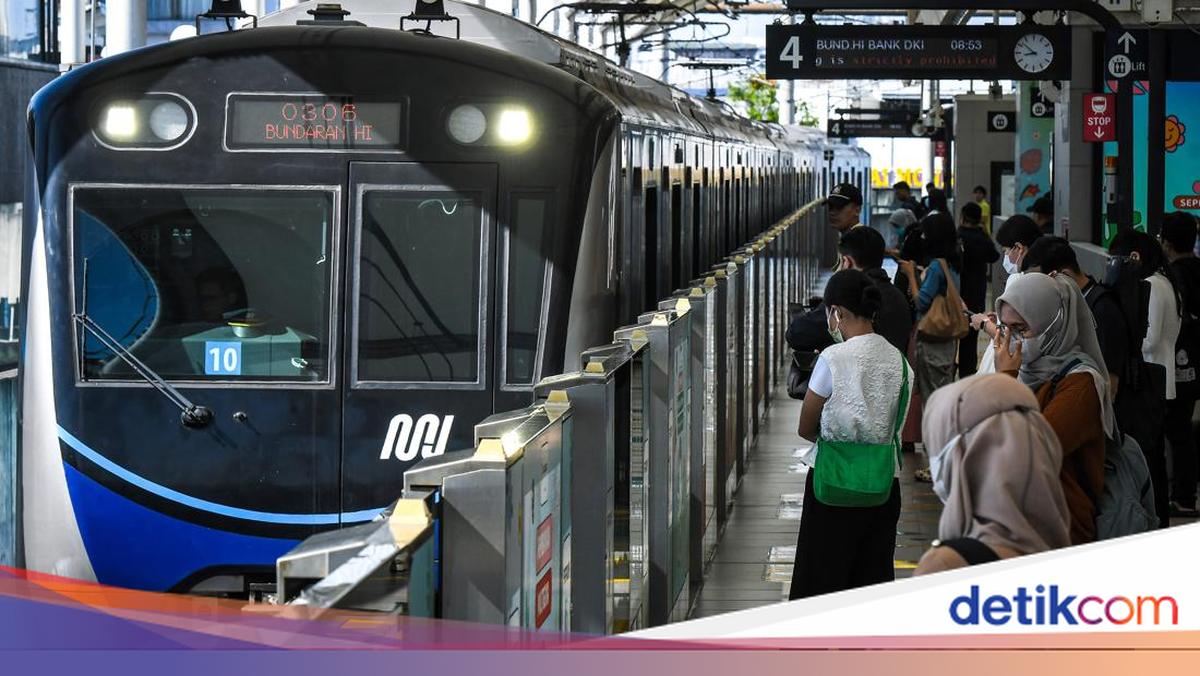
MRT Jakarta has introduced a new online ticketing service. Now, you can buy MRT tickets using WhatsApp through the new #MyMRTJChat service.
Quoting from the MRT Jakarta Info Instagram account (@mrtjktinfo), the MyMRTJChat WhatsApp service enables you to purchase MRT tickets easily. Here is how to access it.
Save the MyMRTJChat WhatsApp number 0851-4786-1621
Alternatively, click the link bit.ly/MyMRTJChat
How to Buy Jakarta MRT Tickets via WhatsApp
Contact/chat the MyMRTJChat WhatsApp number at 0851-4786-1621
Click “Buy Ticket” then select the ticket schedule
Choose the schedule, ticket type, and desired travel route
Then, proceed with the payment process by clicking “Payment Link”
Ticket purchase successful; the ticket can be used immediately
How to Ride the MRT Using QRIS Tap
QRIS Tap is one of the MRT payment methods. QRIS Tap payments are now valid at all Jakarta MRT stations.
Sourced from the official operational info, products, and promotions Instagram account of MRT Jakarta (@mrtjktinfo), here is how to use QRIS Tap to ride the MRT.
Activate the NFC feature on your mobile phone;
Open the banking app or digital wallet that supports QRIS Tap;
Tap your phone at the entry and exit gates;
Just tap and the transaction is complete!
QRIS Tap usage is now available at all Jakarta MRT stations. Please tap in and tap out at gates with yellow stickers and the MRTJ logo along with QRIS Tap.
How to Check Jakarta MRT Schedules in the JAKI App
Download the JAKI app from the Google Play Store or Apple App Store
Then, open the JAKI app
Select the ‘Public Transport’ or ‘Transportasi Publik’ feature
Next, select MRT Jakarta. It will display the day and operating hours, maximum fares, and travel routes
Select the ‘Bundaran HI - Lebak Bulus’ travel route
Click ‘Change Direction’ to switch the schedule to ‘Lebak Bulus - Bundaran HI’
Click the name of the departure station
Next, select the departure time according to the displayed schedule
Then, the arrival times at each Jakarta MRT station on the ‘Bundaran HI - Lebak Bulus’ route will appear.