
Missing Subsidised Fuel QR Code? Here's How to Re-register
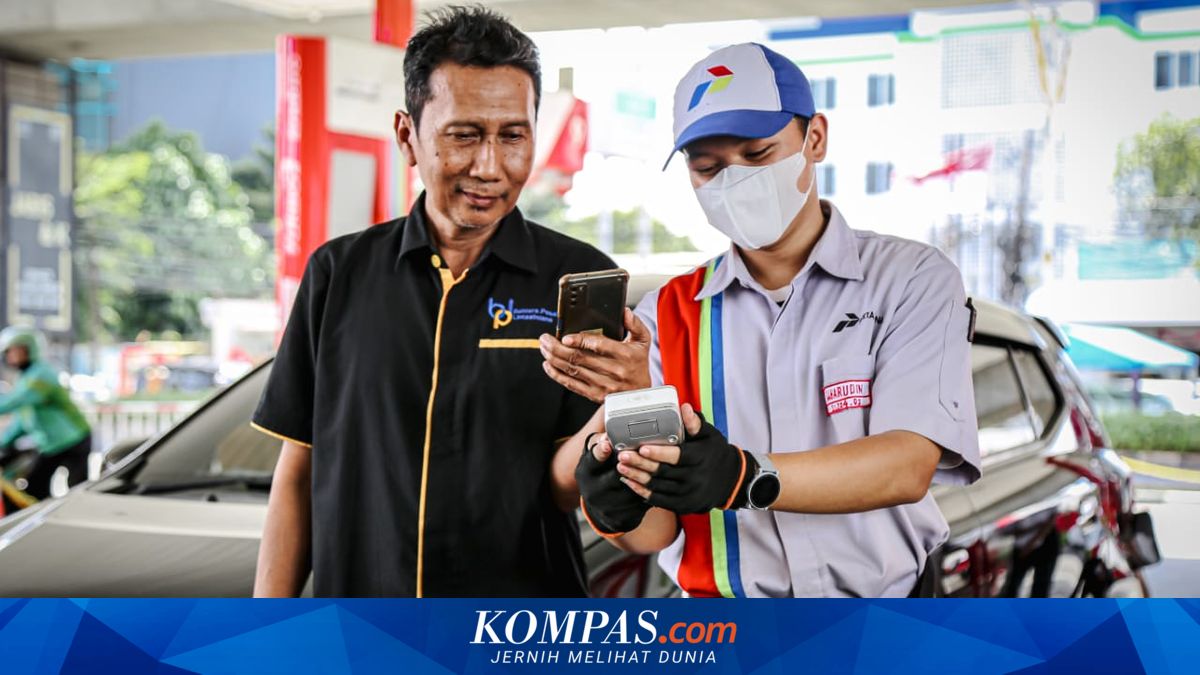
SOLO — Subsidised fuel users, including those purchasing Pertalite and Solar, have frequently reported that their MyPertamina QR codes or barcodes mysteriously disappear when attempting to refuel at petrol stations.
This situation prevents vehicles from receiving subsidised fuel immediately, despite having been previously registered in the Targeted Subsidy Programme.
Pertamina has explained that barcode disappearance can occur for several reasons, prompting consumers to conduct verification or re-registration so that QR codes become active again.
“There is a possibility due to periodic system cleansing because data within the system is incomplete or imperfect,” said Roberth to Kompas.com recently.
Additionally, Pertamina routinely conducts maintenance and data verification at the beginning of each month to ensure more precise subsidised fuel distribution.
Roberth added that a surge in barcode registrations had temporarily affected system performance. However, these conditions have since returned to normal.
According to Roberth, consumers whose subsidised fuel barcodes have disappeared can contact Call Centre 135 to perform data re-verification, particularly for users who are indeed eligible to receive subsidised fuel.
To create a subsidised fuel barcode through MyPertamina, consumers must prepare several documents, including clear photographs of their identity card, front and rear photographs of their vehicle registration certificate, and side-view photographs of their vehicle with the registration plate clearly visible.
Following submission of these documents, users must complete personal data verification and vehicle data verification stages.
If the application is approved, users will receive a QR Code that can be downloaded and used to purchase subsidised fuel at petrol stations.