
Ministry of Social Affairs and BPS Update DTSEN Volume 2: How to Check 2026 Social Assistance Recipient Status
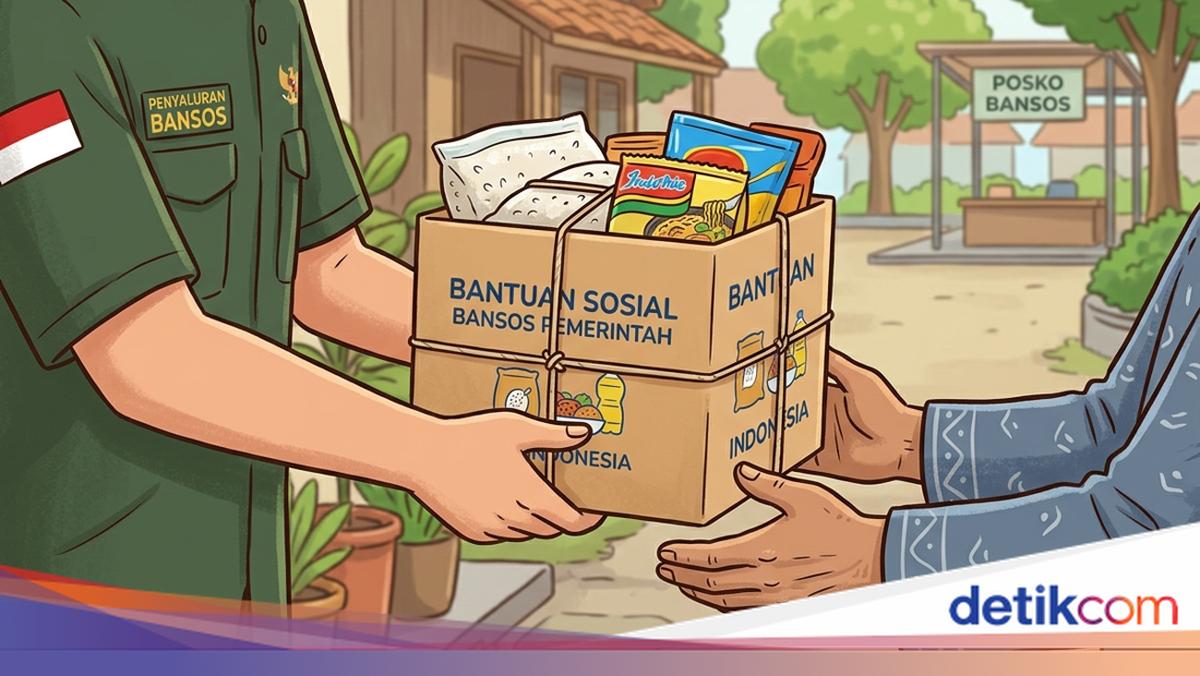
The government is continuously working to improve the accuracy of social assistance (bansos) distribution to the public. One concrete step is being taken by the Ministry of Social Affairs together with the Central Statistics Agency (BPS) through the update of the National Single Social-Economic Data (DTSEN) Volume 2. This data update is a crucial step to ensure that assistance is truly received by those who deserve it, while minimising the potential for misallocation.
Along with this update, many people are starting to wonder if they are still registered as social assistance recipients in 2026. This is because changes in recipient data may occur due to the latest verification and validation process conducted by the government. This makes checking social assistance recipient status an important step that needs to be done independently by the public.
So, how do you check social assistance recipient status after this DTSEN Volume 2 update? Don’t worry, you can follow the complete guide on how to check 2026 social assistance recipient status below!
Ministry of Social Affairs-BPS Update DTSEN to Ensure Targeted Assistance
The Ministry of Social Affairs and BPS have jointly updated DTSEN or the National Single Social-Economic Data to achieve targeted assistance. The two state institutions have updated DTSEN Volume 2 as the basis for distributing social assistance in the second quarter of 2026.
Quoted from detikNews, Social Minister Saifullah Yusuf stated in a press conference on Monday (13/4/2026) that this step is taken to improve the accuracy of social assistance recipient data. He also added that the data in DTSEN is dynamic, so it indeed needs to be updated to be more targeted.
“There are those who previously did not receive, now receive. And there are those who have been receiving but fall into inclusion error, so they no longer receive. So this data is dynamic,” said the minister, who is familiarly called Gus Ipul.
In the press conference at the Ministry of Social Affairs office, he also mentioned the presence of inclusion errors in the data update. Inclusion error refers to beneficiary families (KPM) that are removed from the social assistance recipient list. At least 11,014 families are included in that list based on DTSEN Volume 2 for 2026.
In addition, there are also 25,665 new recipients entering deciles 1-4. This data was obtained from the update of 77,014 families who previously did not have a decile. This data update was carried out through an appeal process or reports from the public regarding social assistance recipients as well as checks.
For information, deciles are a grouping of family welfare measured based on social-economic variables that include several aspects determined by the government. There are 10 deciles ranked and used as a reference for eligibility to receive social assistance. In this case, deciles 1-4 as the group with the lowest welfare level, have the potential to be social assistance recipients.
How to Check 2026 Social Assistance Recipient Status
The DTSEN data update allows social assistance recipient status to change. It’s possible that reports submitted previously have been approved so your name enters a decile eligible for social assistance. Therefore, it’s necessary to immediately check 2026 social assistance recipient status.
Based on a post from the TikTok page of the Republic of Indonesia Ministry of Social Affairs, @kemensosri, there are two ways to check 2026 social assistance recipient status, namely as follows.
- Cek Bansos Application
Download the Cek Bansos Application from the Google Play Store or App Store.
Enter your NIK (Population Identification Number) and name as per your ID card.
Then, select your domicile area. Continue by clicking “Check”.
The data will appear on the screen, such as name, decile group, social assistance status, and other information.
For those who have registered and logged into their account, you can check through the “Profile” menu in the “Welfare Level and Social Assistance Received” section.
- Official Cek Bansos Website
Visit the official Cek Bansos Ministry of Social Affairs website at the following link https://cekbansos.kemensos.go.id/.
Enter your NIK and Letter Code or Captcha Code, then click “Search Data”.
Your data will appear on the screen, such as name, decile group, social assistance status, and other information.
How to Register an Account in the Cek Bansos Application
If your data is still inaccurate, the step to take is to report it. No need to worry about it being complicated, as reports can now be made through the Cek Bansos Application via the “Appeal and Upload” feature. However, this method can only be done once you have an account on the application.
To help, here is how to register an account in the Cek Bansos Application, summarised from TikTok Pusdatin Kesos, @pusdatinkesos:
Download the Cek Bansos Application from the Google Play Store or App Store.
Select the “Register” menu to create an account.
Fill in the data on the “Account Creation” page displayed on the screen, including Family Card Number (KK), NIK, name as per ID card, and so on.
Next, create and enter a username and password.
Upload a photo of your ID card and a selfie with your ID card to the available column.
Click “Register” and you now have an account in the Cek Bansos Application.
How to Propose Social Assistance Recipients
If you are not yet a social assistance recipient but deserve it, you can submit a proposal. Proposals for social assistance recipients can be done from home. Referring to a post from Instagram Pusdatin Kesos, you can propose social assistance recipients through the Cek Bansos application.
Here is how to propose social assistance recipients through the Cek Bansos application that you can follow:
Download the Cek Bansos Application from the Google Play Store or App Store.
Log in to your account using your username and password.
Once logged in, select the “Proposal” menu and click “Add Proposal” to add yourself or others as social assistance recipients.
Enter the family card number and NIK of the person to be proposed as a social assistance recipient, which can be yourself or others.
Next, click “Check Proposal” to display the eligibility of the person you propose as a social assistance recipient based on their decile.
If not eligible, then the submission w
Source: jawawa.id (https://jawawa.id/newsitem/ministry-of-social-affairs-and-bps-update-dtsen-volume-2-how-to-check-2026-social-assistance-recipient-status-1776325864)
Originally published by detikJogja (https://www.detik.com/jogja/bisnis/d-8447053/kemensos-bps-perbarui-dtsen-volume-2-ini-cara-cek-status-penerima-bansos-2026), translated from Indonesian