
Jakarta Regional Government Launches Phase 2 Registration for 2026 Free Mudik Programme
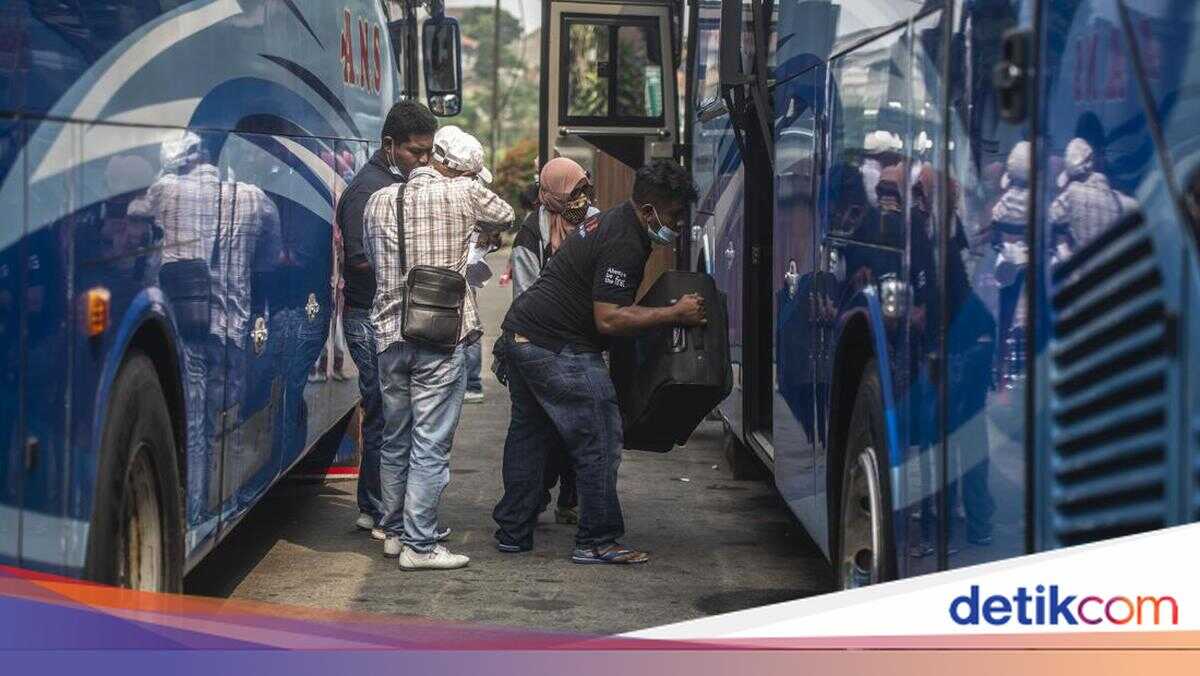
The second phase of registration for the Jakarta Provincial Government’s free ‘Mudik’ (exodus) programme for 2026 officially opened today, Wednesday (25 February). Before registering, check the destination city for your ‘Mudik’.
According to the Jakarta Provincial Transportation Department’s Instagram account (@dishubdkijakarta), the second phase of the Jakarta Provincial Government’s free ‘Mudik’ programme for 2026 is specifically for prospective registrants with seven destination cities, as follows:
Yogyakarta
Kuningan
Lampung
Tegal
Kebumen
Jombang
Pekalongan
The registration process is carried out online via the website mudikgratis.jakarta.go.id.
How to Register for the Jakarta Provincial Government’s Free ‘Mudik’ Programme for 2026:
Open the website mudikgratis.jakarta.go.id
Pay attention to all the terms and conditions, then click ‘continue’
Create and register an account. Even if you already have an account, you must create a new one.
After successfully registering an account, log in with the new account.
Click ‘Log in’.
For the One-Way ‘Mudik’ Category:
Click ‘One Way’ if you are only registering for the outbound journey.
Fill in your personal details, such as destination city, ID card, NIK (National Identity Number), name, place and date of birth, and address.
Pay attention to the remaining registration time. You have 20 minutes to register.
If you are not travelling with your family, click ‘No’.
Fill in your family card photo and details.
Double-check your personal details, then click ‘continue’.
Registration is successful.
You will receive a registration ID.
For the One-Way ‘Mudik’ Category with Vehicle:
Create an account and fill in your personal details.
Click ‘Yes’ if you want to bring a motorised vehicle.
Fill in your vehicle details, such as number plate, vehicle registration certificate (STNK), make, and year of manufacture.
If you are not travelling with your family, click ‘No’.
Fill in your family card details, then confirm your personal details.
Registration is successful.
You will receive a registration ID.
For the One-Way ‘Mudik’ Category with Family:
After creating an account and filling in your personal details, click ‘Yes’ in the ‘travelling with family’ column.
Fill in the personal details and family card details of all family members who will be registered.
In one family card, you can only register 4 family members.
Registration is successful.
You will receive a registration ID.
For the Round-Trip ‘Mudik’ Category:
Create an account and fill in your personal details.
Click the ‘Round Trip’ ‘Mudik’ category.
Select the destination city and pay attention to the details of the return journey.
Fill in your personal details.
Then, select whether you are travelling with your family or not.
After all the registration steps have been completed, you will receive a registration ID.
Don’t forget to download the registration ID.
Bring all the necessary documents during the verification process.
After verification, your ticket will be automatically verified on the website.
Don’t forget to log in to your account to check.