
iPhone Stolen? Never Make These 5 Fatal Mistakes
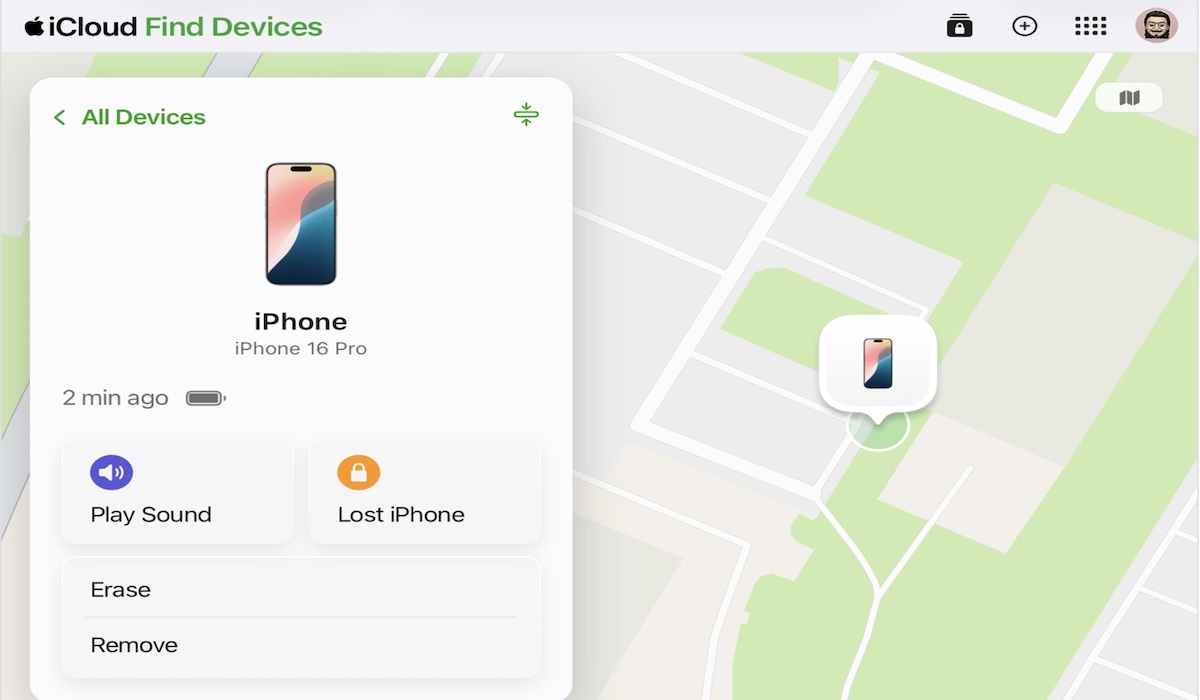
Losing an iPhone, especially due to theft, is a panicking experience. In such situations, many users reflexively want to immediately remove the device from their Apple account to protect their data.
However, Apple strictly warns that this action is a fatal mistake that actually benefits thieves. Removing a stolen iPhone from the device list in Find My or your Apple account will disable the most important security feature: Activation Lock.
Without this lock, thieves can easily factory reset the device, reactivate it with a new account, and sell it as if there were never any issues. This article outlines what you should not do and what you should do to make a stolen iPhone useless to criminals.
The most crucial warning from Apple is to never remove the stolen iPhone from your account. The Activation Lock feature is automatically activated when you enable Find My. This feature cryptographically binds your iPhone to your Apple ID.
As long as Activation Lock is active, the device cannot be activated by anyone else without entering the original owner’s Apple ID password, even after a factory reset. The device effectively becomes an expensive ‘brick’ that cannot be sold or used. When you remove the device from your account, you are voluntarily handing this key over to the thief.
Even if you have already performed a remote erase, Apple suggests leaving the device registered to your account to keep Activation Lock active.
In addition to the main mistake mentioned above, there are several other actions that should be avoided as they can jeopardise data security and make the thief’s job easier.
When activating Lost Mode, you have the option to display a message on the lock screen. Apple notes this feature is useful if the device is merely lost and might be found by a good samaritan. However, if the device is confirmed stolen, do not include your phone number or personal contact information. Thieves can use this information to launch social engineering or phishing attacks, for example, by contacting you and pretending to be Apple support to bait your Apple ID credentials.
Thieves often send fake SMS or email messages claiming to be from Apple or the ‘Find My’ service, stating that your iPhone has been found at a specific location. It is important to remember that Apple will never contact you to inform you that your device has been found. All official notifications only appear through the Find My app on your other Apple devices or via verified system emails, not via SMS from unknown numbers.
The fake messages mentioned above almost always include a link. These links will direct you to a phishing website designed to look very similar to the iCloud or Find’s My login pages. The goal is to trick you into entering your Apple ID and password. If you do, thieves will gain full access to your account and can remotely disable Activation Lock.
This is a repetition of the main point, but it is very important. Once you are certain the iPhone will not be returned and you decide to erase all data via the Remote Erase feature in Find My, do not proceed with the ‘Remove from Account’ step. The erase process will protect your personal data, while leaving the device on your account ensures Activation Lock remains active.
Instead of making the mistakes above, follow this guide to secure your device and data:
Use iCloud.com/find from any browser. Select the stolen device and activate ‘Mark As Lost’. This step will remotely lock the device with a passcode and disable Apple Pay. If you have AppleCare+ with Theft and Loss, there is one additional vital rule: Do not remove the device from your Apple or Find My account until your claim is approved. Removing the device before the claim is finalised can lead to your claim being rejected.