
Instagram Instants feature now available in Indonesia — here's how to use it
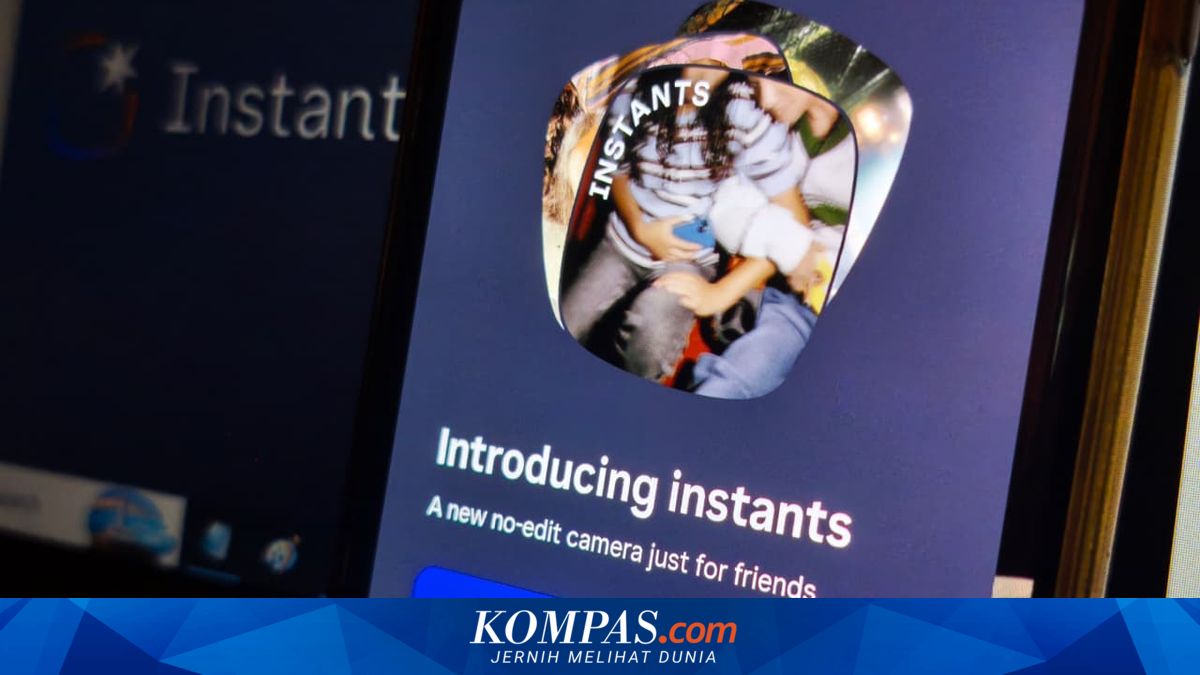
Some time ago, Meta announced a new feature called Instants on Instagram (IG). The feature is now available to a number of Instagram users in Indonesia.
According to KompasTekno’s monitoring on Tuesday, 19 June 2026, the feature is available in the Instagram app version 431.0.0.0.43 on the Android platform. However, rollout is not uniform; in other words, some Instagram users have not received it yet.
This is expected, as Meta typically rolls features out gradually. So what is the Instants feature and how do you use it?
As the name suggests, Instants offers practicality when uploading content. As soon as the built-in shutter button is tapped, the photo is uploaded as is—no editing, no preview; uploaded as it is.
Thus, users do not get a chance to polish the photo before uploading. Therefore, before pressing the shutter, users should prepare an angle or adjust the content they want to upload.
The only editing tool available is adding a caption, and this is added before taking the photo.
This is intentional. Meta wants users to share moments that are more authentic and spontaneous.
Uploaded Instants photos last for 24 hours. However, unlike Instagram Stories, which also last 24 hours, Instants photos are viewable only once.
That means after a user taps the screen to view another user’s Instants content, the photo disappears immediately. Users cannot go back to view the photo again.
Users can only re-view the Instants they themselves created. Nevertheless, users can react with an emoji or send a message to the Instants they’ve viewed.
Additionally, Instants content cannot be captured or screen-recorded (screenshot). Instants photos are also shared only with mutuals (accounts that follow each other) and Close Friends.
The Instants feature can be found in the Direct Message (DM) menu. Open the DM menu (the paper plane icon); on the right-hand side of the screen, a partial Instants logo will appear, as shown below.
Click that logo, and Instants will open. Once open, users will be presented with Instants photos posted by mutual accounts.
Simply tap a photo to move from one photo to another. If you want to react, just click one of the emojis beneath the photo. Only the sender and recipient of the emoji can see the emoji reaction.