
Indonesia's Phone Spam Emergency: How to Block and Protect Your Privacy
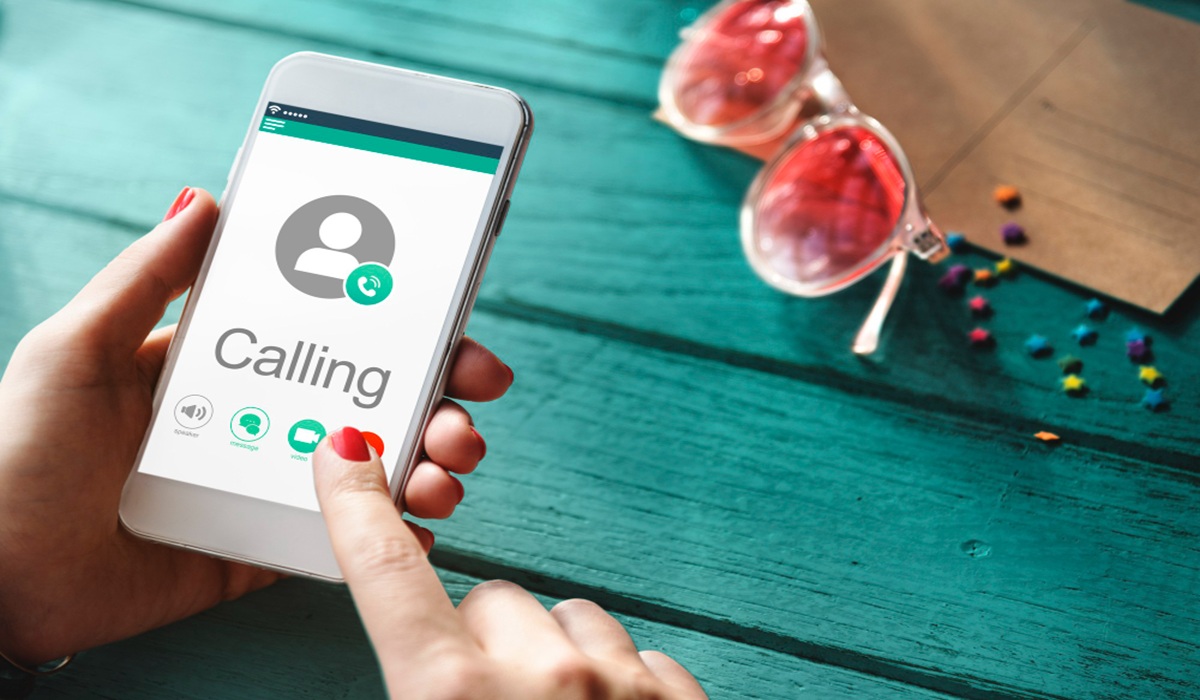
The disturbance of phone calls from unknown or spam numbers can be unsettling for the public. These range from offers of illegal online loans and online gambling promotions to fraud attempts using courier package scams or stories of family members in distress. This ‘spam emergency’ phenomenon not only disrupts comfort but also threatens the financial security and personal data of mobile phone users. The proliferation of phone spam is often rooted in the leakage of personal data that is traded on the dark market. Without adequate protection, our mobile numbers become easy targets for autodialer machines that make calls on a massive scale. This article will review in depth how to block phone spam and preventive measures to safeguard your privacy.
Why is Indonesia a Target for Phone Spam?
Several factors contribute to the high rate of phone disturbances in the country, including:
Data Leaks: Incidents of data leaks from various digital platforms make databases of phone numbers easily accessible to irresponsible parties.
Suboptimal Regulation: Although the Personal Data Protection Law (UU PDP) has been enacted, the technical implementation to curb aggressive telemarketing practices is still being developed.
VoIP Technology: The use of Voice over Internet Protocol technology allows perpetrators to make thousands of calls at a very low cost and with identities that can be manipulated (spoofing).
How to Block Phone Spam on Android
Android users have built-in features that are quite effective for filtering suspected spam calls. Here are the steps:
- Activating the Caller ID & Spam Protection Feature
Open the Phone application.
Tap the three-dot icon in the top right corner and select Settings.
Select the Caller ID & Spam menu.
Activate the See caller and spam ID option and Filter spam calls.
- Blocking Numbers Manually
Open the call history.
Long press on the number you want to block.
Select Block/Report Spam.
How to Block Phone Spam on iPhone (iOS)
Apple provides a feature to silence callers who are not in your contact list, which is very effective for avoiding robot disturbances.
- Silence Unknown Callers Feature
Open the Settings menu.
Select Phone.
Find and select Silence Unknown Callers.
Slide the toggle to the On position.
Note: Calls from unknown numbers will be directed straight to voicemail and appear in the ‘Recents’ list, but your phone will not ring.
- Blocking Specific Contacts
Open the Phone app and select the Recents tab.
Tap the ‘i’ icon next to the disturbing number.
Scroll down and select Block this Caller.
Using Third-Party Applications (Recommendations)
If the built-in phone features are deemed insufficient, you can use caller identification applications that have a large community database.
Security Warning: When using third-party applications, you are usually asked to grant access to your contact list. Consider this privacy aspect before granting full access permissions.
Additional Tips to Avoid Phone Disturbances
Do not answer calls from foreign numbers: If you do not have relatives abroad, ignore calls with foreign country codes (e.g., +234, +212) as these are often Wangiri (one-ring scam) tactics.
Do not provide personal data: Official bank or government institutions will never ask for OTP codes, PINs, or passwords over the phone.
Report to your provider: Several mobile operators in Indonesia provide SMS or phone spam reporting services via SMS to specific numbers (e.g., 1166 for some operators).
Be careful with online registrations: Avoid entering your primary phone number on untrustworthy websites or when participating in dubious quizzes on social media.
Facing the phone spam emergency situation in Indonesia requires a combination of technology utilisation and personal vigilance. By activating the built-in filter features on Android or iPhone, along with the help of caller identification applications, we can significantly minimise disturbances. Stay alert and never provide sensitive information to callers whose identities cannot be officially verified. For persistent numbers that keep changing, using the ‘Filter Spam’ feature or third-party applications is more advisable as they block based on patterns and community reports.