
How to Top Up E-Money Balance at MRT Stations
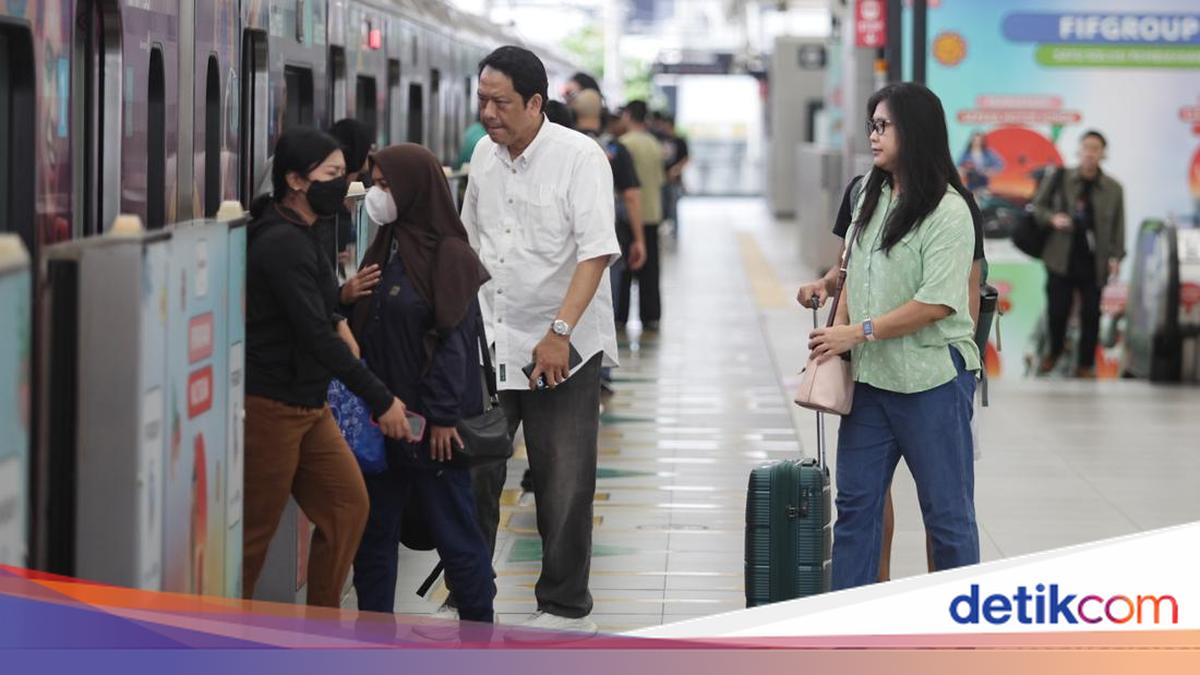
According to an official statement from MRT Jakarta, the SIP service is designed to simplify the travel experience for MRT passengers who use bank e-money cards. The SIP machines currently support top-ups for e-money cards from Bank Mandiri.
Here’s how to top up your e-money card using the SIP machine:
Visit a SIP machine at an MRT Jakarta station.
Touch the screen and place your e-money card on the reader.
Follow the on-screen instructions.
Select the desired top-up amount.
Choose the QRIS payment method.
Complete the payment process.
Your e-money card will be instantly topped up.
How to Use QRIS Tap to Ride the MRT
QRIS Tap is now one of the payment methods available for the MRT. QRIS Tap payments are valid at all MRT Jakarta stations.
According to the official Instagram account of MRT Jakarta (@mrtjktinfo), here’s how to use QRIS Tap to ride the MRT:
Activate the NFC feature on your phone.
Open the bank or digital wallet app that supports QRIS Tap.
Tap your phone on the entry and exit gates.
The transaction will be completed instantly.
QRIS Tap can now be used at all MRT Jakarta stations. Simply tap in and tap out at the gates with the yellow sticker, the MRTJ logo, and the QRIS Tap symbol.
MRT Payment Methods
Here are the payment methods available for riding the MRT Jakarta:
- Ticket purchase via the MyMRTJ app:
AstraPay
i.saku
blu
GoPay
Mastercard
DANA
Kredivo
Yup
- Ticket purchase via MyMRTJ Lite:
- QRIS (using credit and debit cards from all banks)
- E-money cards:
e-money
Flazz
BRIZZI
JakLingko
TapCash
KAI Commuter
jakcard
Single Trip Ticket (STT)
QRIS Tap