
How to Resolve ‘NIK Already in Use’ or ‘Not Found’ Errors When Creating an SSCASN Account
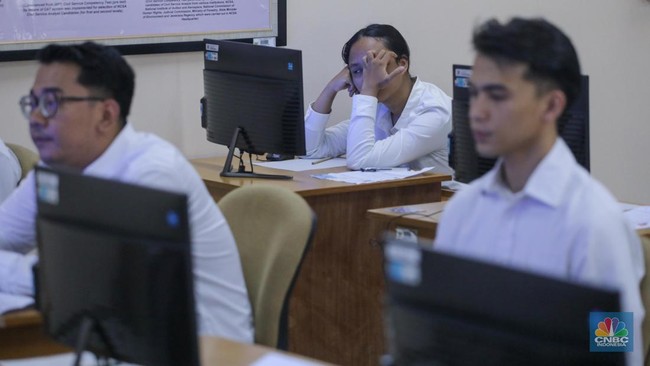
Jakarta, CNBC Indonesia — When applying for the civil servant (CPNS) selection process, applicants must provide their National Identification Number (NIK) and Family Card (KK) number. However, some encounter problems, such as finding that their NIK is registered under someone else’s name or that it cannot be found in the SSCASN system.
The Ministry of Administrative and Bureaucratic Reform (PANRB) has announced that registration for the civil servant selection process will open on 27 November 2026.
The Government plans to recruit 154,052 civil servants in priority areas in 2026. The vacancies are divided into two groups.
The first group is the Quick Best Results Programme (PHTC), with 118,208 vacancies: 70,000 in forestry; 26,214 for lecturers and higher education; 13,362 in health; 3,621 for teachers and education staff; 2,007 in internal audit; 1,618 in nutrition provision; and 986 in cooperative oversight.
The second group covers other priority sectors, with 35,844 vacancies: 19,016 in law, human rights and the judiciary; 7,285 in development statistics and data; 4,496 in food self-sufficiency and the blue economy; 2,867 in financial receipts and oversight; 1,395 for developing a highly skilled national generation; and 785 in cybersecurity.
Prospective applicants are advised to create an SSCASN account on the BKN website before registering for the civil servant selection process. They must provide personal information, including their NIK and KK number.
If applicants encounter problems entering their NIK and KK number, they can follow these steps:
Problem 1: NIK already registered or used by someone else
If a warning appears stating that the NIK has already been used by someone else, follow the official guidance from the National Civil Service Agency (BKN):
Go to the official website at helpdesk-sscasn.bkn.go.id.
Select the “NIK Registered by Someone Else” menu.
Complete the personal details form accurately and in full.
Upload the required documents.
Click “Send” or “Submit”. The report will then be processed.
Checking the status of a complaint:
Visit helpdesk-sscasn.bkn.go.id/cek_status_tiket.
Enter your ticket number and NIK.
Click “Check Complaint Status” to see how the case is progressing.
Problem 2: NIK or KK number not found or does not match
If the SSCASN system shows that the data do not match or are missing, take the following steps:
Visit helpdesk-sscasn.bkn.go.id.
Select the “NIK and KK Not Found” menu.
If any data are incorrect, select the “Data Does Not Match” sub-menu.
Complete the form with the correct personal details.
Upload supporting documents.
Click “Submit” and wait for the verification process.
Applicants can also resolve the issue through their local Population and Civil Registration Office (Dukcapil), where their identity card was issued, or by contacting Halo Dukcapil via WhatsApp or SMS using this format: NIK#Full Name#KK Number#Telephone Number#Problem.
Why an NIK may be used by someone else, and how to prevent it
An NIK may be used by someone else if personal data have been leaked or misused. Do not share photographs of your identity card or personal information with untrusted parties. If this has already happened, submit a report through the official helpdesk as soon as possible.
An NIK may not be found because population records have not synchronised between Dukcapil and SSCASN. Before applying, make sure that your identity card and KK details are correct and up to date with Dukcapil. If necessary, visit the local Dukcapil office to have the data consolidated.
Mismatched information is often caused by typing errors or differences in spelling. Carefully check the spelling of your name, date of birth and NIK before submitting your application.
Source: jawawa.id (https://jawawa.id/newsitem/how-to-resolve-nik-already-in-use-or-not-found-errors-when-creating-an-sscasn-account-1795589468)
Originally published by CNBC Indonesia (https://www.cnbcindonesia.com/tech/20261125120123-37-788286/solusi-nik-sudah-terpakai-atau-tak-ditemukan-saat-buat-akun-sscasn), translated from Indonesian