
How to Renew Your Driving Licence Online Successfully
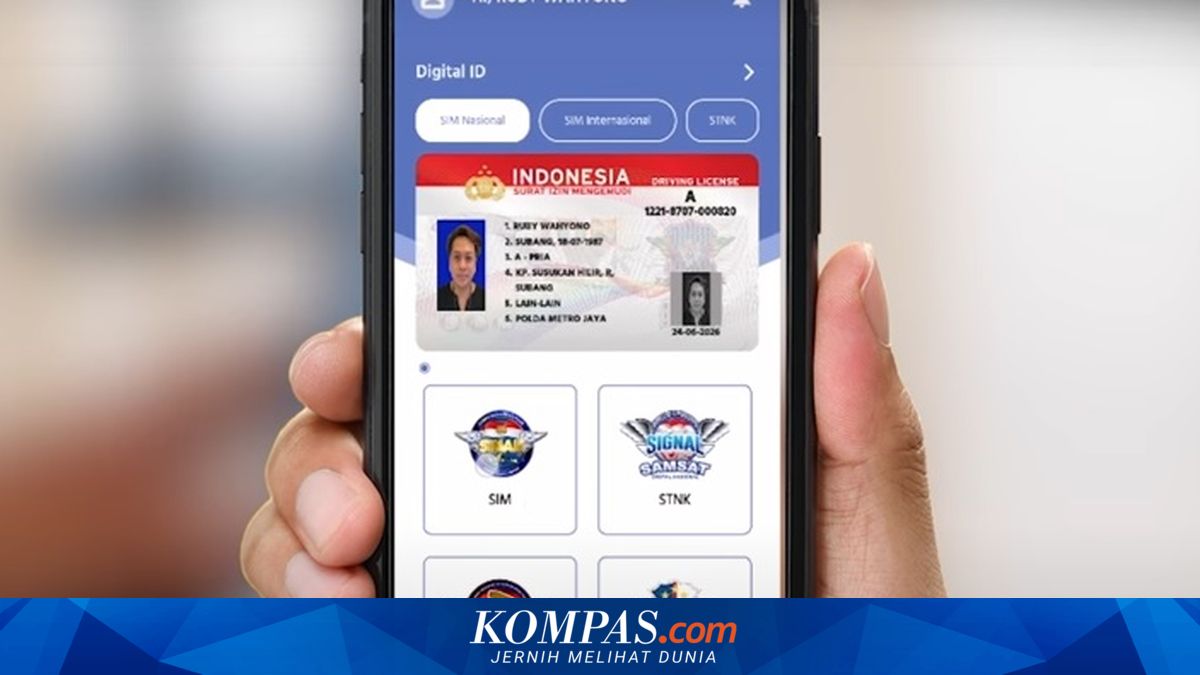
SOLO, KOMPAS.com - The renewal of driving licences (SIM) can now be done online via the Digital Korlantas Polri app. The service simplifies the process for the public, as applications can be submitted without visiting the Satpas office. However, many applicants still face rejection when applying online, due to various reasons such as data errors or non-compliant uploaded documents. ‘If your SIM application is rejected, it is due to discrepancies in the provided data or incomplete document requirements. Please check your refund account regularly,’ the website states. Applicants may resubmit their renewal request online as long as the SIM’s validity period has not expired. According to Kompas.com, several key points must be observed to avoid failure in the online SIM renewal process. Applicants are advised to ensure all uploaded files are clear and meet the requirements. The necessary conditions include: - The SIM photo file must be clear. - The KTP photo file must be clear. - A recent selfie photo with a blue background and good lighting. - Avoid using photos taken from rephotographing the original photo, as they may appear skewed or blurry. - Signature files must be on plain white paper, not lined paper. - When entering the SIM number, use the new format with a hyphen, for example, 1421-9905-000XXX. The steps to renew a national SIM via the Digital Korlantas POLRI app are as follows: - Register the app by entering your mobile number, then you will receive an OTP code via SMS. - Enter the OTP code. - Create and confirm a PIN. - Complete your profile in the profile menu by entering your NIK number, name, and email. You will receive an email to activate your account. - Verify your E-KTP by taking a Liveness photo. - Before submitting the renewal application, prepare supporting documents including: E-KTP, a copy of the old SIM, a signature on plain white paper, and a blue-background photo. - Complete the physical health test at erikkes.id and the psychological test at app.eppsi.id via your phone’s browser. - Then, submit the SIM renewal request by clicking the SIM menu and selecting ‘Renew SIM’. - Upload the required documents for the renewal. - Select the issuing Satpas. - Enter the refund account number in case the application is rejected due to non-compliant documents. - Choose delivery or collection method; if selecting POS Indonesia delivery, enter the delivery address. - Select payment method, ensuring to click ‘View Account Number’ and pay using the BNI virtual account. - Check transaction status periodically in the transactions menu. - If the SIM is received, complete the customer satisfaction index. - The renewal transaction is complete, and the new SIM will be digitised after clicking the ‘Update’ button.