
How to Register MSMEs and Obtain Business Identification Numbers Online via Smartphone
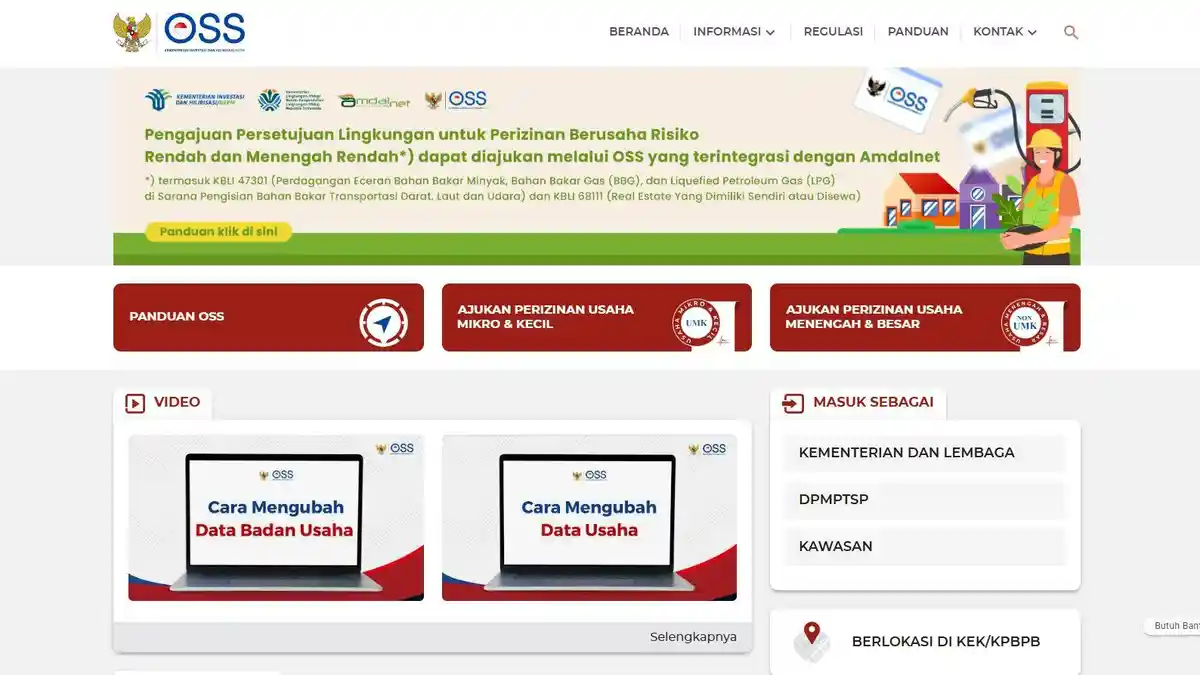
Registration of Micro, Small, and Medium Enterprises (MSMEs) as well as the processing of Business Identification Numbers (NIB) and business permits can now be completed online via smartphone. A process that previously required in-person visits to relevant government offices can now be done from home or anywhere.
The Ministry of Investment/BKPM has launched a risk-based business licensing system through the Online Single Submission (OSS) platform. Through this system, MSME operators can obtain business legality quickly and practically. The initiative forms part of the government’s efforts to promote digitalisation and enhance the competitiveness of the MSME sector in Indonesia.
The following are the steps to register an MSME online via smartphone to obtain a NIB and business permit:
Open the Official OSS Website — Access the official OSS site at https://oss.go.id through the smartphone browser.
Create an OSS Account — If you do not yet have an account, create one using the National Identity Number (NIK) that corresponds with your identity card data.
Log In to Your Account — Once the account has been created, log in using the registered email and password.
Select the Business Licensing Menu — On the OSS dashboard, click the “Business Licensing” menu and select the “Individual” option.
NIB Registration — For micro enterprises, select “Individual Micro NIB Registration”. For small enterprises, select “Individual Small NIB Registration”.