
How to Obtain Free Assistive Devices for Persons with Disabilities: Requirements and Procedures
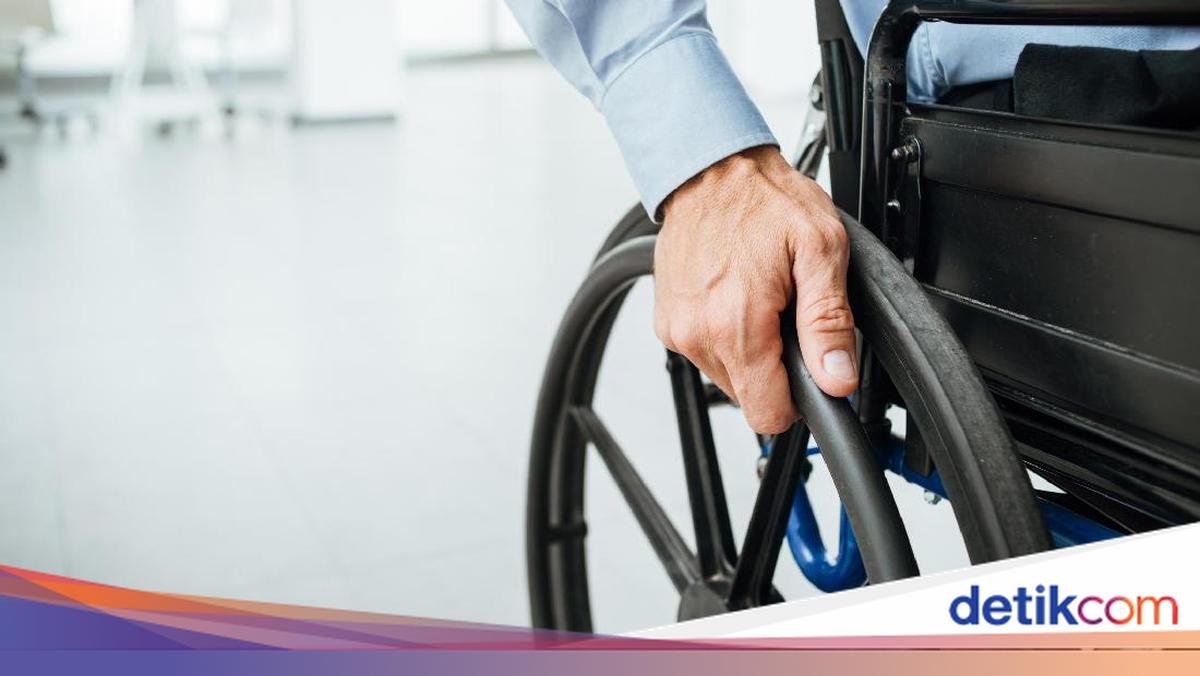
The government provides a free assistive device assistance programme for persons with disabilities. This assistance is intended to support mobility, independence, and quality of life according to individual needs. Access to these assistive devices is available through several channels, including BPJS Health, the Ministry of Social Affairs (Kemensos), and local governments. Members of the public in need should understand the requirements and application procedures. Here is the information.
Requirements for Obtaining Free Disability Assistive Devices
Referring to information from Kemensos, persons with disabilities who require assistive devices such as wheelchairs, hearing aids, or prosthetic legs can access free assistance through government programmes. However, several basic requirements must be met. Aid recipients need to possess identity documents such as a KTP (identity card) and Kartu Keluarga (family card) for registration and verification purposes. Additionally, prospective recipients must be registered in the National Single Social and Economic Data (DTSEN) or hold BPJS Health membership, depending on the application channel used.
Types of Assistive Devices Available
The following are some types of assistive devices that persons with disabilities can access through the government assistance programme: wheelchairs, hearing aids, visual aids, mobility canes for persons with visual impairments, and prosthetic legs or arms. The type of assistive device provided will be tailored to the results of an assessment, health condition, and the specific needs of each person with a disability.
How to Obtain Assistive Devices via BPJS Health
One available channel is through BPJS Health. This channel is intended for persons with disabilities who have BPJS Health membership and require assistive devices based on medical indications. The procedure is as follows: visit a healthcare facility that cooperates with BPJS Health, undergo an examination by a specialist doctor, and if deemed to require an assistive device, the participant can submit a claim and receive the device according to medical indications. This BPJS route is typically used for health-related assistive device needs recommended by a doctor following an examination.
How to Obtain Assistive Devices via the Ministry of Social Affairs
In addition to BPJS, persons with disabilities can also access assistive device assistance through the Ministry of Social Affairs. This channel is intended for persons with disabilities registered in the DTSEN. The application procedure is as follows: submit an application through a Kemensos Centre or a disability organisation, undergo a medical and non-medical assessment, await designation as a beneficiary, and the assistive device will then be distributed to the recipient. Through this channel, the government will first assess the condition and needs of the prospective recipient before providing assistance.
How to Obtain Assistive Devices via Local Government
Applications for assistive devices can also be made through local governments, particularly via the local Social Service Agency (Dinsos). This channel is also intended for persons with disabilities already registered in the DTSEN. The stages are as follows: the person with a disability submits an application to the Social Service Agency, the Social Service Agency forwards the application to the Health Agency, a Kemensos Centre, the Ministry of Social Affairs, or a disability community, the prospective recipient undergoes a medical and non-medical assessment, and the assistive device assistance is then distributed to the designated recipient. Members of the public requiring assistive devices should first verify their BPJS membership status or DTSEN registration in order to select the appropriate application channel.