
How to Invest in Gold at Pegadaian: Buying and Selling via the Tring! Application
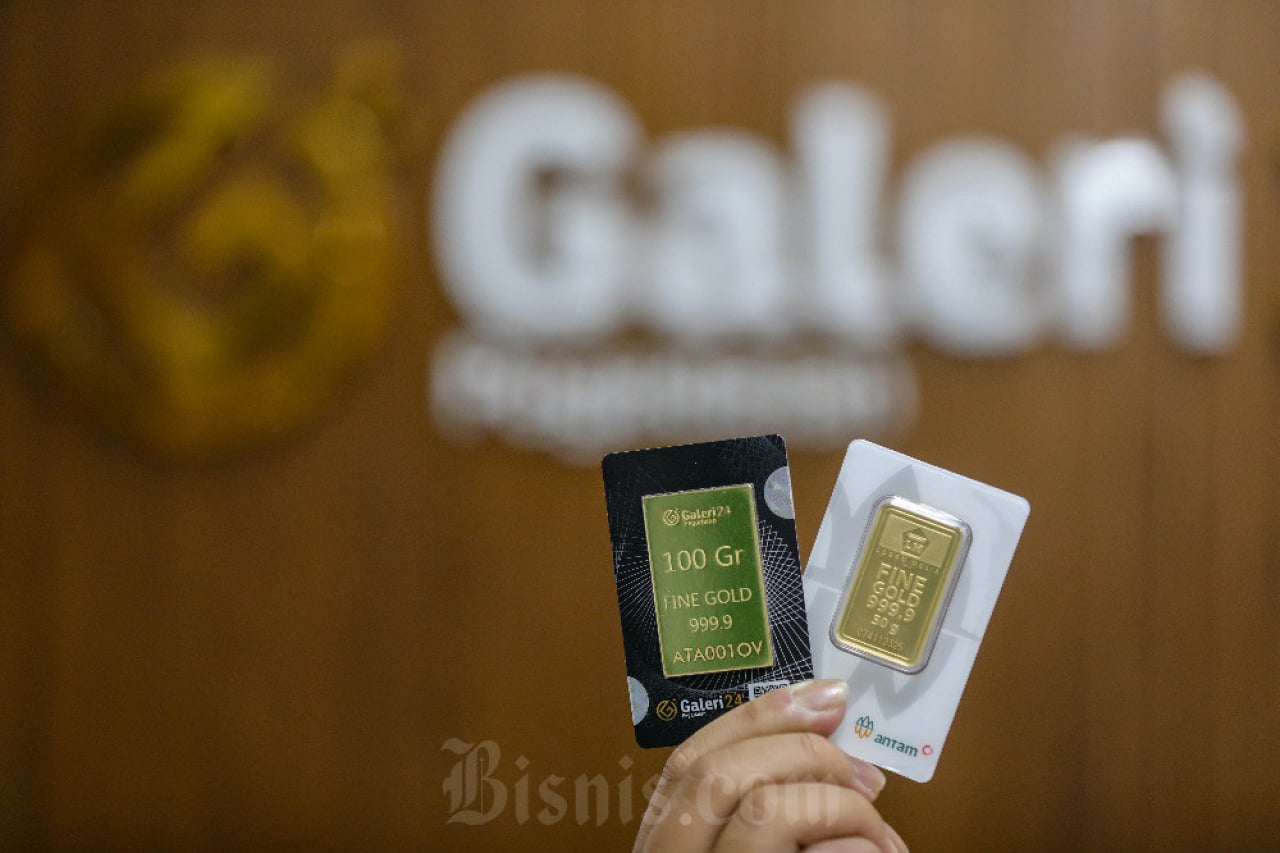
Gold investment can be conducted through Pegadaian’s Gold Savings service without the need to store physical gold. So, how do you buy, sell, and liquidate gold at Pegadaian?
According to official sources from Pegadaian, gold investment is the activity of investing capital using gold as an asset with the aim of obtaining future profits. Gold investment can be carried out through various providers, including PT Pegadaian.
In its recent development, Pegadaian has become one of the financial service institutions authorised to conduct bullion business activities. The Financial Services Authority (OJK) stated that Pegadaian officially received permission for bullion business activities in 2025.
The procedure for gold investment at Pegadaian can be done through the gold savings service. This service helps investors hold gold digitally without the need to store physical gold. Here is how to invest in gold at Pegadaian through gold savings:
- Register an Account on the Tring! by Pegadaian Application
Download the Tring! by Pegadaian application.
Select the “Register” menu; account registration uses an active mobile number to receive a verification code (OTP).
Verify your email.
Set a password containing a combination of numbers, letters, and characters, as well as a PIN.
Choose either the Pegadaian or Pegadaian Syariah service along with the managing branch office.
The gold savings account will be activated automatically.
- Purchasing Gold Through Gold Savings
Once the account is active, investors can begin purchasing (topping up) gold savings according to their objectives and capacity. The purchase process is as follows:
Log in to the Tript! by Pegadaian application.
Select the “Buy” menu.
Select the gold savings account to be used, then enter the purchase amount.
Double-check the transaction details.
Complete the payment.
Once the transaction is finished, the system will provide a notification stating “Gold Savings Purchase Successful”.
How to Liquidate or Sell Gold at Pegadaian
Investors can liquidate their gold balance into cash through the buyback service. Liquidation can be performed via the Tring! by Pegadaian application as follows:
Open the Tring! by Pegadaian application.
Select the ‘Gold’ menu and click ‘Sell’.
Select the gold savings account to be sold.
Enter the amount or quantity of gold you wish to sell.
Select the bank account to receive the liquidation funds.
Double-check the gold weight and transaction amount.
Click ‘Continue’ and enter your PIN.
Once the transaction is successful, the proceeds from the sale will be transferred to the designated account.
Source: jawawa.id (https://jawawa.id/newsitem/how-to-invest-in-gold-at-pegadaian-buying-and-selling-via-the-tring-application-1789041129)
Originally published by market.bisnis.com (https://market.bisnis.com/read/20260910/235/2003108/cara-investasi-emas-di-pegadaian-beli-dan-jual-via-aplikasi-tring), translated from Indonesian