
How to Install Chrome Remote Desktop on Your Smartphone
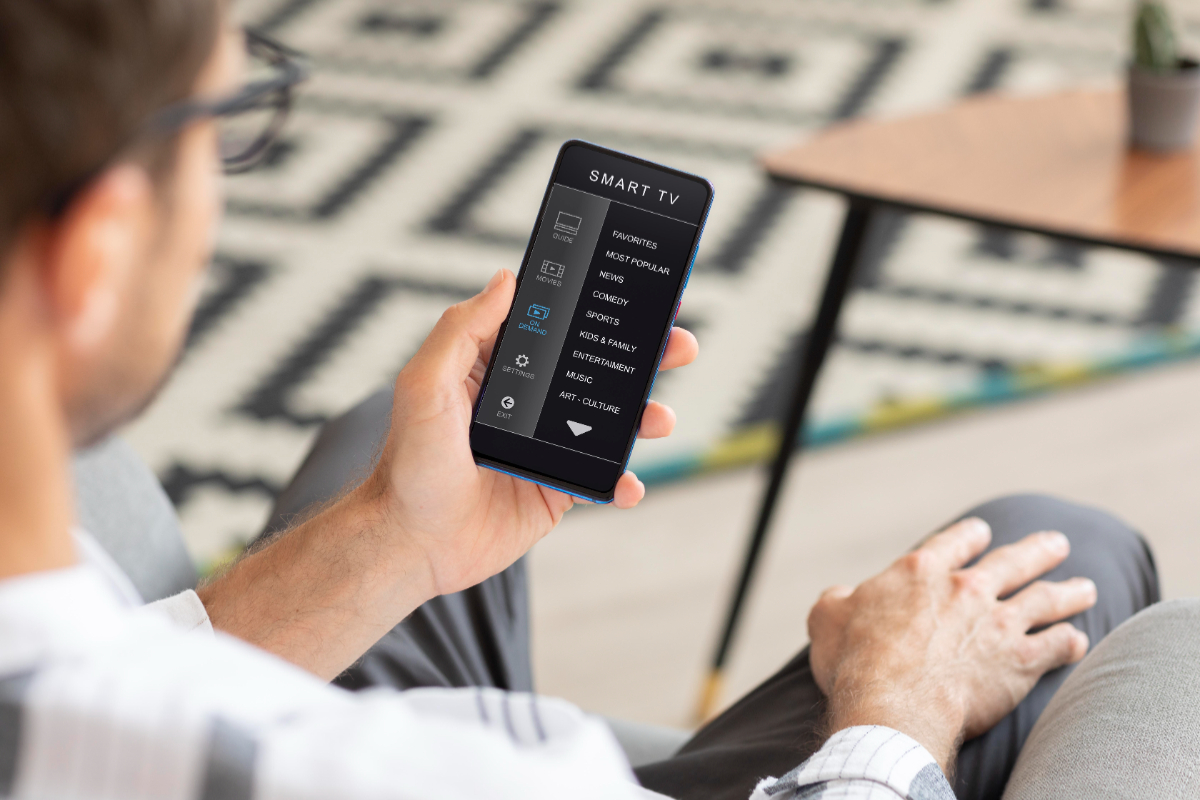
Chrome Remote Desktop is a service and application from Google that allows you to access and control a computer remotely over the Internet. With this application, you can open files, run programmes, or help fix another computer without being in front of the device. The service works through the Google Chrome browser and is available for a range of devices, including Android, iPhone, Windows, Mac, and Chromebooks. Users simply need to sign in with a Google account and connect the devices they want to control. Users must install the Chrome Remote Desktop app or extension on the computer and the mobile device, then link them using the same Google account. After that, the computer can be accessed from anywhere as long as it is connected to the Internet. Additionally, you can access a computer at home or in the office while you are away, as long as the device is connected and prepared.