
How to Independently Correct DTSEN Decile Data via Mobile Phone
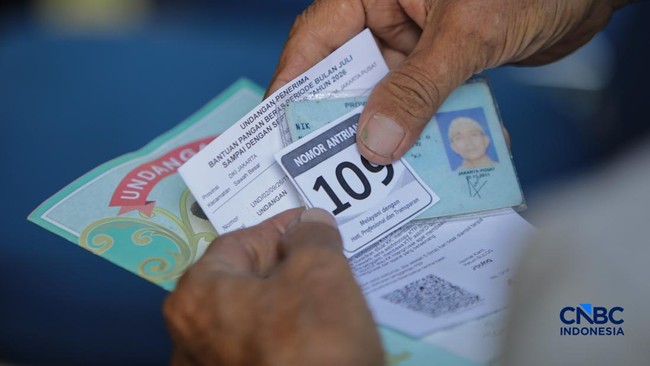
Decile data within the DTSEN (National Single Social and Economic Data) can be corrected. This can be performed online via mobile phones by the public.
Deciles serve as the government’s reference for distributing social assistance (bansos). The population is divided into 10 groups based on welfare levels, determined by various aspects.
This classification is not based solely on income but involves 39 variables used as references for decile placement. These include housing conditions, asset ownership, household expenditure levels, and access to education and basic services.
The breakdown of the decile groups is as follows:
Decile 1: Extremely poor / extreme poverty
Decile 2: Poor
Decile 3: Near poor
Decile 4: Vulnerable to poverty
Decile 5: Transitioning towards the middle class
Deciles 6-10: Middle class to the top economic tier
However, these determinations may sometimes not align with the actual facts on the ground. Those affected are entitled to request data changes to ensure that social assistance distribution is more targeted.
Changes to the decile can be made in several cases. For instance, if there is a decrease or increase in family income. Additionally, changes may occur due to shifts in the employment status of the head of the household or family members, additions or reductions in family members, or changes in housing conditions and facilities.
To perform these changes, citizens need to prepare various documents, including:
National Identity Number (NIK)
Family Card (Kartu Keluarga) number
A photo of the applicant’s ID card (KTP)
A selfie photo according to the application’s requirements
Other supporting documents relevant to the requested changes
How to change decile status online:
Via the Ministry of Social Affairs’ Cek Bansos website:
Open the cekbansos.kemensos.go.id website using a mobile or computer browser.
Enter your NIK and regional data as per your ID card.
Type in the verification code displayed on the screen.
Click the ‘Cari Data’ (Search Data) button.
The system will display identity details, decile group, type of social assistance received, and the distribution period.
Via the Cek Bansos application:
Download and install the Cek Bansos application on your phone.
Register or log in to an existing account.
Open the ‘Profil Keluarga’ (Family Profile) menu to view your current decile status.
If the data is incorrect, select the ‘Pengajuan Perubahan Data’ (Data Change Request) menu.
Complete the new information according to current conditions.
Upload the previously prepared documents.
Press the ‘Kirim’ (Send) button to process the application.
Stages following the decile data change:
After submitting a change, there will be a verification and validation process regarding the socio-economic data of the individual concerned. If the data is deemed accurate, the decile status will be updated. The latest data will serve as the reference for future social assistance distributions.
Alternatively, data changes can also be made by visiting the village or sub-district office (kelurahan) of one’s residence directly.