
How to Edit Photos and Create Images Using Google, as Advanced as Canva
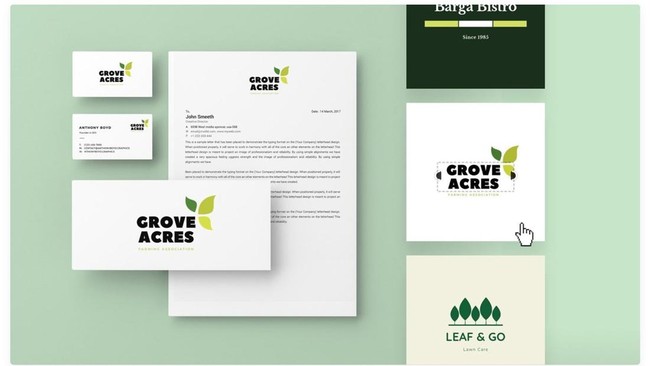
Google has launched an image creation and editing platform that serves as a competitor to Canva and Adobe Express. Named Google Pics, this platform is AI-based and supported by the Nano Banana model.
According to TechCrunch, Google Pics is a product that can be used for daily design tasks, such as creating posters, social media content, or other illustrations.
However, Google Pics has fundamental differences from Canva or Adobe Express. For instance, Google Pics focuses on creating AI-based content using artists’ works, unlike Canva, which generates revenue by allowing illustrators to publish templates onto the platform.
Additionally, Google’s new product can guide users in creating a work rather than requiring them to design from scratch, whereas Adobe Express is typically used as a tool for manual creation.
Google Pics features several editing tools, one of which is the ability to isolate or modify objects.
The Google application can also translate text within images and modify it accordingly.
Other capabilities include support for collaborative editing. Google Pics also supports the creation of several different models from a single image, allowing users to choose their preferred version.
Google Pics will be launched for most Workspace customers as well as Google AI Pro or Ultra subscribers in the coming weeks.
Google explained that Google Pics will be integrated into Workspace. Initially, this will begin with Docs and Slides, before subsequently becoming available for Google Drive.
Source: jawawa.id (https://jawawa.id/newsitem/how-to-edit-photos-and-create-images-using-google-as-advanced-as-canva-1788486822)
Originally published by CNBC Indonesia (https://www.cnbcindonesia.com/tech/20260903150332-37-764694/cara-edit-foto-dan-buat-gambar-pakai-google-secanggih-canva), translated from Indonesian