
How to Easily Top Up E-Toll Balance from Your Mobile Phone
JAKARTA – The Eid 2026 exodus is estimated to commence within the coming days. For residents planning to return to their hometowns using private vehicles via toll roads, several important preparations must be made beyond ensuring vehicle condition and driver stamina.
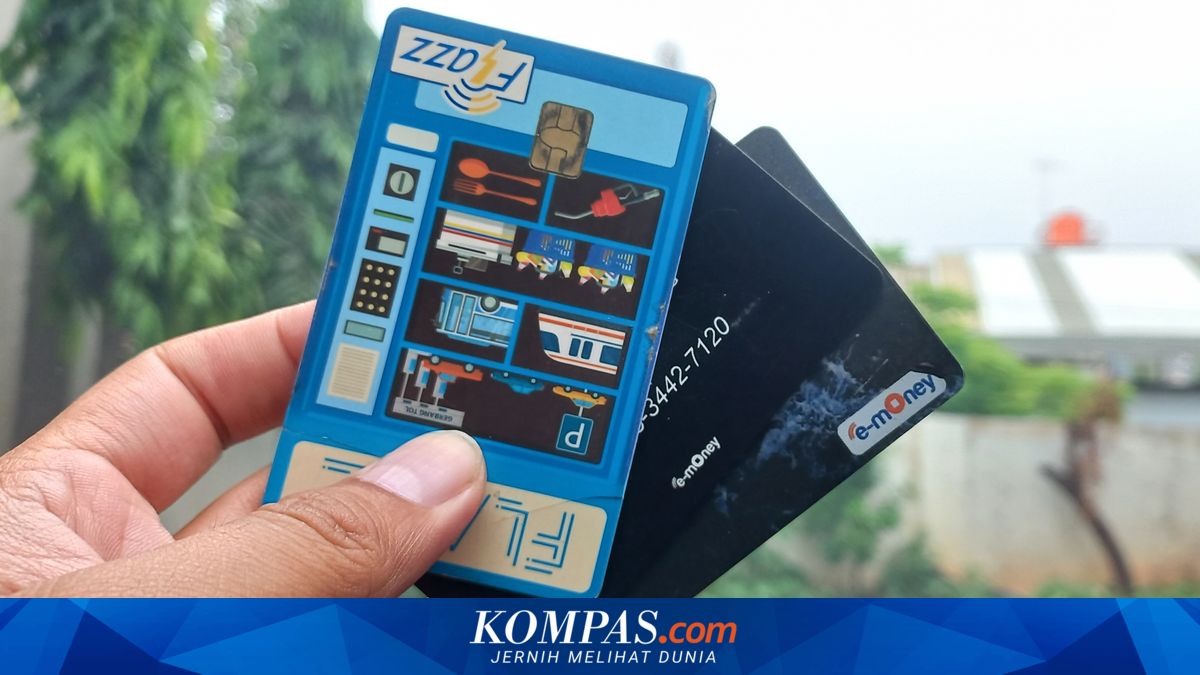
One aspect frequently overlooked is the toll card or e-toll balance. Before commencing their journey, drivers are advised to ensure the electronic card balance used for toll payments is sufficient.
Nonetheless, drivers need not worry excessively if facing this situation. Currently, e-toll balance top-ups can be performed independently using a mobile phone.
However, it is important to note that this feature can only be used on phones equipped with Near Field Communication (NFC) technology. With this feature support, users can check and top up their e-toll card balance directly from their smartphone.
General Steps for E-Toll Top-Up:
Open the ‘Settings’ menu on your phone, type the keyword ‘NFC’ in the search menu and activate it
Next, navigate to a digital wallet or marketplace application available on your device
Select the ‘Top Up Bill’ menu on the main screen. This menu is consistent across all digital wallets or marketplaces
Enter the serial number written on the back of the electronic card, then select the top-up amount and pay
After making payment, place the card on the NFC section of your phone (usually below the rear camera or front camera) to update the balance
The balance is now topped up and the toll card can be used
How to Top Up Flazz (BCA):
Open the BCA mobile application
Select m-BCA and enter your Access Code
Select the Flazz menu
Place the Flazz card on the NFC area of your mobile phone
Select Top Up Flazz
Choose the desired top-up amount, or enter a custom amount in the Other Amount menu
Enter your m-BCA PIN
Place the BCA e-toll or Flazz BCA card on the NFC area of your mobile phone again until the top-up process is complete
If the transaction is successful, your Flazz card balance will increase and a “top-up successful” message will appear
How to Top Up BRIZZI (BRI):
Open the BRImo application
Enter your username and password or log in with fingerprint
Select the BRIZZI menu
Enter your BRIZZI card number or activate the NFC feature on your smartphone
Then place your BRIZZI card on the back of your phone until the card is read by the BRImo application
Select the top-up amount
Select the source account for the top-up funds
Confirm the transaction
Enter your BRImo PIN
How to Top Up TapCash (BNI):
Log into BNI Mobile Banking
Select the Purchase/Payment menu
Select the TapCash menu
Select the Top Up amount and input your 16-digit TapCash number
Input your transaction password
Receive confirmation of success
Immediately perform Balance Update
How to Top Up Mandiri E-Toll:
Open the Livin’ by Mandiri application
On the login page, select e-money; activate NFC on your smartphone, then place and hold your Mandiri e-money card
Wait until your Mandiri e-money card is successfully read
Once read, the application screen will display your Mandiri e-money card information
Enter the e-money top-up amount and click Continue
Review the amount again before clicking Continue Top-up. Place and hold your e-money card to update the balance
Click Complete after the balance update is successful
Besides using a mobile phone, e-toll balance top-ups can also be performed at ATMs or minimarkets located at rest areas along toll roads.
For trips from Jakarta to Semarang, it is recommended to top up the e-toll balance with a minimum of IDR 500,000. For trips from Jakarta to Surabaya, the minimum e-toll balance should be IDR 1,000,000.