
How to Create Rupiah Pockets in myBCA to Manage Your Finances
Managing finances can sometimes feel difficult, especially when money for daily necessities is mixed with savings. As a result, funds that should be reserved for specific purposes may be inadvertently spent.
One simple way to manage finances is by using the envelope method. As the name suggests, this method involves separating money based on specific categories or purposes, such as one envelope for monthly expenses, one for holiday funds, and another for savings.
While the envelope method was traditionally performed using cash, this concept can now be applied digitally. myBulca users can utilise the Poket Rupiah feature to separate funds from their main account into specific pockets according to their needs.
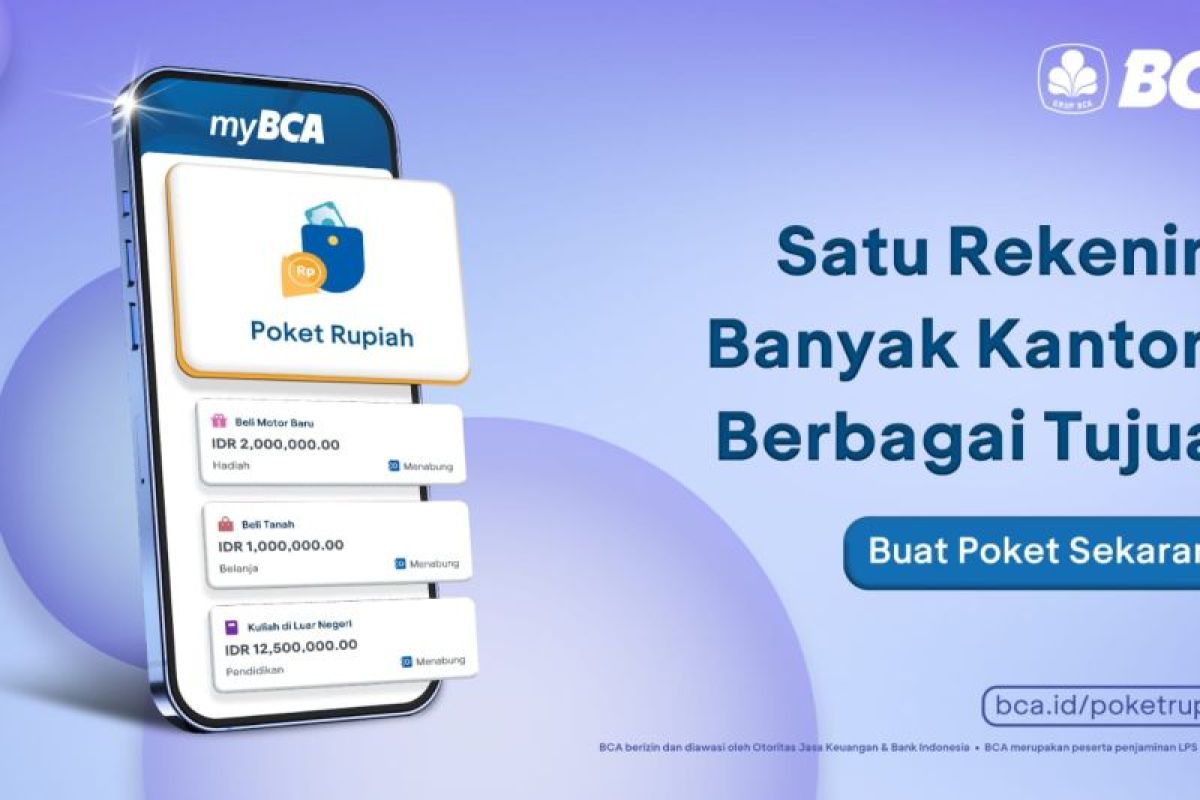
Poket Rupiah is a storage feature in myBCA that allows users to allocate money into individual pockets. This feature can assist with budgeting as funds can be separated by name, category, initial deposit, and even specific targets to be achieved.
Funds stored in Poket Rupiah do not incur additional fees. Each account can hold up to 100 pockets, allowing users to create multiple fund allocations as required.
Furthermore, Poket Rupiah can be locked so that the funds within cannot be used for transactions. However, the funds can be unlocked if an urgent need arises without any penalties.
How to create Poket Rupiah in the myBCA application:
Log in to the myBCA application.
Select Poket Rupiah in the Poket section.
Select Create Now.
Select Create Poket Rupiah, then select Continue.
Select the main account to be used.
Determine the Pocket Name and Category.
Enter an Initial Deposit if required.
Enter a Target if you wish to determine the amount of funds to be achieved.
Activate the Regular Autodebit Deposit toggle if you wish to make automatic regular deposits.
Agree to the applicable terms and conditions.
Confirm the Poket Rupiah details and enter your PIN.
Once the process is complete, the Poket Rupiah has been successfully created.
Once created, the pocket can be used immediately to store funds according to your goals. For example, users can create specific pockets for monthly needs, holidays, education, or other financial objectives.
If you already have a Poket Rupiah but wish to create an additional fund allocation, users can create a new pocket. The process is equally simple:
Log in to the mytBCA application.
Select View All Pockets in the Poket Rupiah section.
Select Create New Pocket.
Determine the main account, pocket name, and category.
Enter the initial deposit and target if required.
Activate Regular Autodebit Deposit if you wish to perform periodic automatic deposits.
Confirm the Poket Rupiah details.
Enter your PIN.
The new Poket Rupiah has been successfully created.
After creating a pocket, users can also add funds at any time as needed. The steps are as follows:
Log in to myBCA.
Select View All Pockets in the Poket Rupiah section.
Select the pocket to which you wish to add funds.
Select Add Funds.
Enter the amount of funds to be added.
Confirm the fund addition details and select Continue.
Enter your PIN.
The fund addition is successful.
In addition to this menu, funds can also be added to Poket Rupiah through the BCA Account Transfer menu in the myBCA application.
How to transfer funds from Poket Rupiah:
If funds within a pocket need to be used or moved to another account, users can perform a transfer with the following steps:
Log in to myBCA.
Select View All Pockets in the Poket Rupiah section.
Select the desired pocket.
Select Transfer.
Select the destination account.
Enter the amount of funds to be transferred.
Confirm the transfer details and select Continue.
Enter your PIN.
The transfer is successful.
For users who wish to be more disciplined in saving, Poket Rupiah can also be locked. This ensures that funds within the pocket cannot be used for transactions, which can help reduce impulsive spending.
How to lock Poket Rupiah:
Log in to myBCA.
Select View All Pockets in the Poket section.
Select the pocket you wish to lock.
Select Lock Pocket.
Confirm the locking details.
Select Lock Pocket Now.
Enter your PIN.
The pocket has been successfully locked.
A locked pocket can still be unlocked if there is an urgent need. The unlocking process can be performed via an ATM or a BCA Branch.
If locked funds in a pocket need to be used, users can unlock them via a BCA ATM with the following steps:
Insert your ATM card into the BCA ATM and enter your PIN.
Select Other Transactions.
Select Information.
Select Unlock Pocket.
Enter the pocket number you wish to unlock.
Confirm the unlocking details.
Select Unlock.
The unlocking process is successful.
With this feature, users can separate money based on needs without having to provide many physical envelopes. Fund management also becomes more practical as all pockets can be managed through the myBCA application.
As a note, the balance displayed when performing a cash withdrawal at a BCA ATM only shows the balance from the main account and does not include the balance stored in Poket Rupiah.
All Poket Rupiah transactions are recorded in the main account’s e-Statement, which can be accessed via myBCA. Thus, users can continue to monitor transactions and fund management within a single application.
Ultimately, using Poket Rupiah can be one of the simple ways to start implementing budgeting. By separating money according to its purpose, users can know how much funds are available for each need while making it easier to protect money that has been allocated for savings.
Source: jawawa.id (https://jawawa.id/newsitem/how-to-create-rupiah-pockets-in-mybca-to-manage-your-finances-1788105416)
Originally published by Antara (Indonesian) (https://www.antaranews.com/berita/5717876/cara-membuat-poket-rupiah-di-mybca-untuk-mengatur-keuangan), translated from Indonesian