
How to Create an IKD Account to Log in to the Digital Social Assistance Portal
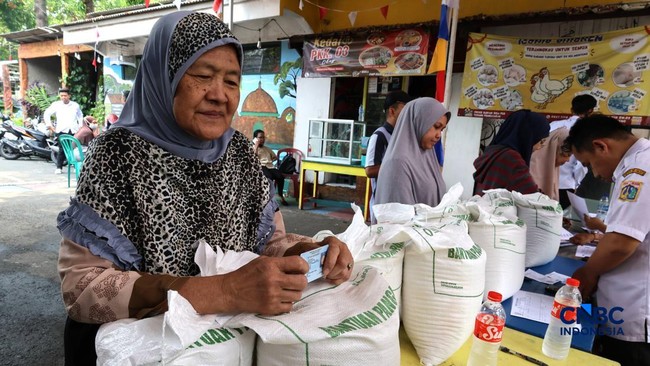
A Digital Population Identity (IKD) is a key requirement for registering for and accessing social assistance through the Social Affairs Ministry’s Perlinsos Digital portal.
The process of creating and activating an IKD can be completed independently, although members of the public can also ask a local Perlinsos Agent for help. Here are the requirements and step-by-step instructions.
Before starting, prepare the following documents and information:
An electronic identity card (e-KTP) or a valid Population Identification Number (NIK)
An active mobile phone number
An email address that is still in use
An electricity customer identification number or other supporting information
A mobile phone with a camera for facial scanning
How to create and activate an IKD
Download the Digital Population Identity application from the Google Play Store or Apple App Store.
Open the application, then enter your NIK, email address and mobile phone number.
Verify your details by following the on-screen instructions.
Complete the facial scan to match your details with the Dukcapil database.
Visit your nearest Dukcapil, kelurahan or kecamatan office to scan a QR code with an official.
Enter the activation code sent to your email address.
Create a PIN to secure your IKD account.
Once completed, the IKD is ready to use for population administration services and the social assistance portal.
How to log in to Perlinsos Digital using an IKD
Visit the official website at https://perlinsos.kemensos.go.id/.
Select the option to log in with an IKD.
Enter the NIK and IKD PIN you created.
Complete another facial verification as requested by the system.
Approve the IKD’s request to access the Perlinsos portal.
Select the Programme Registration menu.
Complete your personal details, including an active mobile phone number.
Select the type of social assistance you are applying for, such as BPNT (food assistance) or PKH.
Click “Submit Social Assistance Application”.
Tick the box to consent to access to your personal data.
Wait for the system to verify your details.
The Perlinsos portal features two main social assistance programmes:
Non-Cash Food Assistance (BPNT, also known as Sembako), which helps meet the food needs of recipient families.
The Family Hope Programme (PKH), conditional assistance for families with pregnant women, young children, school-age children, people with disabilities or older people.
Members of the public can check their eligibility status and track the progress of their applications directly through the portal.
Source: jawawa.id (https://jawawa.id/newsitem/how-to-create-an-ikd-account-to-log-in-to-the-digital-social-assistance-portal-1792644713)
Originally published by CNBC Indonesia (https://www.cnbcindonesia.com/tech/20261022100758-37-778488/cara-dan-syarat-membuat-ikd-untuk-login-perlinsos-digital), translated from Indonesian