
How to Create a Coretax Account and Activate Coretax Personal for Filing 2026 Annual Tax Return
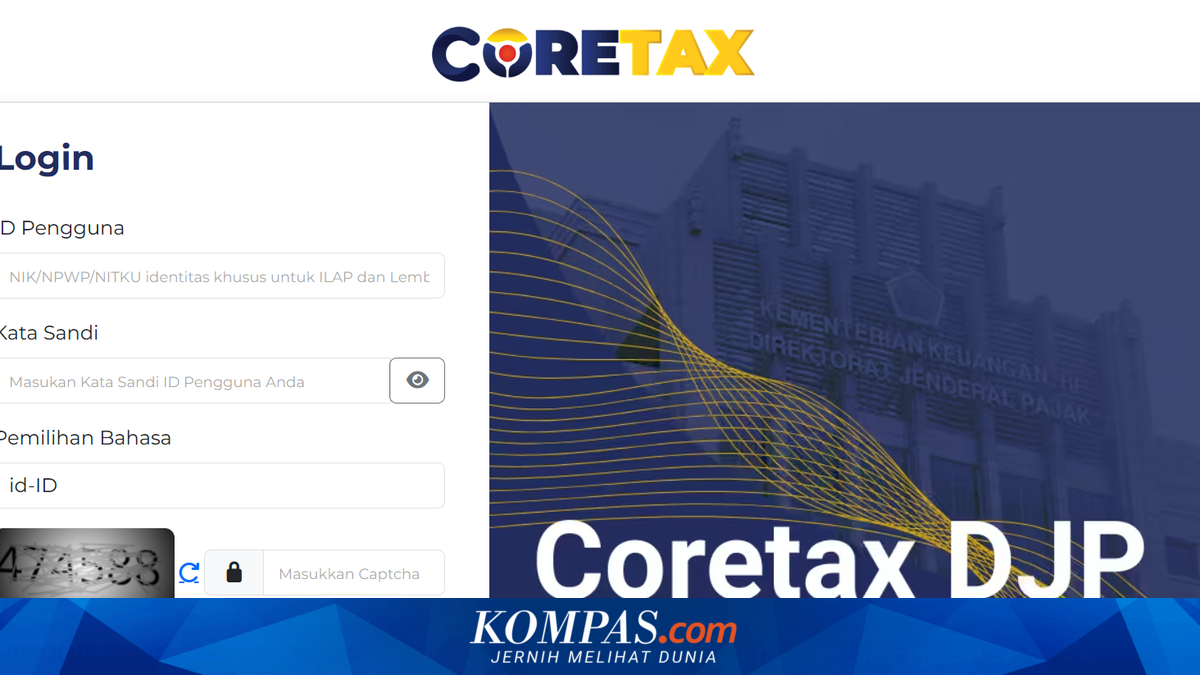
JAKARTA – The Directorate General of Taxation’s (DJP) latest tax administration system, Coretax DJP, has begun to be used for filing Annual Personal Income Tax Returns (SPT) for the 2025 tax year.
This means that from 2026 onwards, online tax filing will no longer use DJP Online but instead will be conducted through the Coretax platform.
Consequently, taxpayers need to understand how to create a Coretax account, the account activation process, and the use of Coretax passphrase before filing their Annual Tax Return.
Through this system, various tax services can be accessed within one integrated portal. Taxpayers can register an NPWP (Taxpayer Identification Number) or NIK (National Identification Number), update their data, file Annual Tax Returns, submit restitution requests, make inter-account transfers, and generate billing codes.
With the implementation of this system, tax services are designed to be more integrated and digital, with multi-layered security systems.
Before using tax services on the platform, taxpayers must first have a Coretax account.
On first login, users are required to change the Coretax login password and create a Coretax passphrase as an additional security layer.
After this step is completed, Coretax account activation is deemed successful and the account can be used for various tax services, including filing Annual Tax Returns.
The password is used to log in to or access the Coretax account. The password is created during the first account activation and serves as the initial security layer.
Meanwhile, the Coretax passphrase is a security phrase used as a digital signature when taxpayers perform official actions within the system.
In other words, the password is used to gain access to the account, whilst the passphrase is used to authorise documents or electronic transactions, such as when submitting an Annual Tax Return.
Creation of the passphrase is done after the Coretax account is activated. The process follows the following menu options: