
How to Check Whether Your BPJS Kesehatan Membership Is Active on Your Phone
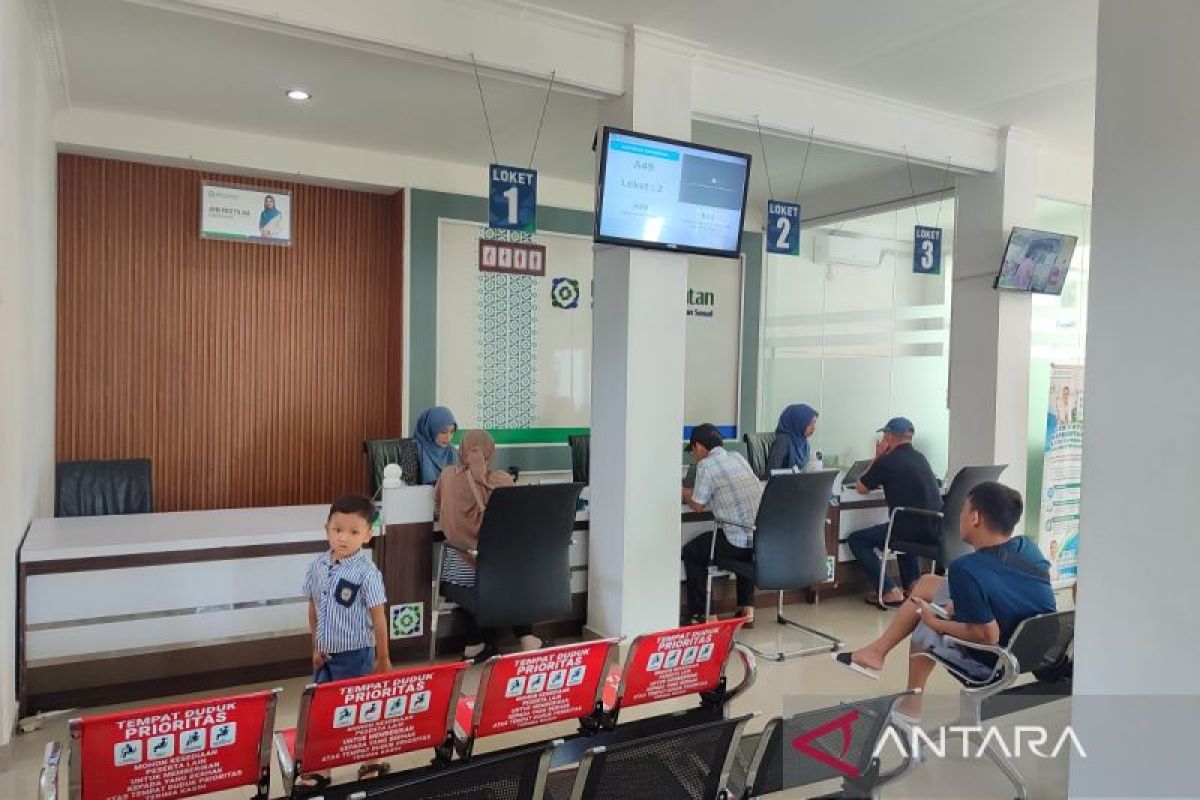
Jakarta (ANTARA) – Checking that BPJS Kesehatan membership is active is an important step to take before seeking medical treatment. It allows members to confirm whether their health cover can be used and to verify the healthcare facility at which they are registered.
People no longer need to visit a BPJS Kesehatan office just to check their membership status. They can access this information through several services, including the Mobile JKN app, WhatsApp PANDAWA and the BPJS Kesehatan Care Center on 165.
Members are advised to check before setting off for a community health centre, clinic or hospital. This gives them time to follow up if their membership is inactive or their details are incorrect.
1. Checking BPJS Kesehatan status through Mobile JKN
Mobile JKN is BPJS Kesehatan’s official app, providing a range of administrative services and membership information. Members can use it to check whether their coverage is active and view details of their registered healthcare facility.
Follow these steps:
Download the Mobile JKN app from an official app store on your phone.
Open the app and sign in to your registered account.
If you do not have an account, follow the registration instructions.
Once signed in, select the participant information menu, or “Info Peserta”.
Check the displayed membership status, identity details and other membership information.
Make sure the information shown matches the member’s identity. If the status is listed as inactive, check the reason through an official BPJS Kesehatan channel before proceeding with administrative arrangements.
2. Checking through WhatsApp PANDAWA
For members who prefer instant messaging, BPJS Kesehatan provides PANDAWA, or Administrative Services Through WhatsApp.
Members can contact the official PANDAWA number, 0811-8165-165, to obtain information and access administrative services through the available menu.
To use the service:
Save BPJS Kesehatan’s official PANDAWA number.
Open WhatsApp and send a message to start a conversation.
Follow the instructions or service menu provided.
Select the membership information or status-checking service, if available.
Enter the requested details as instructed, then check the information provided.
The service menu and process may change from time to time. Follow the instructions provided by the official channel and do not send personal information to a number whose authenticity cannot be confirmed.
3. Checking through the BPJS Kesehatan Care Center
Members can also contact the BPJS Kesehatan Care Center on 165 for information about their membership.
This service can be used if members have trouble signing in to the app or need help checking their status.
Follow these steps:
Call the BPJS Kesehatan Care Center on 165.
Follow the available voice prompts.
Select the membership-status checking service, or explain your request to an agent if directed to one.
Have your identity details ready for verification.
Confirm the membership information provided.
BPJS Kesehatan also provides information and complaints services through its official channels. If there is a problem with membership status, members can ask for an explanation of the cause and how to resolve it.
4. What to do if BPJS status is inactive
An inactive membership status should be followed up before using the cover for healthcare that is not an emergency. The reasons may vary depending on the type of membership and the member’s administrative circumstances.
For example, inactive status for self-paying members may be related to contribution obligations. Members enrolled through an employer or another scheme should check whether their details or membership status have changed.
If your status is listed as inactive, take the following steps:
Check your membership information again through Mobile JKN or an official BPJS Kesehatan channel.
Find out why your status is inactive, based on your type of membership.
Ask BPJS Kesehatan about the resolution process through the Care Center on 165 or PANDAWA.
Complete the required administrative obligations in accordance with the applicable rules.
Check your status again after the matter has been resolved.
Do not assume that paying contributions or updating your details will reactivate your status immediately. Confirm through an official channel that the change has been recorded before relying on your cover for treatment.
Active status is not the only information members should check. They should also confirm their registered First-Level Healthcare Facility (FKTP), such as a community health centre, clinic or doctor working with BPJS Kesehatan.
For non-emergency treatment, the National Health Insurance (JKN) care pathway generally begins at the member’s registered FKTP. If medical examination indicates that further treatment is needed, the member may be referred to a higher-level healthcare facility in accordance with the applicable rules.
Members can also check service schedules and the availability of a queue-booking feature through Mobile JKN if their healthcare facility is integrated with the service.
In an emergency, seek medical help immediately. Do not delay necessary treatment just to check membership status first.
Check that your status is active before you need care
Checking BPJS Kesehatan status before seeking treatment is a simple step that can help members anticipate administrative problems. They can check through Mobile JKN, WhatsApp PANDAWA or the Care Center on 165 without having to visit a BPJS Kesehatan office.
As well as confirming that their status is active, members should verify that their details and registered healthcare facility are correct. This helps them prepare the necessary administration in advance and understand the appropriate care pathway when they need medical services.