
How to Check BPJS Employment Membership Status via the JMO App
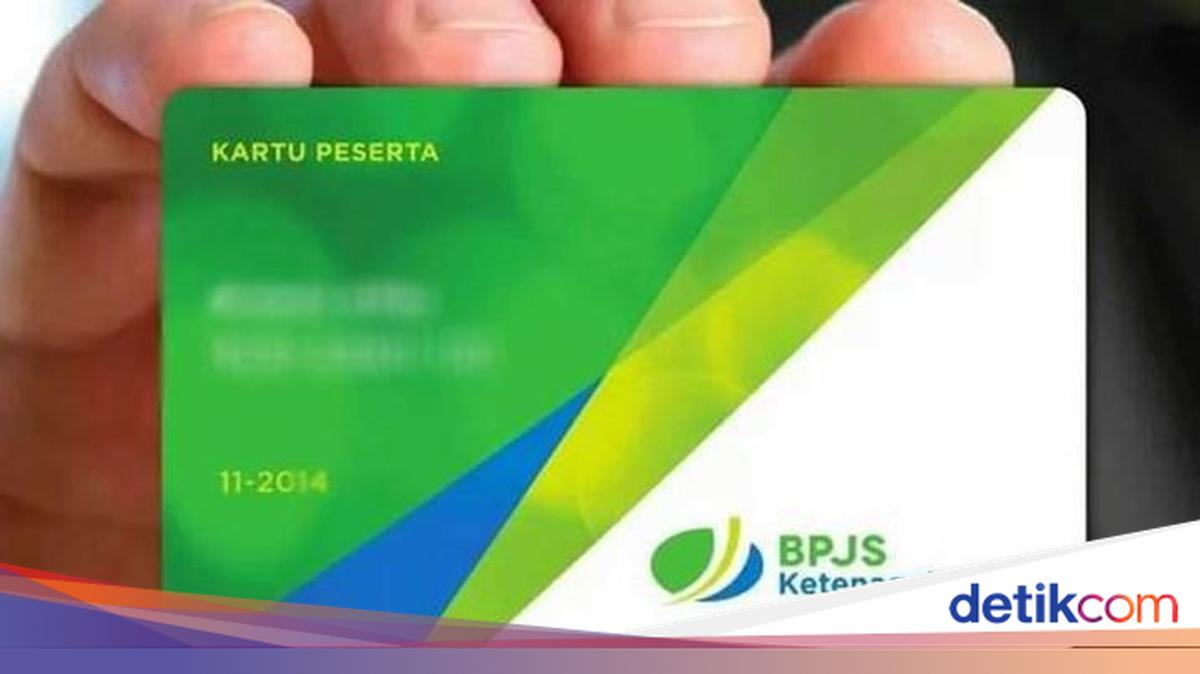
Checking the status of BPJS Ketenagakerjaan membership can now be done online without having to visit a branch office in person. The check can be carried out through the JMO application.
According to a post on the official Instagram account @bpjs.ketenagakerjaan, here is the information:
Open the JMO application
Select the Digital Card menu
Then, select the participant card
After that, your membership status will appear along with other information
Alternatively, you can also contact the BPJS call centre at number 175. There is no need to visit a BPJS Ketenagakerjaan branch office to find out your membership status.
Please note that BPJS Ketenagakerjaan status will become inactive the following month after a company’s HR department deactivates the membership.
How to Handle a Damaged BPJS Ketenagakerjaan Card
According to official information from BPJS Ketenagakerjaan, the practical solution for a damaged physical card is to switch to using the JMO application. This innovation allows members to store their card conveniently on their mobile phones.
The digital card can be used directly to access various services, such as monitoring balances or submitting claims. Here are the steps to access the digital card through the JMO application:
Download the JMO application via Google Play Store or App Store on your mobile phone
Log in by entering your Jamsostek Participant Card Number (KPJ) or National Identity Number (NIK)
Once logged in, click the “Digital Card” menu until your BPJS Ketenagakerjaan card appears on the screen
Save or download the digital card from the JMO application so it can be used easily at any time without needing the physical card
Tips to Keep Your BPJS Ketenagakerjaan Card from Being Damaged
In addition to knowing how to access the digital card, members should also take good care of their physical card. This is important to keep your membership identity secure and clearly legible.
Here are several tips for looking after your physical BPJS Ketenagakerjaan card:
Prioritise using the digital card for daily purposes to reduce the risk of damage to or loss of the physical card
Keep the physical card in a wallet or store it in a dedicated card holder so it remains safer
Laminate the card with protective plastic to prevent it from bending or the print fading due to water exposure
If your card is lost, report it immediately to the staff and arrange a replacement straight away so you can continue to access all BPJS Ketenagakerjaan benefits