
How to Check and Print a Family Card Without Visiting the Dukcapil Office
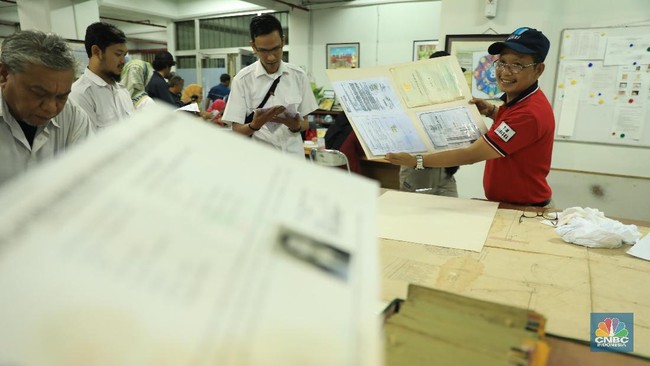
Verifying the accuracy of a Family Card (KK) is essential, as the document contains family member details and is required for various administrative processes such as school registration, BPJS health insurance, and scholarship applications. Residents can now check and print their KK without visiting the Directorate General of Population and Civil Registration (Dukcapil) office, completing the process from home.
- Through the IKD (Digital Identity) app
• Download the IKD app from Google Play Store or App Store.
• After initial activation at a Dukcapil office (required once), log in using your PIN.
• Select the ‘Documents’ menu and choose the Family Card document.
• Re-enter your PIN, and your KK will be displayed digitally.
- Via Dukcapil website
• Visit the official site: https://www.dukcapil.kemendagri.go.id
• Navigate to Services > Check NIK/KK.
• Enter details: NIK, KK number, full name, and mother’s name.
• Click ‘Check’ to view valid KK data.
- By email
• Email [email protected] with subject ‘Request for KK Status Check’.
• Include full name, NIK, KK number, phone number, and reason for checking.
• A response will be sent within 24 hours.
- Through official social media
• Contact Dukcapil’s verified accounts: Facebook (Ditjen Dukcapil), X (Twitter: @ccdukcapil), Instagram (@dukcapilkemendagri).
• Send a direct message (DM) with personal details and purpose of checking.
• Avoid sharing personal data in public comments.
- Via hotline
• Call 1500-537.
• Have NIK and KK number ready for verification.
• Staff will assist with the check over the phone.
How to print KK online via IKD app
• Open the app and log in with PIN.
• Go to ‘Services’ > ‘Request for KK Printing’.
• State the reason for the request and submit.
• Monitor status under ‘Service Monitoring’.
• If approved, the KK PDF will be emailed.
Self-printing instructions
• Use a standard printer on plain white A4 80gsm HVS paper.
• The digital KK includes a QR code as an electronic signature, replacing wet ink signatures.
• Self-printed KK documents remain legally valid.