
How to Add a Family Member to a Family Card Online
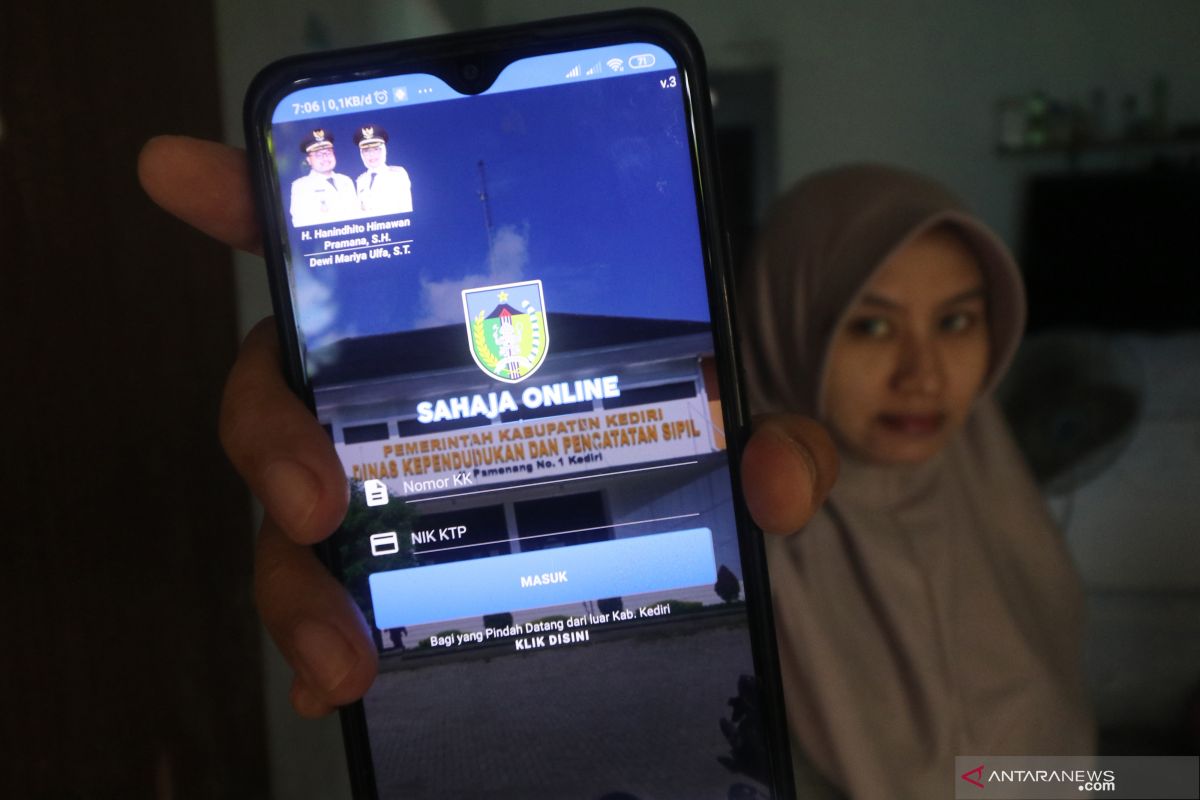
Jakarta (ANTARA) – Residents can now apply online to add a family member to a Family Card (Kartu Keluarga, or KK) through population administration services provided by local governments. The service makes it easier to update family records without always having to visit the local Population and Civil Registration Office (Disdukcapil) in person.
The process is generally needed when a family has a newborn, welcomes a new family member, or adds someone to a KK in accordance with population administration rules.
However, the procedure is not always the same. Requirements and service options depend on the reason for adding the person, whether they already have a Population Identification Number (NIK), and the rules in each area.
Residents should therefore understand which documents to prepare and which application route to use so their request can be processed smoothly.
Before applying, prepare the documents required for the circumstances of the family member being added. The following are the general requirements to bear in mind.
- Adding a newborn
To add a newborn to a parent’s KK, the documents generally required include:
The existing Family Card.
A birth certificate issued by a hospital, community health centre, clinic or midwife.
The parents’ marriage book or marriage certificate, if required.
The parents’ identity documents, if requested by the service system.
An application form in accordance with the local civil registry’s requirements.
Some services allow the addition of a family member to be processed at the same time as the issuance of a birth certificate and a Child Identity Card (KIA).
However, the availability of combined services depends on the system in place in each area.
- Adding a family member who already has a NIK
If the person to be added already has a NIK – for example, a child who is to be included on a grandparent’s KK – the procedure may differ from that for adding a newborn.
If the person is moving from another KK, the application may require a change-of-residence service or an update to the household’s membership. Supporting documents may include the original KK, the person’s population documents and a certificate of transfer, if required.
For a child being added to a relative’s KK, additional requirements relating to care arrangements or the relative’s agreement to accept the family member may apply, depending on the circumstances and local rules.
Applicants should therefore make sure they select the correct service before uploading documents.
Online applications are submitted through the official website or application of the district or city Disdukcapil for the applicant’s place of residence. Not every area offers the same system or service options.
The following general steps can be used as a guide:
- Open the local Dukcapil online service
Visit the official Disdukcapil website for your area or use the population administration service application provided by the local government.
For example, residents of Palembang can use the SIDEMANG population administration service application. Other areas may use different portals or applications.
Make sure the website or application is an official government channel to avoid the misuse of personal data.
- Create an account or log in
If the service requires an account, register using the identity and contact details requested.
If you already have an account, log in using your registered details. Follow the service’s verification instructions.
- Select the service for adding a family member
Once logged in, find the Family Card service menu. Select the application type that matches your needs, such as adding a family member following a birth or changing the household’s membership.
Do not select the change-of-residence service if you are adding a newborn who does not yet have a NIK. Conversely, a family member already recorded on another KK may need to follow a different procedure.
Choosing the correct service helps officials assess the application according to the relevant population event.
- Complete the form and upload the documents
Fill in the application form with information that matches the population documents. Make sure the name, date of birth, NIK if available, and details of the parents or other family members are entered correctly.
Then upload the requested documents in the file format and size specified by the system. Use clear, legible scans or photographs of the original documents.
Check all the information before submitting the application. Incorrect details or incomplete documents may mean that the application needs to be amended.
- Wait for officials to verify the application
After submission, Disdukcapil officials will check the accuracy of the information and the completeness of the documents.
If anything is missing, applicants may be asked to correct or provide documents through the available system. If the requirements are met, the issuance process will proceed.
While waiting, check notifications or the application status regularly so that you do not miss a request for amendments.
- Download the updated KK once it has been issued
If the application is approved and the document has been issued, applicants will be told how to collect or download the updated KK.
In areas that have adopted electronic document issuance, the KK may be sent by email or made available for download through the service system.
Check all the information on the updated KK, including family members’ names, NIKs and relationships. If you find an error, contact Disdukcapil promptly for instructions on how to correct it.
Population administration services, including the issuance of Family Cards, are generally free of charge.
This is consistent with Article 79A of Law No. 24 of 2013 on Population Administration, which states that population documents are processed and issued free of charge.
Residents should be wary of anyone asking for payment to speed up the issuance of a KK through official channels. For details of procedures and service requirements, consult the local Disdukcapil.
What to check to avoid rejection
There are several points to check before submitting an application to add a family member.
First, make sure all required documents are complete and match the type of service selected. Second, check that the population data is consistent, with no discrepancies in names, dates of birth or other identity details.
Third, use the official service channel for your area. Not every local authority accepts online KK applications, so residents should first confirm that the service is available.
If online services are not available or the application cannot be completed through the system, contact the local Disdukcapil to find out what alternative procedures apply.
By preparing the documents correctly and following the required steps, residents can add family members to a KK in an orderly manner. Remember to keep the updated KK once it has been issued so that the family’s population records reflect its current circumstances.
Source: jawawa.id (https://jawawa.id/newsitem/how-to-add-a-family-member-to-a-family-card-online-1792885868)
Originally published by Antara (Indonesian) (https://www.antaranews.com/berita/5810055/cara-menambah-anggota-keluarga-di-kk-secara-online), translated from Indonesian