
How to Activate ASN Digital and MFA BKN: A Guide for Civil Servants
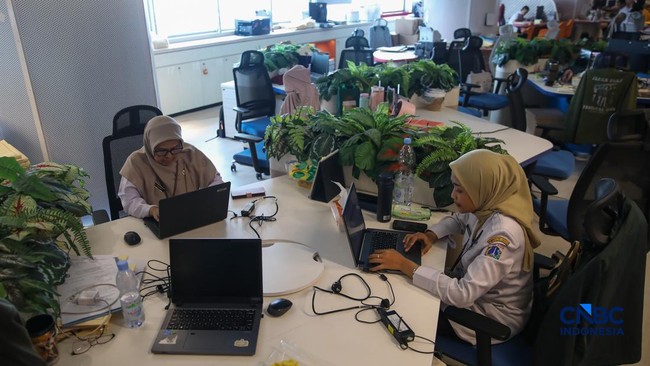
The National Civil Service Agency (BKN) has developed the ASN Digital system for civil servants (PNS) and government employees with work agreements (PPPK). ASN Digital is a super application designed to simplify and integrate various personnel services into a single, unified system. The platform, accessible via asndigital.bkn.go.id, consolidates 47 services covering the entire management cycle from recruitment and career development to retirement. To access these integrated services, users must first activate a Multi-Factor Authentication (MFA) system to protect national personnel data and prevent account misuse.
For first-time access, users must perform a password reset. This involves visiting the ASN Digital website, clicking the BKN logo to reach the login page, and selecting the ‘RESET’ option. Users then enter their NIP (Civil Servant Identification Number) and the email address registered in the SIASN system. A reset link will be sent to that email, allowing the user to create a new password that meets the security criteria.
Following account activation, users must set up MFA. This requires installing an authenticator application, such as Google Authenticator, on their mobile phone. After logging into ASN Digital with the new password, the system will display a QR code. Users must scan this code with their authenticator app and enter the generated One-Time Password (OTP) to complete the activation. Once MFA is active, every subsequent login will require the username, password, and a valid OTP from the authenticator app. If the OTP is invalid, users should check their phone’s time zone settings or contact their local BKPSDM office for assistance.