
Guidelines for Checking 2026 Wage Subsidy Recipients: Amounts and Requirements Included
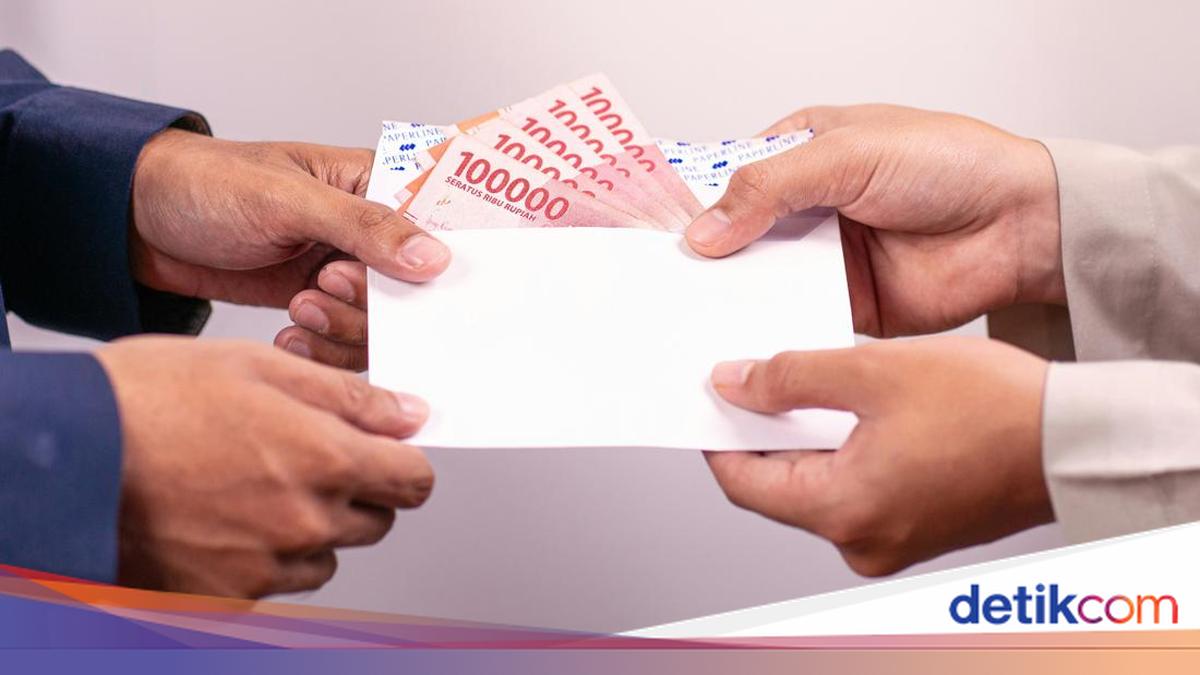
The Wage Subsidy Assistance (BSU), which was previously distributed in 2022 and 2025, is set to be disbursed again at the end of this year. The question remains: who is eligible, and what are the requirements?
According to reports, the BSU is part of an economic stimulus aimed at boosting growth in the fourth quarter of 2026. The plan involves 13.3 million workers receiving the subsidy, with a total budget estimated at approximately Rp 12 trillion.
“This is being provided to 13.3 million workers, and the required budget is estimated at nearly Rp 12 trillion,” stated the Coordinating Minister for Economic Affairs, Airlangga Hartarto, following a meeting at the Presidential Palace in Jakarta on Wednesday (30/09/2026).
Reflecting on the 2025 distribution, several requirements must be met by recipients, including a maximum monthly salary of Rp 3.5 million and being an active participant in BPJS Ketenagakerjaan. While official criteria for 2026 are yet to be formally updated by the Ministry of Manpower, the following guidelines outline how to check for recipients and the expected details.
As of Monday (05/10/2026), the Ministry of Manpower has not yet released official information regarding the 2026 BSU. Through their official Instagram account, @kemnaker, the Ministry urged the public to continue monitoring for the latest updates, stating that preparations are underway to ensure the programme runs smoothly.
If the methods remain consistent with previous years, recipients can check their status via the Ministry of Manpower BSU website, the BPJS Ketenagakerjaan BSU portal, the Pospay application, or the JMO application. The steps are as follows:
A. Checking via BSU Kemnaker
Visit the BSU Kemnaker website at https://bsu.kemnaker.go.id/.
Scroll down to the ‘NIK Recipient Check’ section.
Enter your 16-digit National Identity Number (NIK).
Enter the security captcha code.
Click ‘Check Status’.
B. Checking via BSU BPJS Ketenagakerjaan
Visit https://bsu.bpjsketenagakerjaan.go.id.
Scroll to the ‘Check if You are a BSU Candidate’ section.
Enter the required data, including name, NIK, and email address.
Click ‘Continue’ and wait for the status update.
C. Checking via the Pospay Application
Download the Pospay app from the Play Store or App Store.
Log in and select the social assistance menu.
Select the BSU option and enter your NIK to check the status.
D. Checking via the JMO Application
Download the JMO app from the Play Store or App Store.
Open the app and select the ‘Check BSU’ menu on the home screen.
Enter the required details, including NIK and email.
Click ‘Continue’ to view the recipient status.
Regarding the 2026 BSU amount, Coordinating Minister Airlangga Hartarto stated that the subsidy will be Rp 300,000 per month for three months. Since it is distributed as a single payment, recipients will receive a total of Rp 900,000.
In previous years, distributions were conducted through State-Owned Bank (Himbara) accounts and Pos Indonesia. For recipients residing in Aceh, the subsidy was channelled through Bank Syariah Indonesia (BSI).
While official 2026 requirements are pending, if the criteria remain unchanged from the 2025 regulations, recipients must meet the following:
Must be an Indonesian Citizen (WNI), verified by NIK.
Monthly salary must not exceed Rp 3.5 million.
Must be an active participant in the BPJS K_etenagakerjaan Wage Recipient (PU) category.
Must not be a Civil Servant (ASN), member of the Indonesian National Armed Forces (TNI), or the National Police (Polri).
Priority will be given to workers who have not received the Family Hope Program (PKH) assistance in the period preceding the BSU distribution.