
Google Warns Many Android Owners Still Haven't Disabled 2G, Here's How
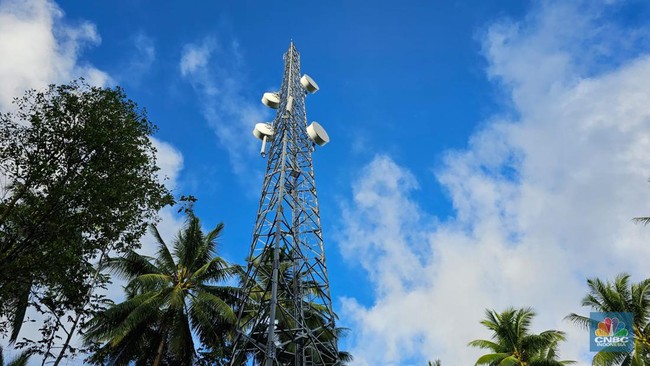
Google is urging Android smartphone users to disable 2G networks due to rising concerns over fraud that can drain bank accounts and steal personal data.
In a recent announcement, the company explained the mechanics of attacks using SMS Phishing, which exploits security vulnerabilities in cellular networks via mobile site simulators. These simulators are radio devices that masquerade as legitimate cellular towers, forcing phones to connect to them. These tools are also known as False Base Stations (FBS), Stingrays, or SMS Blasters.
Using such equipment, perpetrators can send phishing SMS messages directly to victims’ smartphones. These messages bypass mobile operator networks and all existing anti-spam and anti-fraud systems. In some instances, attackers use these devices while travelling in vehicles, or even carry them in backpacks.
The tactic involves spoofing LTE or 5G networks on a smartphone and then forcing a downgrade to a 2G version controlled by the attacker. The device pretends to be a 2G network, prompting all nearby phones to connect. The 2G network is targeted because it lacks mutual authentication, resulting in unencrypted connections that allow attackers to intercept or inject SMS messages directly into smartphones.
SMS Blasters are relatively easy to acquire and operate; they can be purchased online and do not require extensive technical knowledge, as they can be easily configured to mimic specific networks.
To mitigate this risk, users should disable 2G networks at the modem level. Google provides a feature to achieve this through the following steps:
Open ‘Settings’
Find ‘Networks’
Select ‘SIMs’
Toggle the ‘Allow 2G’ option to off
Additionally, Android includes built-in protections against SMS spam and phishing to identify and block unwanted messages. Verified SMS can also assist users in recognising legitimate business communications, marking them with a blue checkmark to indicate Google-verified authenticity.
Google offers further security features such as Safe Browsing and Google Play Protect. Safe Browsing alerts users to dangerous websites, downloads, and extensions, while Google Play Protect scans for malware and other threats within apps, providing warnings of potential dangers.