
Google Releases "Skills" Feature in Gemini for Chrome, Allowing Prompts to be Saved Without Retyping
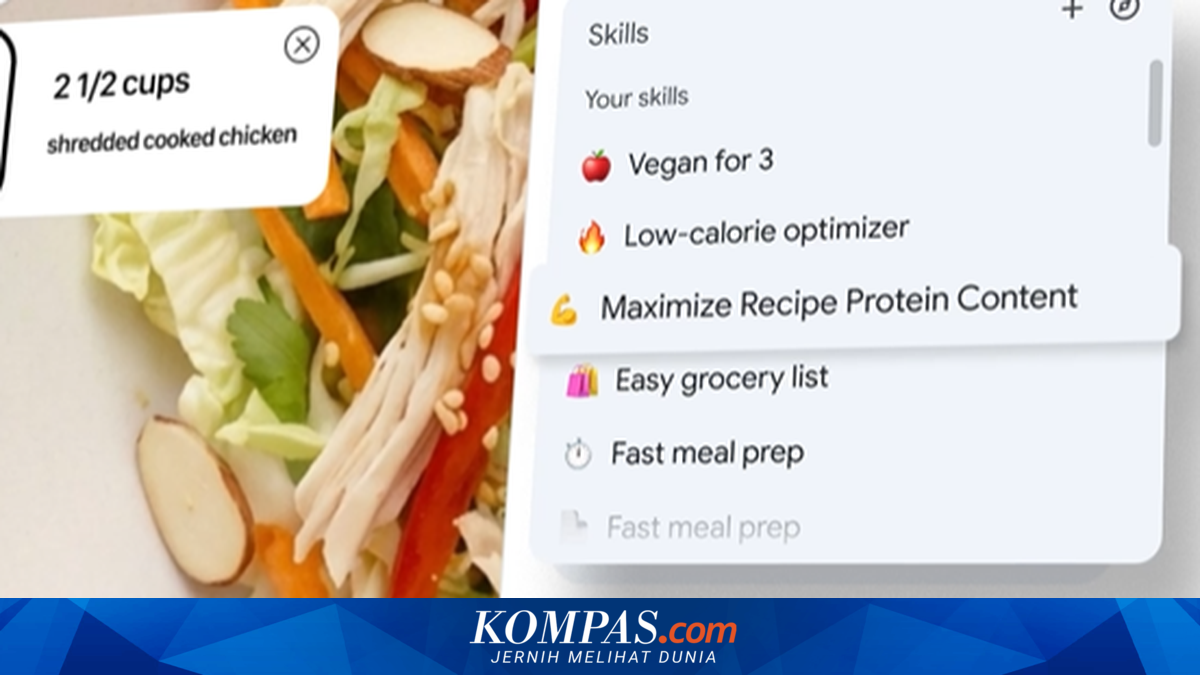
Google has released a new feature for the AI Gemini integrated into the Chrome browser. The feature, named “Skills”, allows users to save Gemini prompts and execute them again with a single click.
This way, users can use their favourite prompts or previously given commands without having to type them again.
According to Chrome Product Manager Hafsah Ismail, the AI Gemini integrated into Chrome is often used for various purposes. For example, answering questions, comparing information, and understanding more complex concepts.
However, the process of repeating AI tasks still feels impractical, hence the emergence of this Skills feature.
“With Skills, users can easily save frequently used prompts and run them back instantly on various pages,” wrote Hafsah in Google’s official blog.
Skills can also be run on the page currently open or combined with multiple tabs at once.
Saved Skills can be edited and adjusted to always be updated and ready to use according to needs.
In addition to creating their own Skills, users can also utilise the Skills library provided by Google.
This library contains various prompts in the form of ready-to-use AI workflows for common tasks, such as:
If deemed suitable, Skills from the library can be saved directly. Users can still edit them to better suit personal needs.
Google emphasises that the Skills feature is still built on Chrome’s security and privacy system.
Each Skill will request confirmation before performing certain actions, such as sending an email or adding an event to the calendar.
For availability, Skills are being rolled out gradually to Gemini users on Chrome desktop, as summarised by KompasTekno from Google.
Users who have received this feature can manage saved Skills by typing a forward slash (/) in Gemini.
The Gemini app in Chrome can be displayed by clicking the “Ask Gemini” button in the top right of the Google Chrome display.